Python爬虫生成CSV文件的完整流程
原创
Python爬虫生成CSV文件的完整流程
原创
小白学大数据
发布于 2025-04-07 16:26:51
发布于 2025-04-07 16:26:51
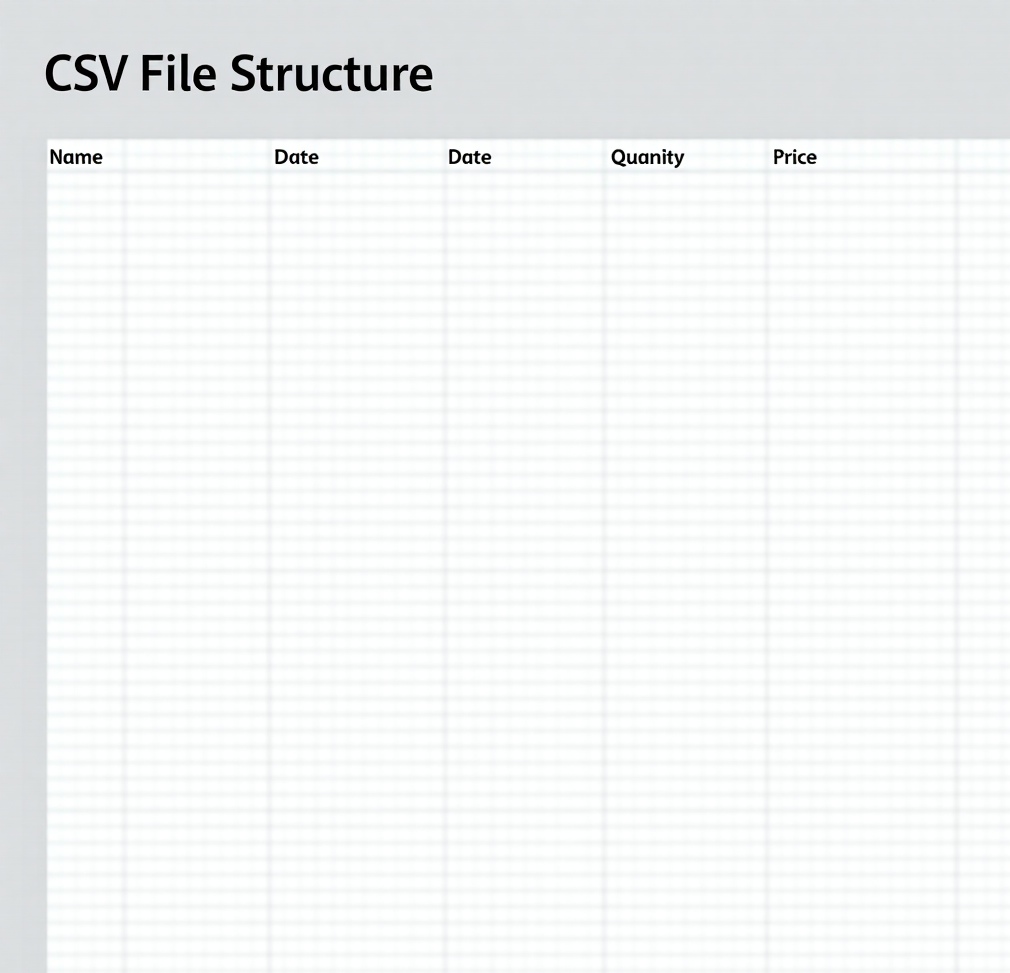
引言
在当今数据驱动的时代,网络爬虫已成为获取互联网数据的重要工具。Python凭借其丰富的库生态系统和简洁的语法,成为了爬虫开发的首选语言。本文将详细介绍使用Python爬虫从网页抓取数据并生成CSV文件的完整流程,包括环境准备、网页请求、数据解析、数据清洗和CSV文件输出等关键环节。
一、准备工作
在开始编写爬虫之前,我们需要安装一些必要的Python库。以下是主要的依赖库及其用途:
- Requests:用于发送HTTP请求,获取网页内容。
- BeautifulSoup4:用于解析HTML文档,提取所需数据。
- csv:Python内置的库,用于操作CSV文件。
二、目标网站分析
在编写爬虫之前,我们需要明确目标网站的结构,了解数据所在的HTML标签和属性。例如,假设我们要抓取一个新闻网站的标题和链接,我们首先需要查看网页的源代码,找到新闻标题和链接所在的HTML元素。
以一个简单的新闻网站为例,其HTML结构可能如下:
<div class="news-list">
    <div class="news-item">
        <a href="link1.html">新闻标题1</a>
    </div>
    <div class="news-item">
        <a href="link2.html">新闻标题2</a>
    </div>
    ...
</div>
预览
从上述结构中,我们可以看到新闻标题和链接都包含在<a>标签中,且这些<a>标签位于class="news-item"的<div>标签内。
三、编写爬虫代码
1. 发送HTTP请求
使用requests库发送HTTP请求,获取网页的HTML内容。
import requests

url = "https://example.com/news"  # 目标网站的URL
response = requests.get(url)

if response.status_code == 200:
    html_content = response.text
else:
    print("Failed to retrieve the webpage")
    exit()
2. 解析HTML内容
使用BeautifulSoup解析HTML内容,提取新闻标题和链接。
from bs4 import BeautifulSoup

soup = BeautifulSoup(html_content, 'html.parser')
news_items = soup.find_all('div', class_='news-item')

news_data = []
for item in news_items:
    title = item.find('a').text
    link = item.find('a')['href']
    news_data.append({'title': title, 'link': link})
3. 数据保存到CSV文件
使用Python内置的csv模块将数据保存到CSV文件中。
import csv

csv_file = "news_data.csv"  # CSV文件名
with open(csv_file, mode='w', newline='', encoding='utf-8') as file:
    writer = csv.DictWriter(file, fieldnames=['title', 'link'])
    writer.writeheader()
    for data in news_data:
        writer.writerow(data)
四、完整代码实现
将上述代码片段整合为一个完整的Python脚本:
import requests
from bs4 import BeautifulSoup
import csv

# 代理信息
proxyHost = "www.16yun.cn"
proxyPort = "5445"
proxyUser = "16QMSOML"
proxyPass = "280651"

# 构造代理服务器的认证信息
proxies = {
    "http": f"http://{proxyUser}:{proxyPass}@{proxyHost}:{proxyPort}",
    "https": f"http://{proxyUser}:{proxyPass}@{proxyHost}:{proxyPort}"
}

# 目标网站URL
url = "https://example.com/news"

# 发送HTTP请求
try:
    response = requests.get(url, proxies=proxies, timeout=10)  # 设置超时时间为10秒
    if response.status_code == 200:
        html_content = response.text
    else:
        print(f"Failed to retrieve the webpage. Status code: {response.status_code}")
        print("Please check the URL's validity or try again later.")
        exit()
except requests.exceptions.RequestException as e:
    print(f"An error occurred while trying to retrieve the webpage: {e}")
    print("This issue might be related to the URL or the network. Please check the URL's validity and your network connection.")
    print("If the problem persists, consider using a different proxy or checking the target website's accessibility.")
    exit()

# 解析HTML内容
soup = BeautifulSoup(html_content, 'html.parser')
news_items = soup.find_all('div', class_='news-item')

# 提取新闻数据
news_data = []
for item in news_items:
    title = item.find('a').text
    link = item.find('a')['href']
    news_data.append({'title': title, 'link': link})

# 保存到CSV文件
csv_file = "news_data.csv"  # CSV文件名
with open(csv_file, mode='w', newline='', encoding='utf-8') as file:
    writer = csv.DictWriter(file, fieldnames=['title', 'link'])
    writer.writeheader()
    for data in news_data:
        writer.writerow(data)

print(f"Data has been successfully saved to {csv_file}")
六、注意事项
- 遵守法律法规:在使用爬虫抓取数据时,必须遵守相关法律法规,不得侵犯网站的版权和隐私。
- 尊重网站的robots.txt文件:查看目标网站的
robots.txt文件,了解哪些页面允许爬取,哪些页面禁止爬取。 - 设置合理的请求间隔:避免对目标网站造成过大压力,建议在请求之间设置合理的间隔时间。
- 处理异常情况:在实际应用中,可能会遇到网络请求失败、HTML结构变化等问题。建议在代码中添加异常处理机制,确保爬虫的稳定运行。
七、扩展应用
Python爬虫生成CSV文件的流程可以应用于多种场景,例如:
- 电商数据采集:抓取商品信息、价格、评价等数据,用于市场分析和竞争情报。
- 社交媒体数据挖掘:抓取用户评论、帖子内容等数据,用于舆情分析和用户行为研究。
- 新闻资讯聚合:抓取新闻标题、内容、发布时间等数据,用于新闻聚合和信息推送。
通过灵活运用Python爬虫技术和CSV文件操作,我们可以高效地获取和整理互联网上的数据,为数据分析、机器学习和商业决策提供有力支持。
原创声明:本文系作者授权腾讯云开发者社区发表,未经许可,不得转载。
如有侵权,请联系 cloudcommunity@tencent.com 删除。
目录
腾讯云开发者

Copyright © 2013 - 2026 Tencent Cloud. All Rights Reserved. 腾讯云 版权所有
深圳市腾讯计算机系统有限公司 ICP备案/许可证号:粤B2-20090059  粤公网安备44030502008569号
腾讯云计算(北京)有限责任公司 京ICP证150476号 | 京ICP备11018762号