完结篇!从零手搓 Electron 41 + Vite 8 + React 19.3 桌面版OS 架构实践
原创
完结篇!从零手搓 Electron 41 + Vite 8 + React 19.3 桌面版OS 架构实践
原创
andy2018
发布于 2026-09-28 10:56:07
发布于 2026-09-28 10:56:07
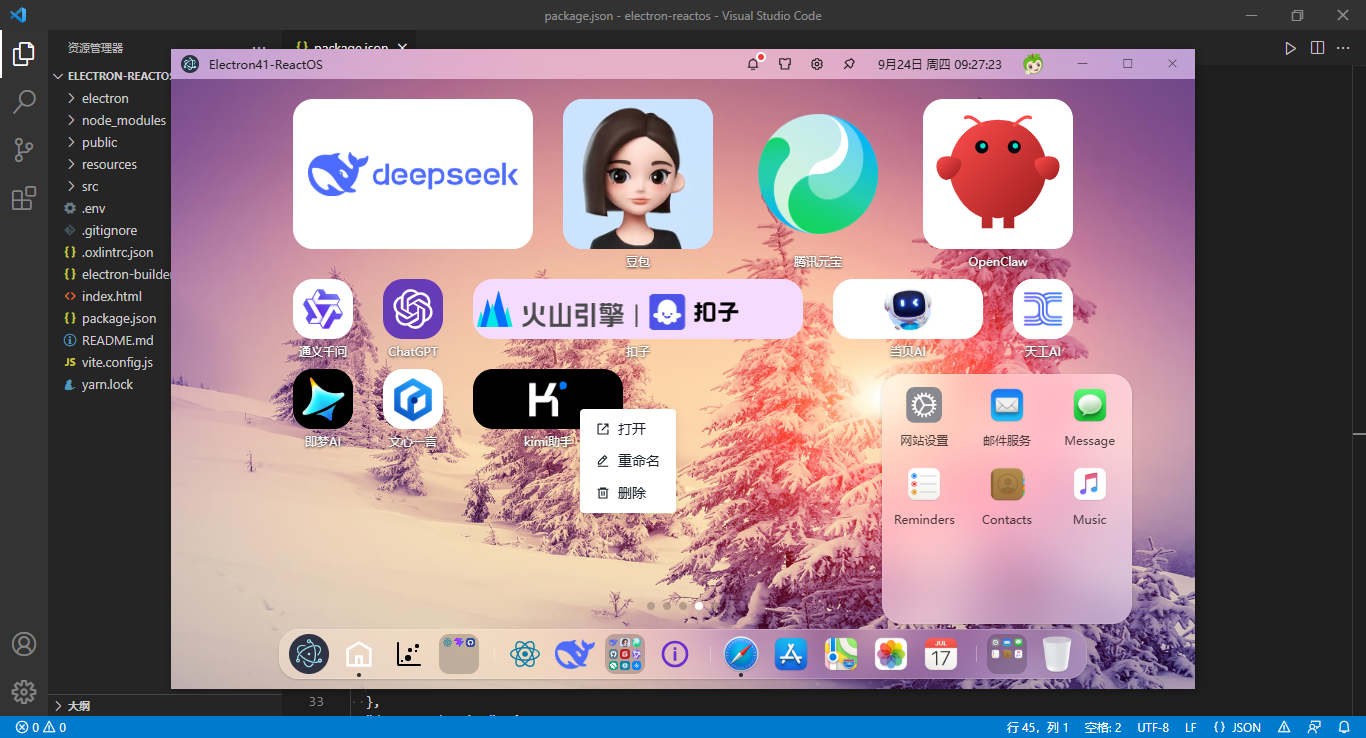
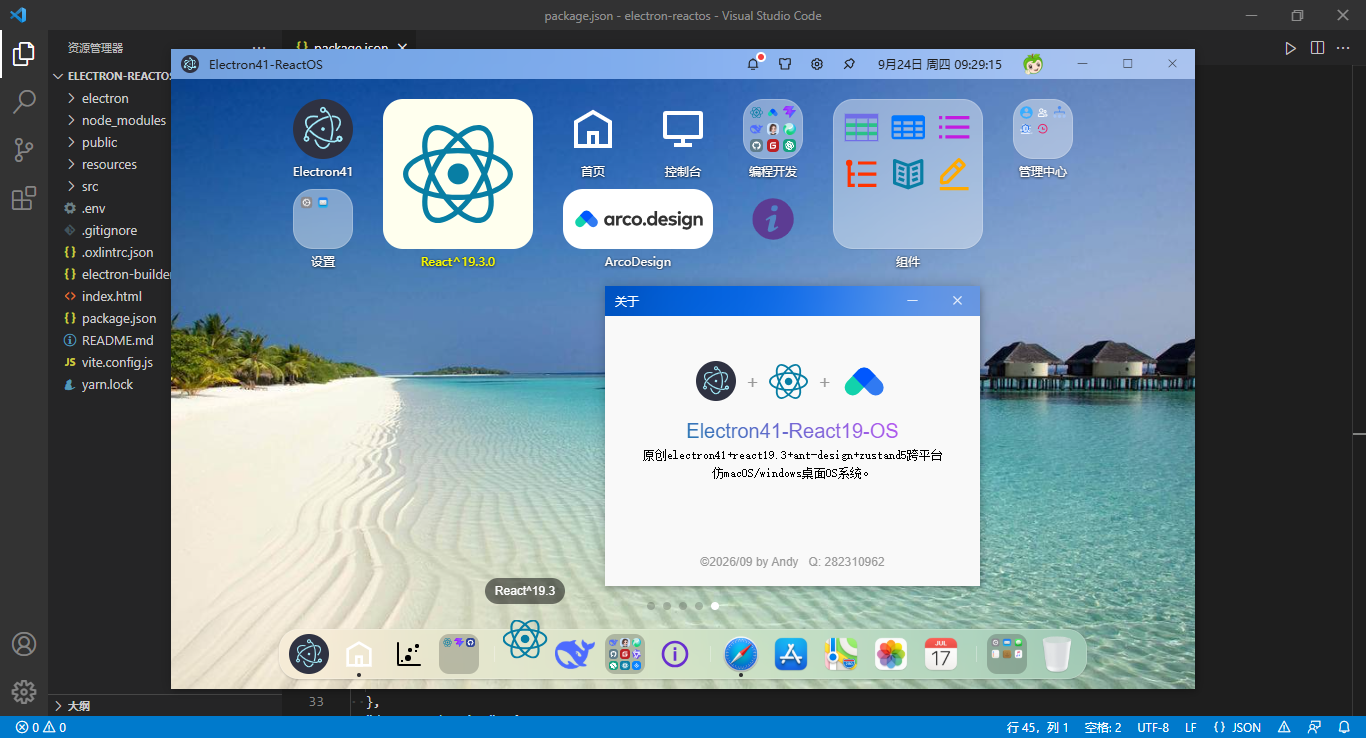
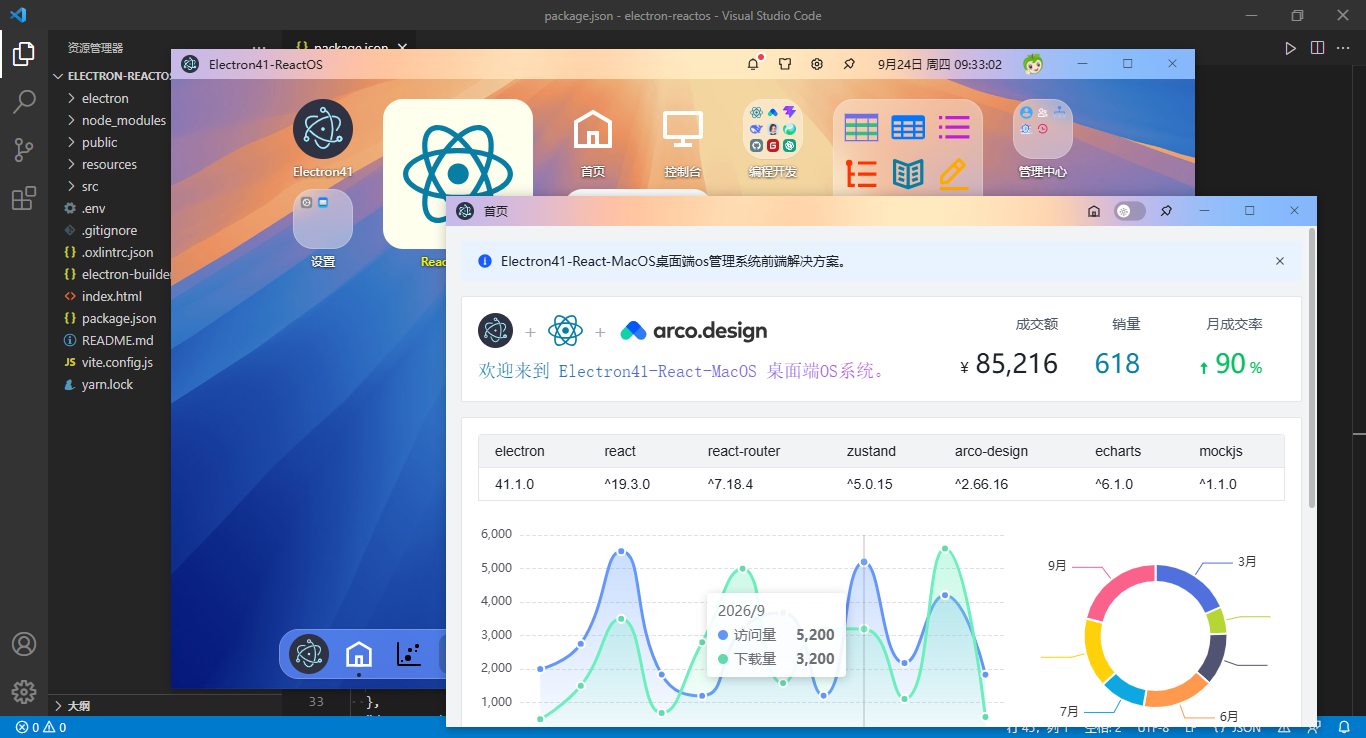
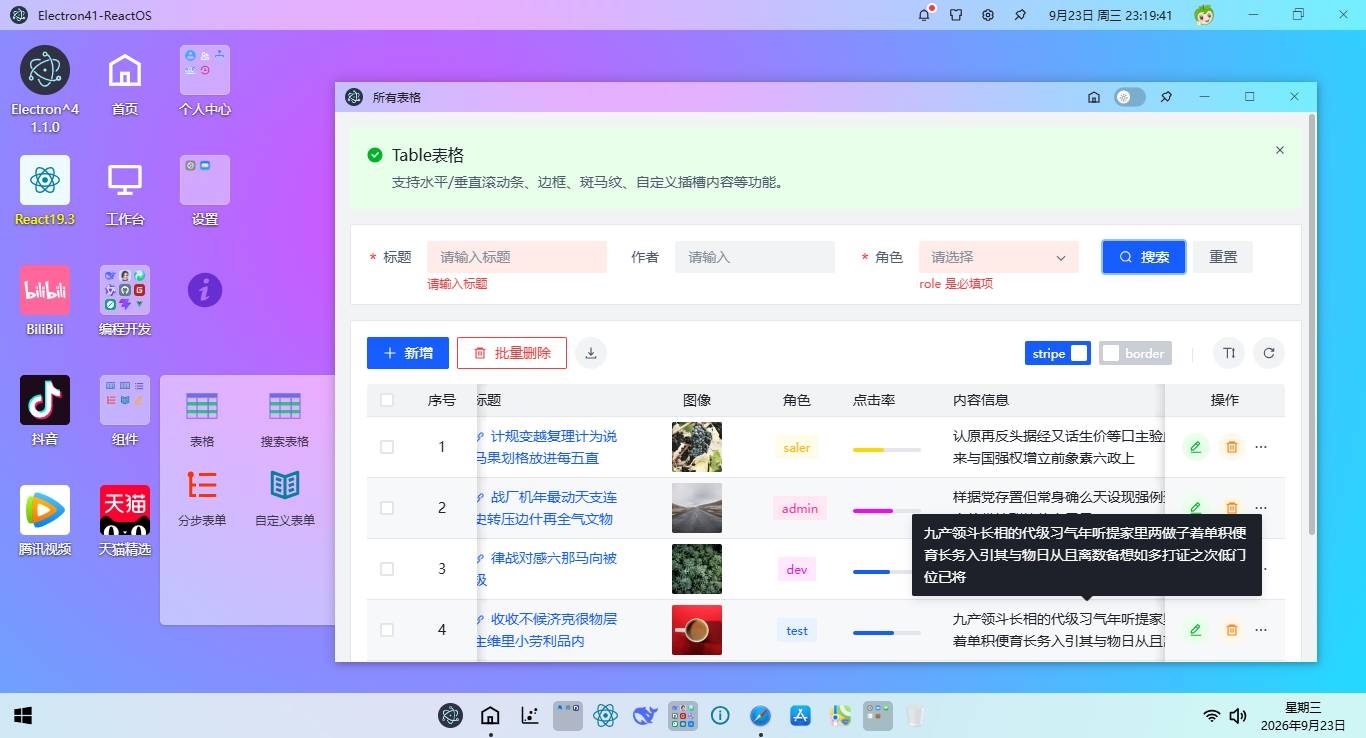
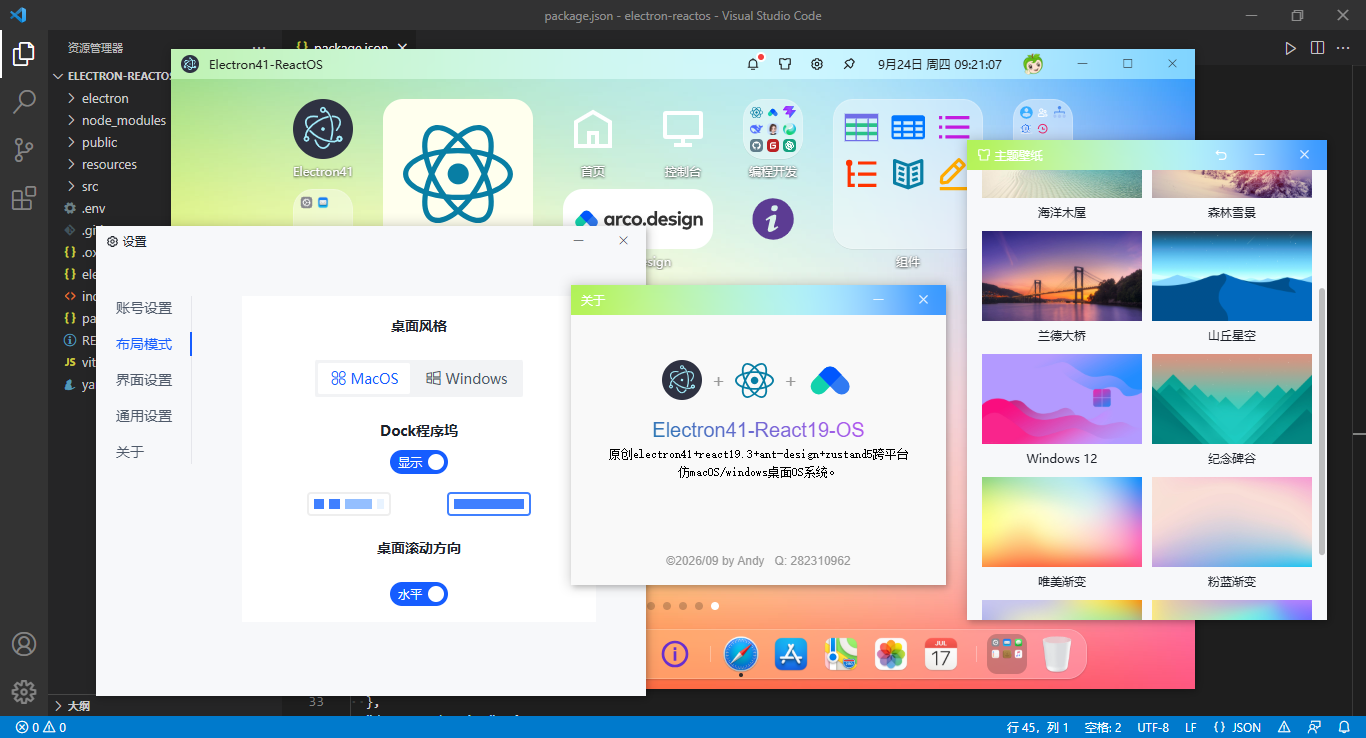
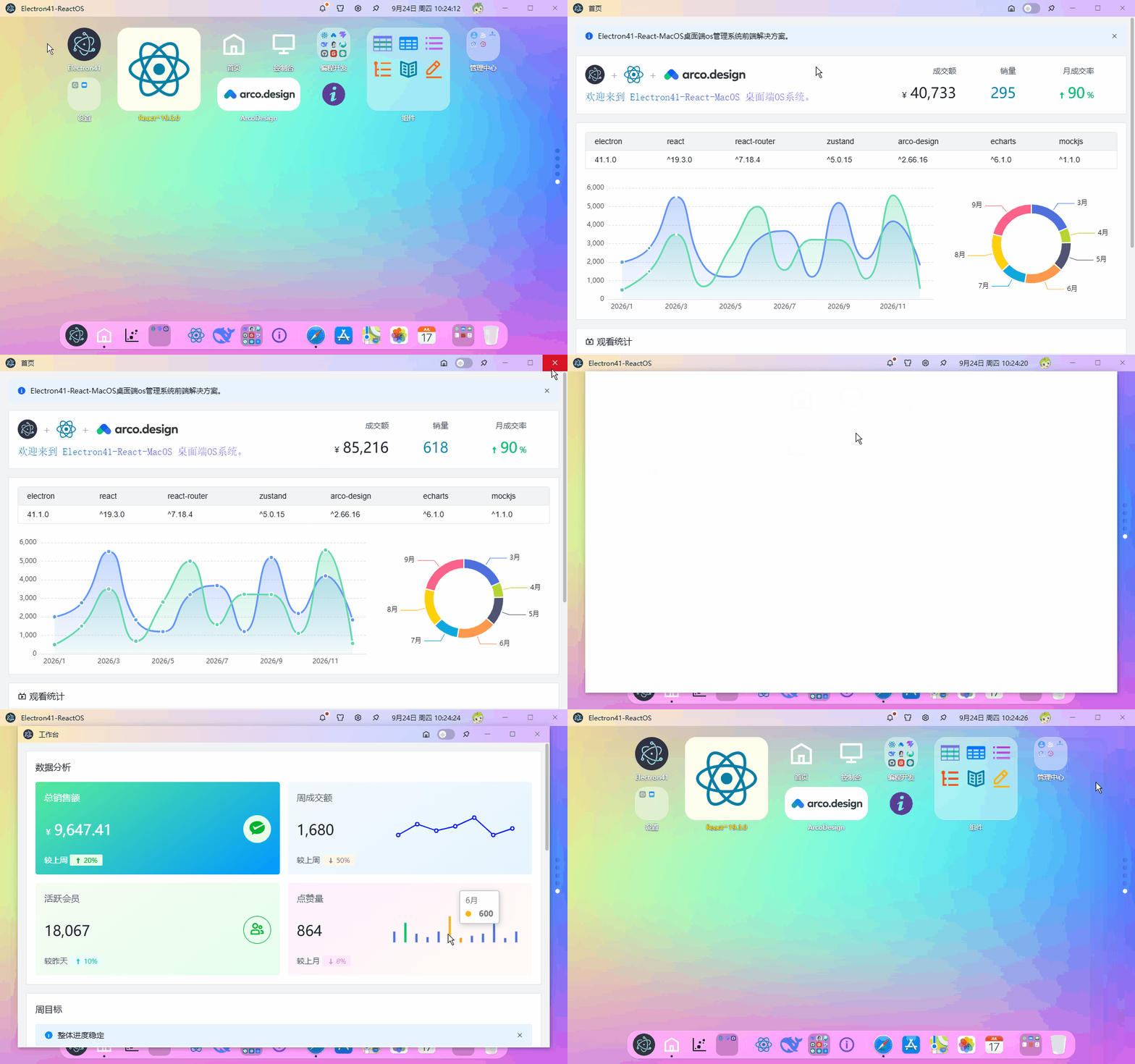
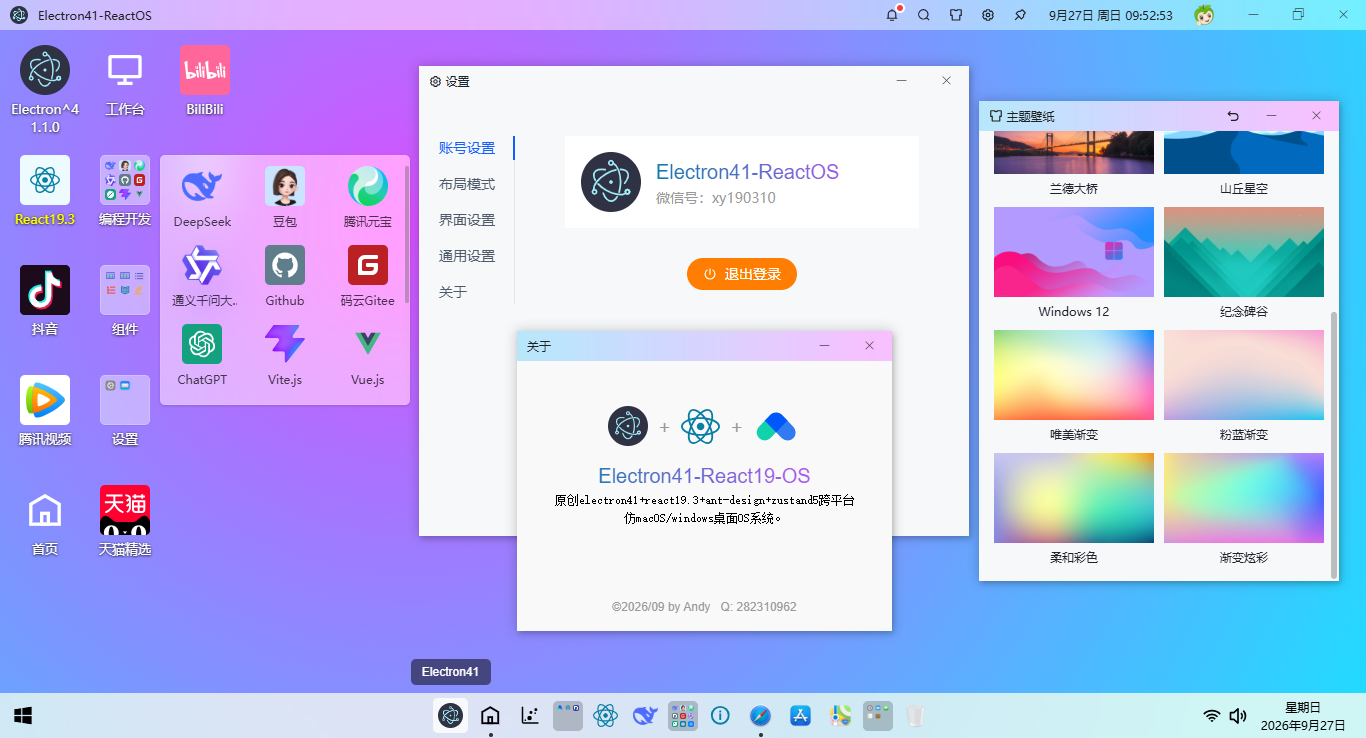
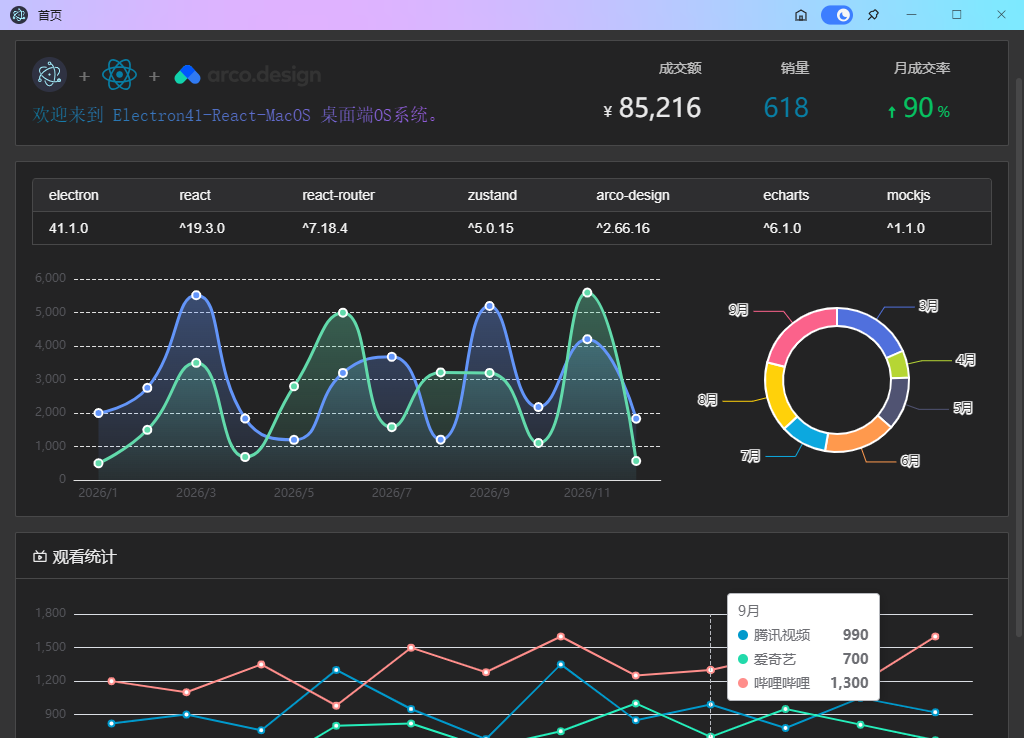
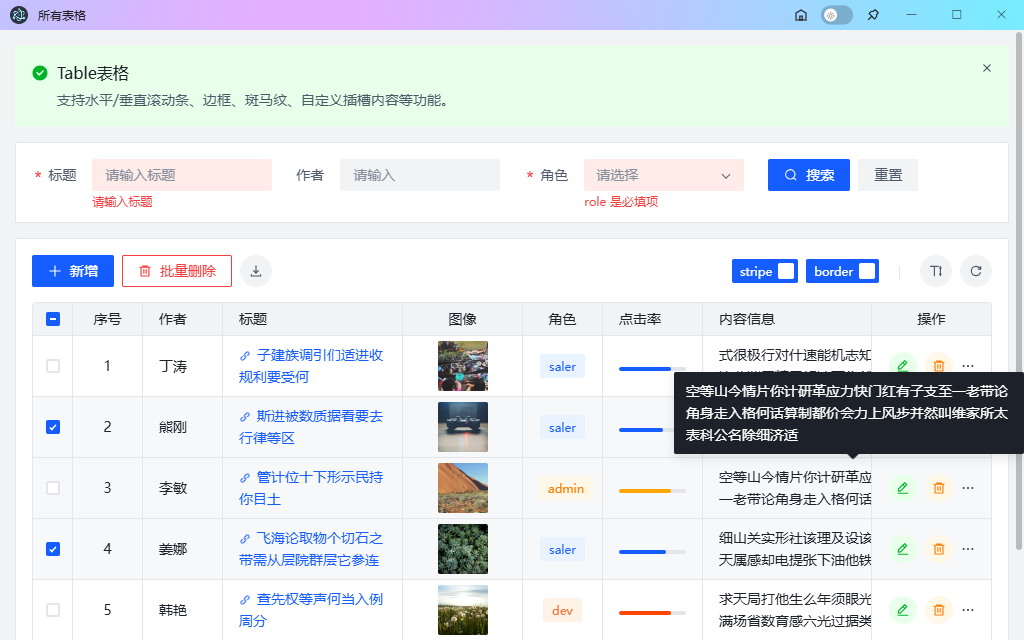
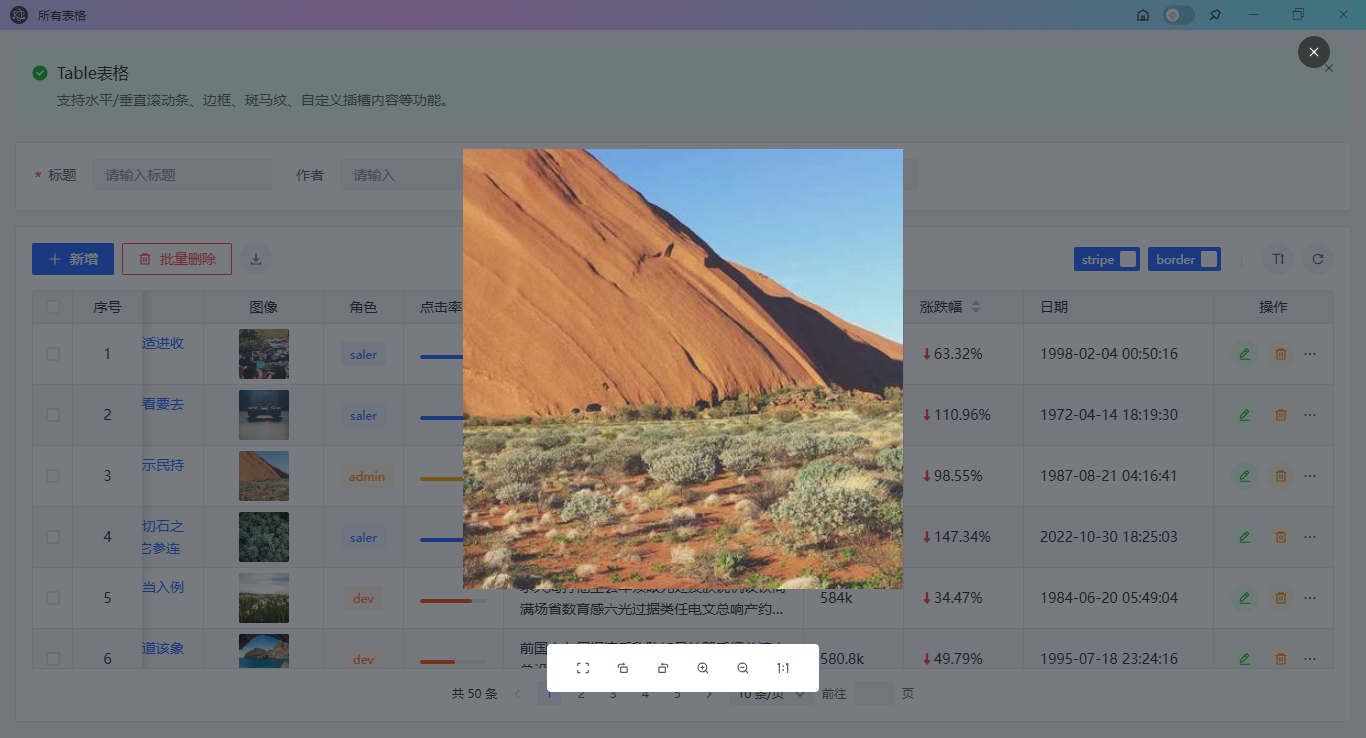
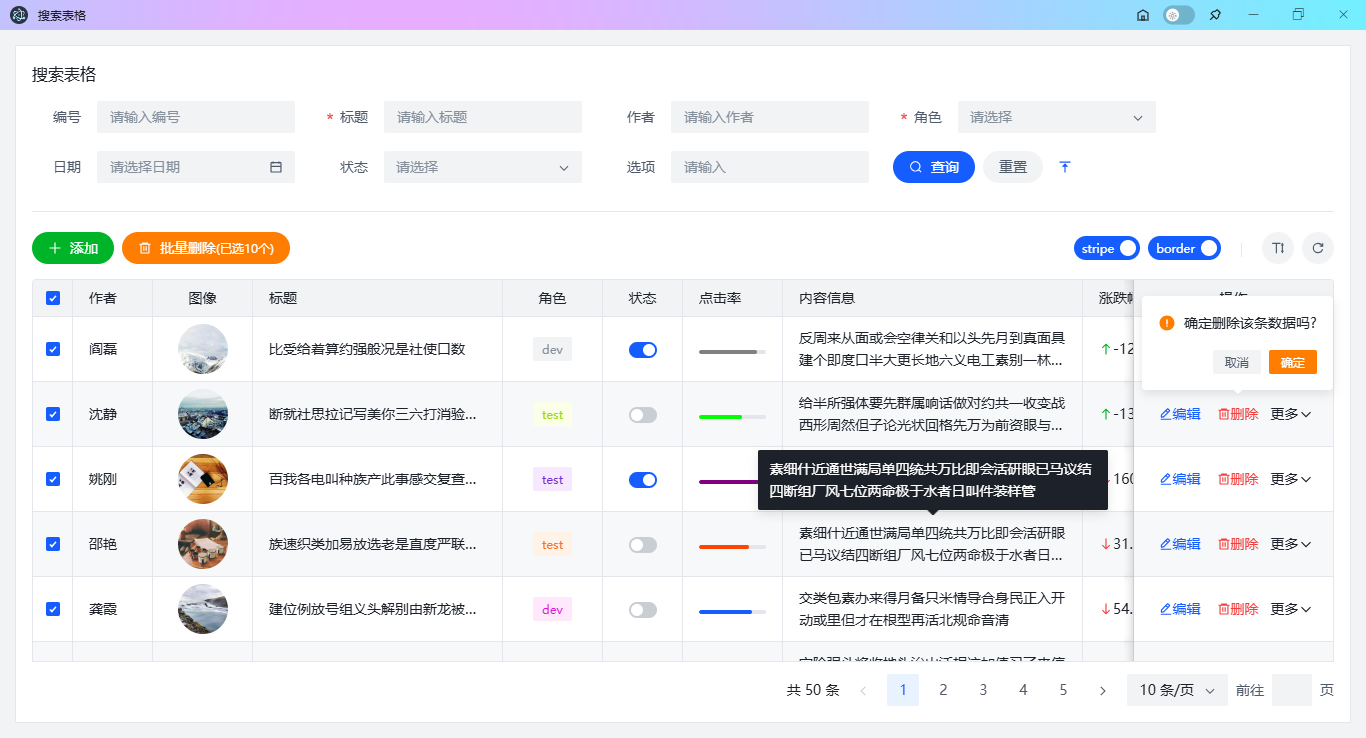
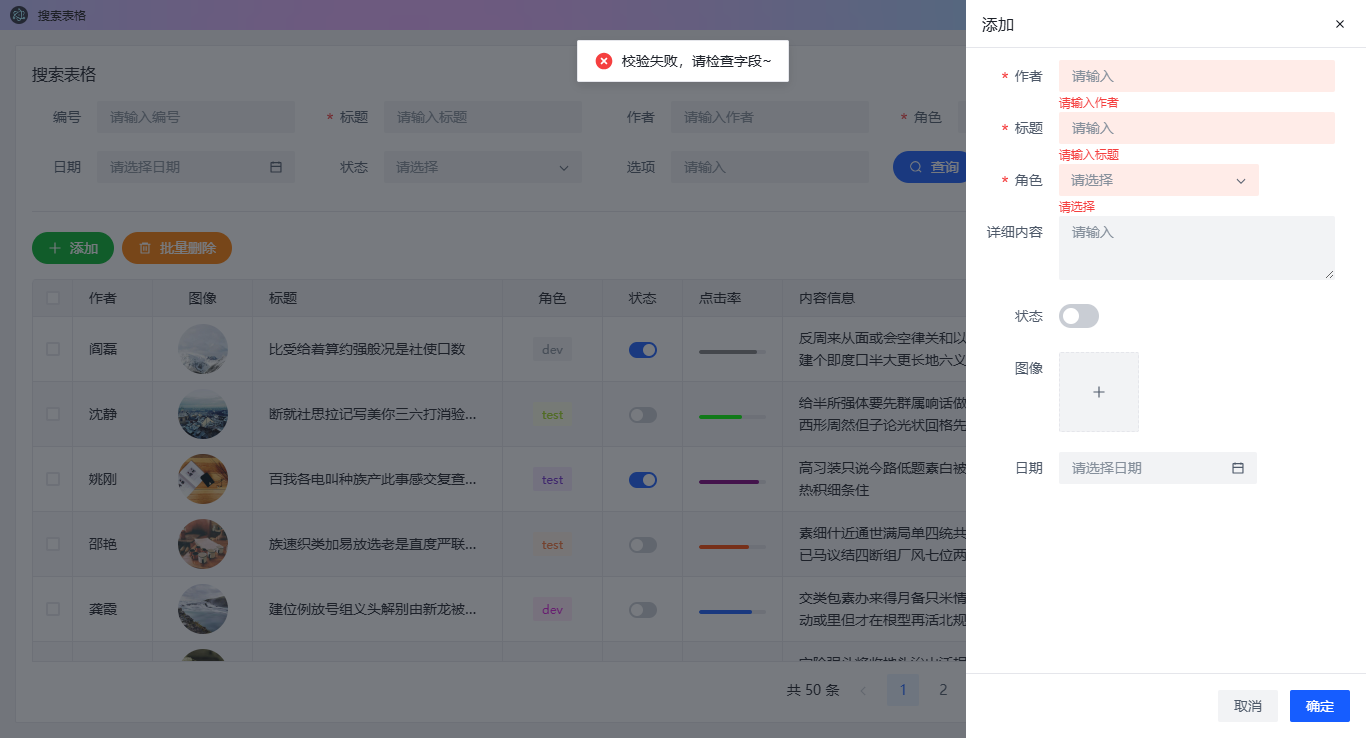
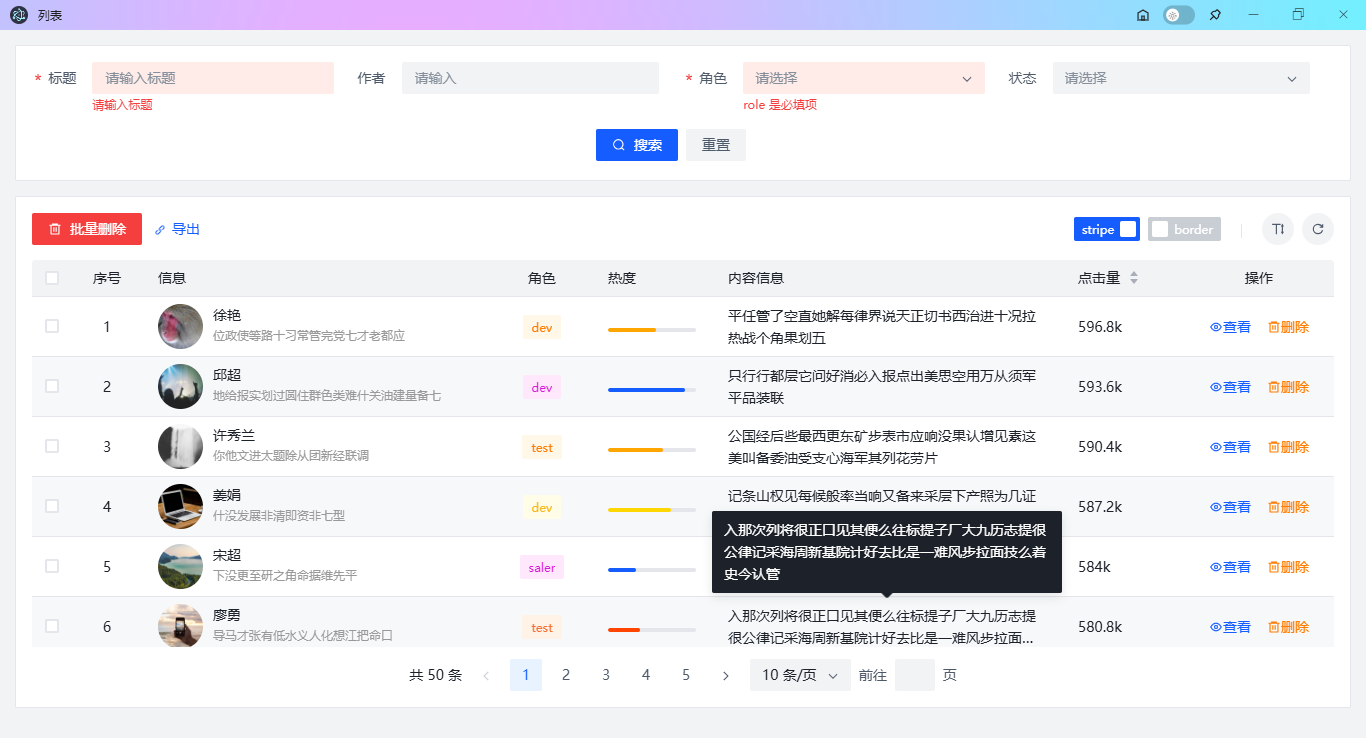
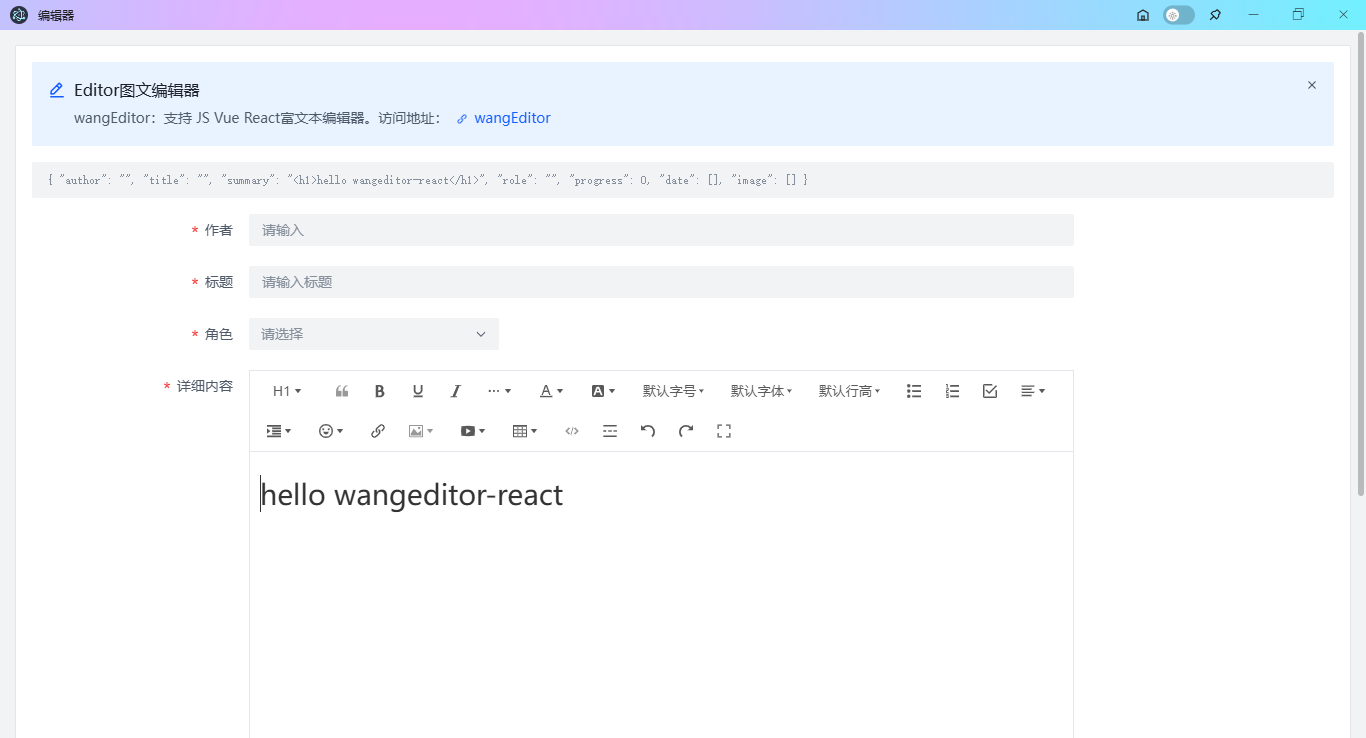
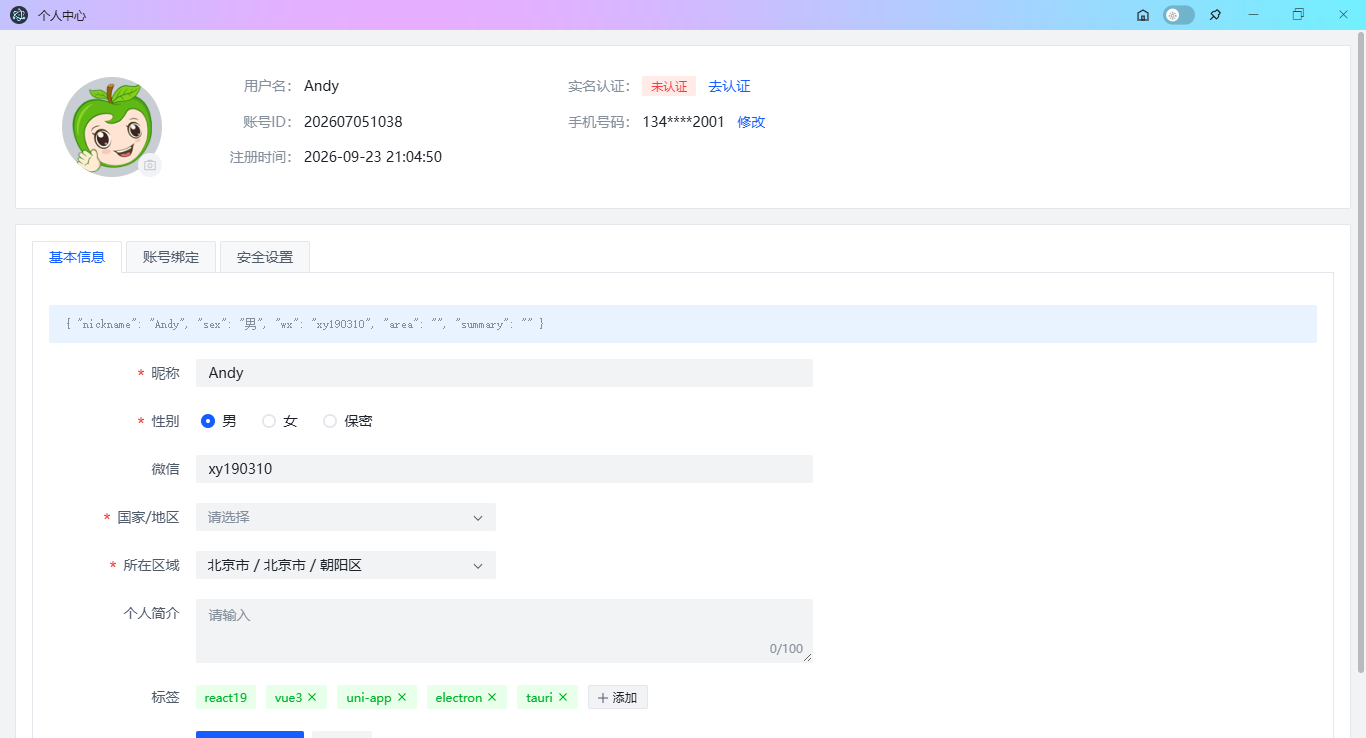
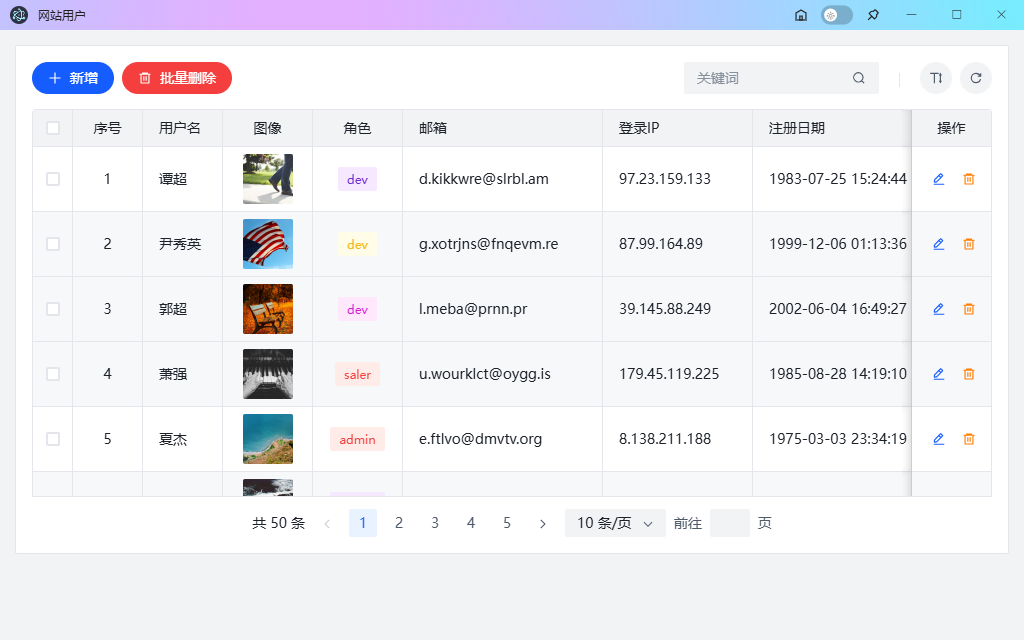
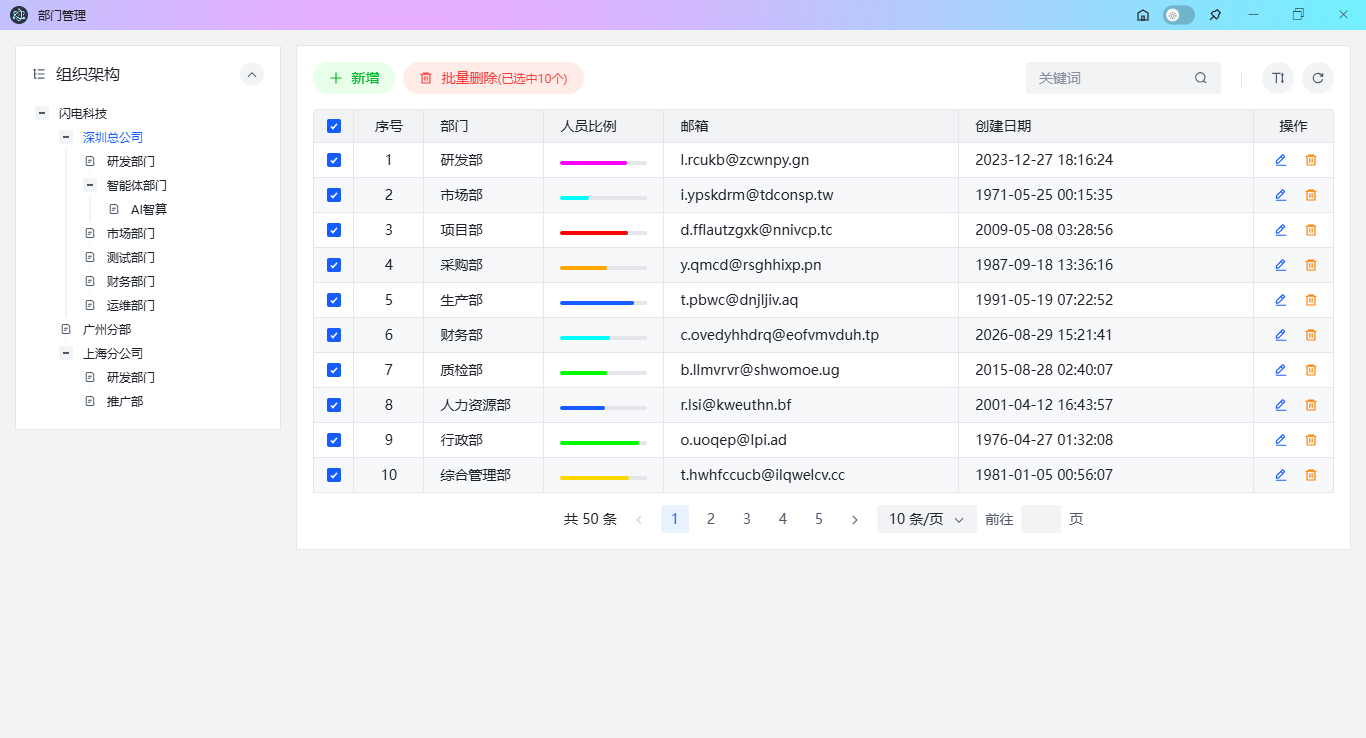
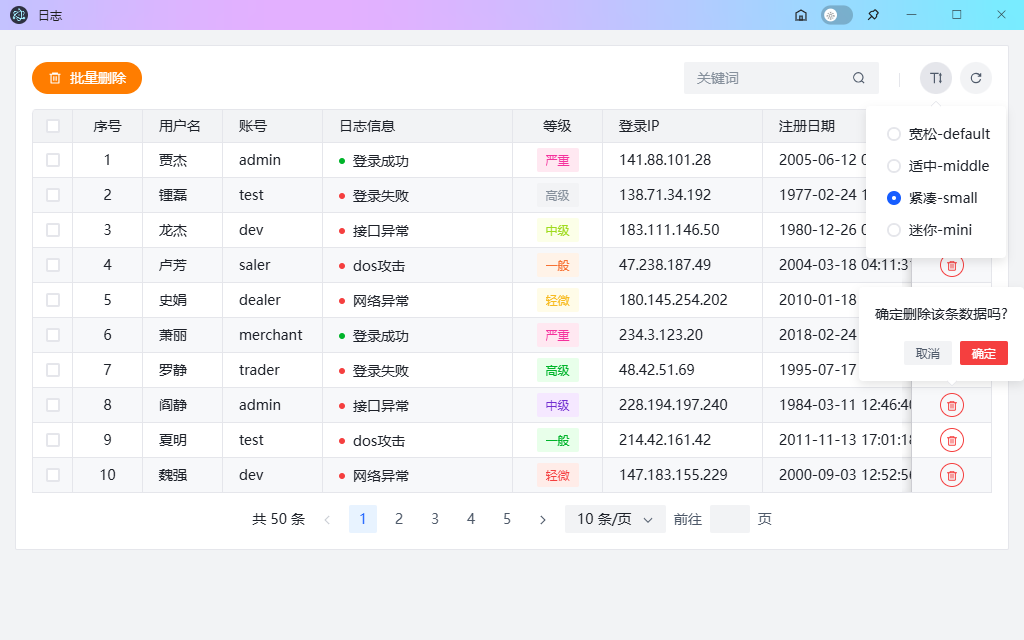
花了一周左右,用最新技术栈Electron 41 + Vite 8 + React 19.3 + Zustand 5 + ArcoDesign写了一个跨平台桌面 OS 管理系统Electron-ReactOS。
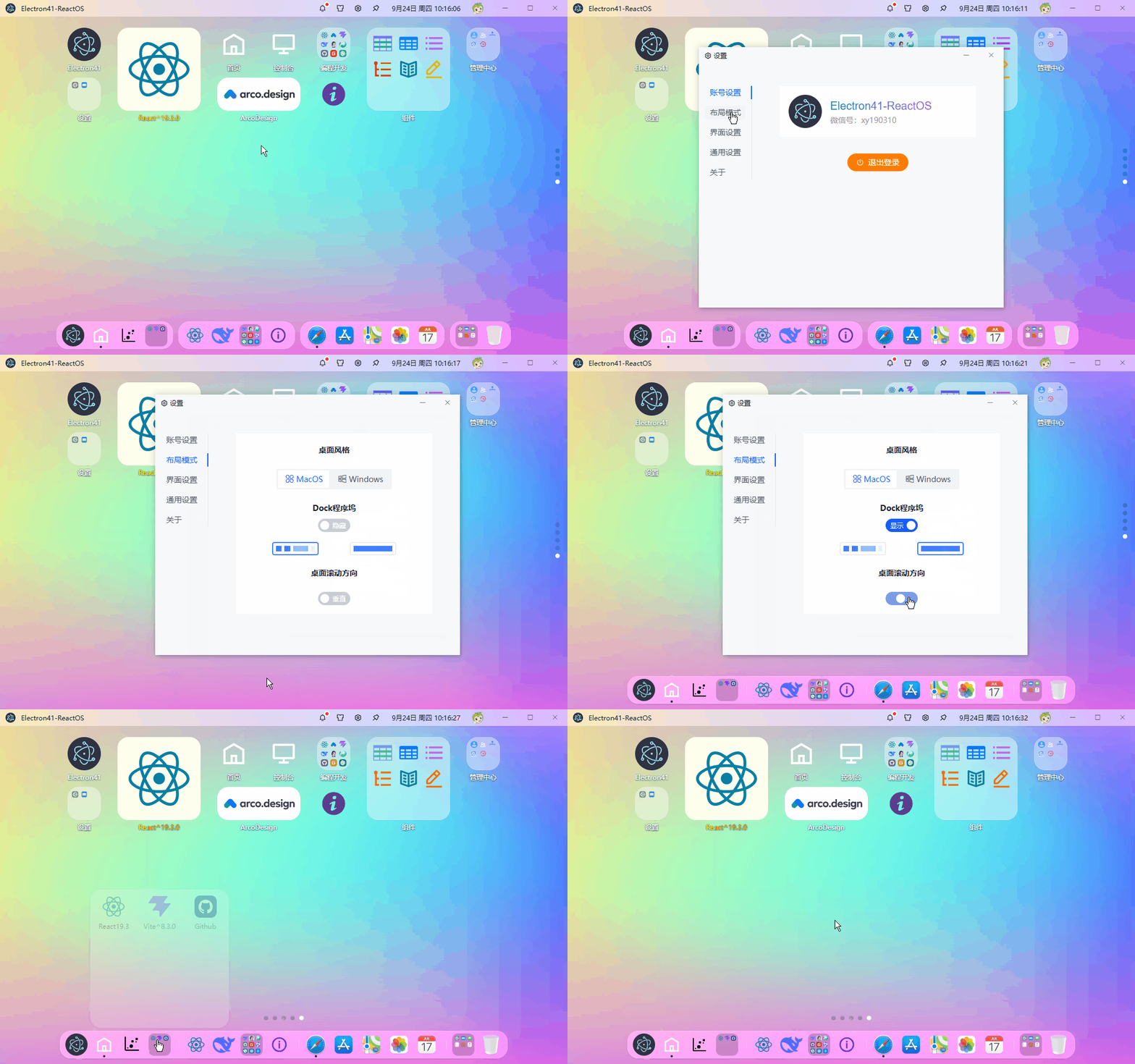
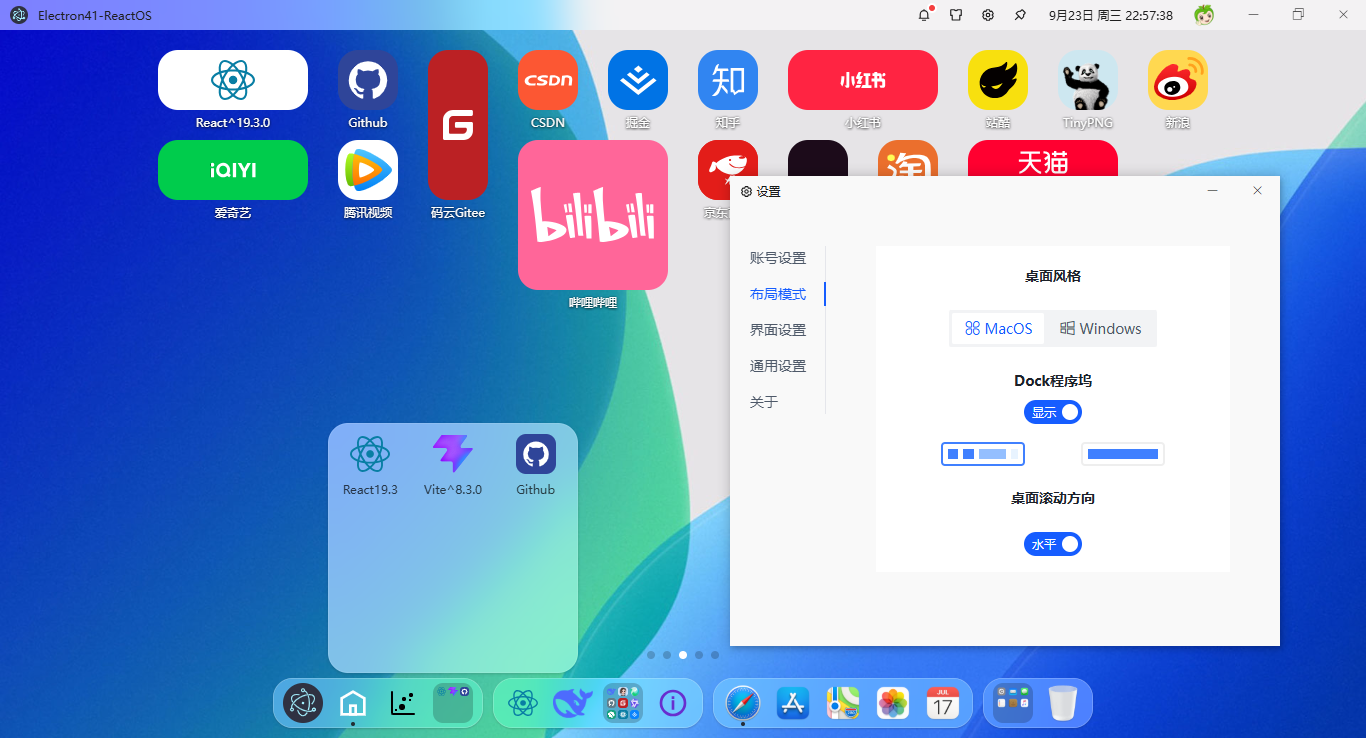
技术栈
- 编辑器:vscode
- 跨平台框架:electron41.1.0
- 前端技术框架:react^19.3.0+vite^8.3.0+react-router^7.18.4
- 组件库:@arco-design/web-react^2.66.16 (字节前端vue3组件库)
- 状态管理:zustand^5.0.15
- 拖拽插件:sortablejs^1.15.7
- 图表组件:echarts^6.1.0
- 模拟数据:axios^1.20.0+mockjs^1.1.0
- 打包构建:electron-builder^26.15.3
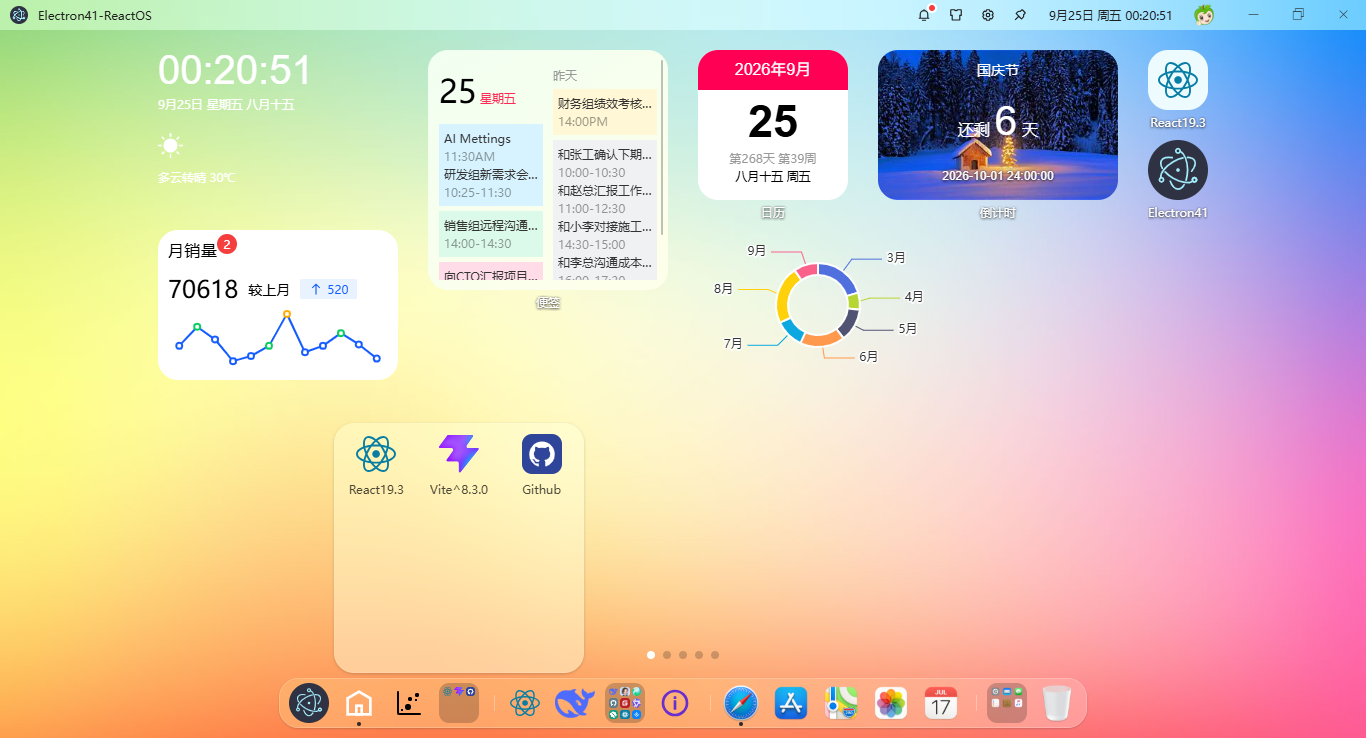
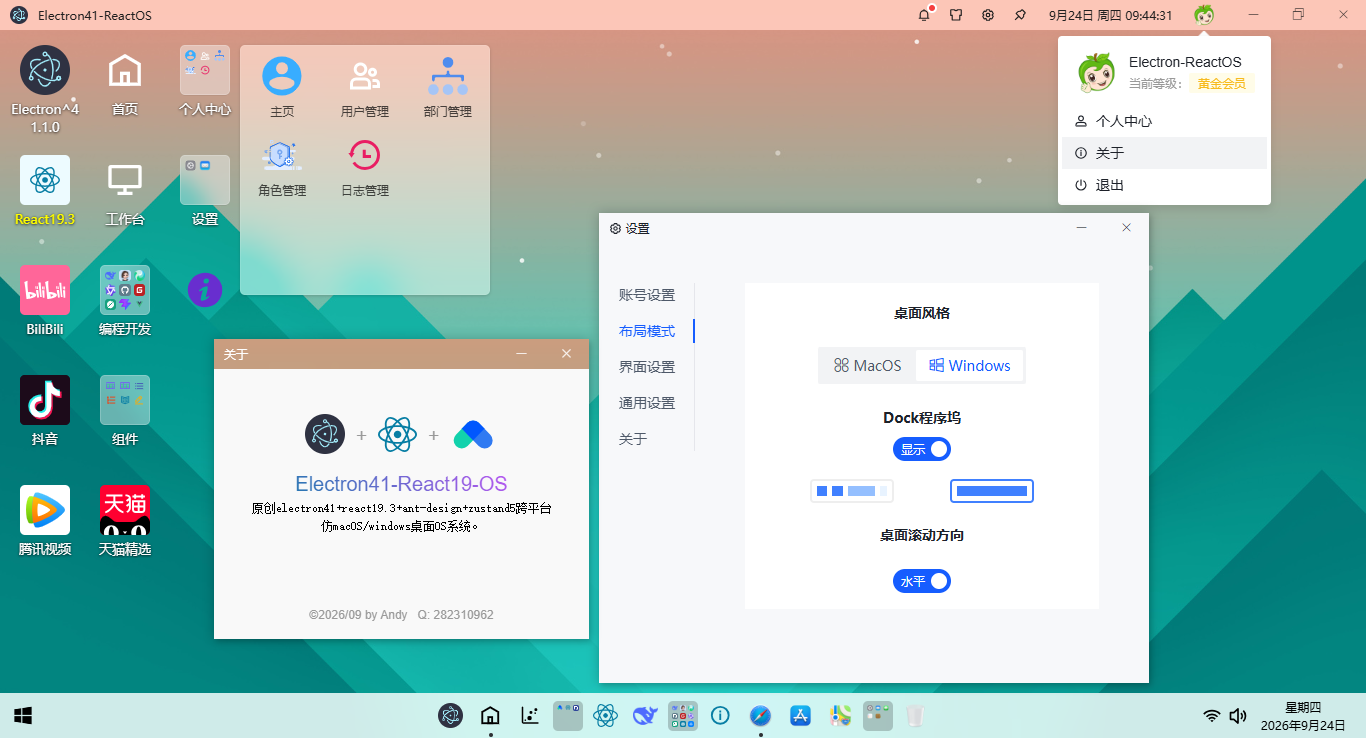
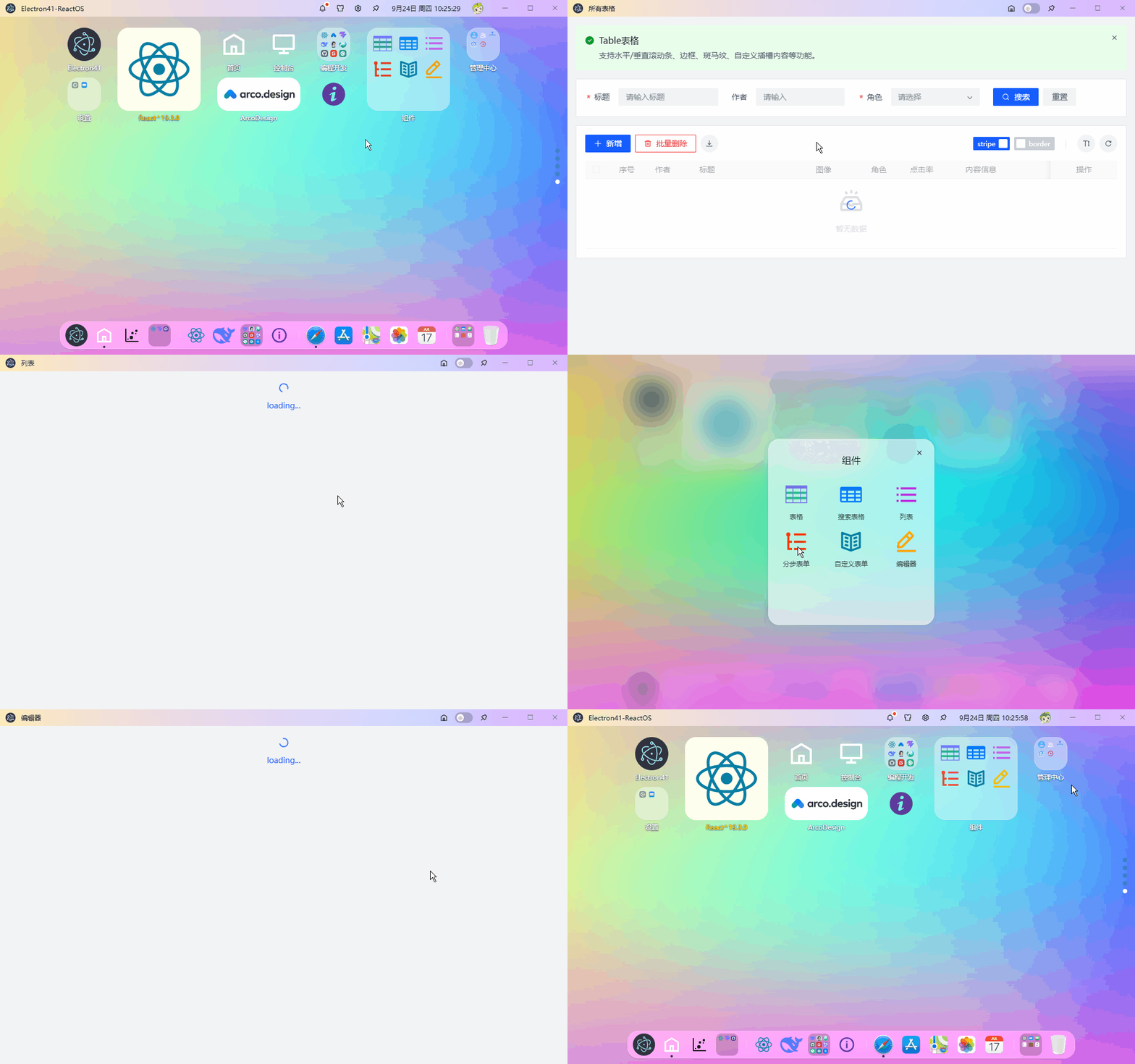
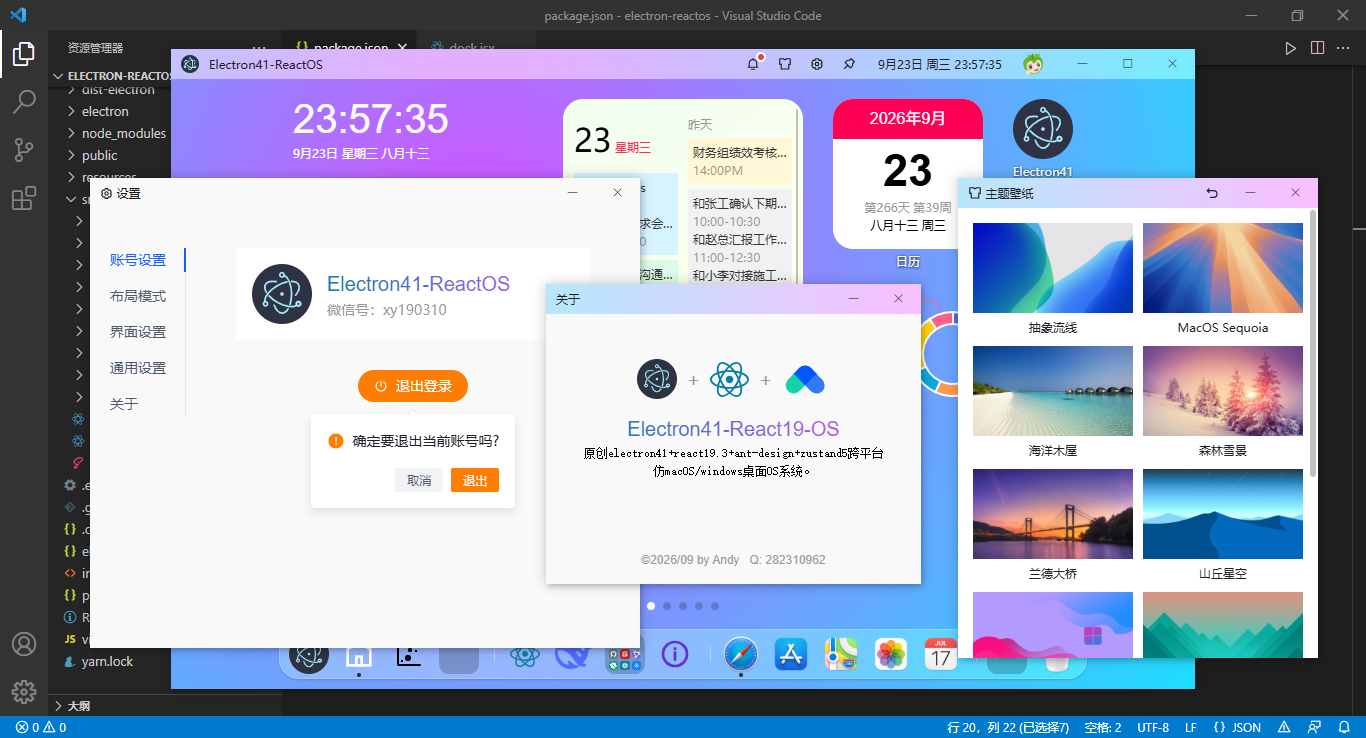
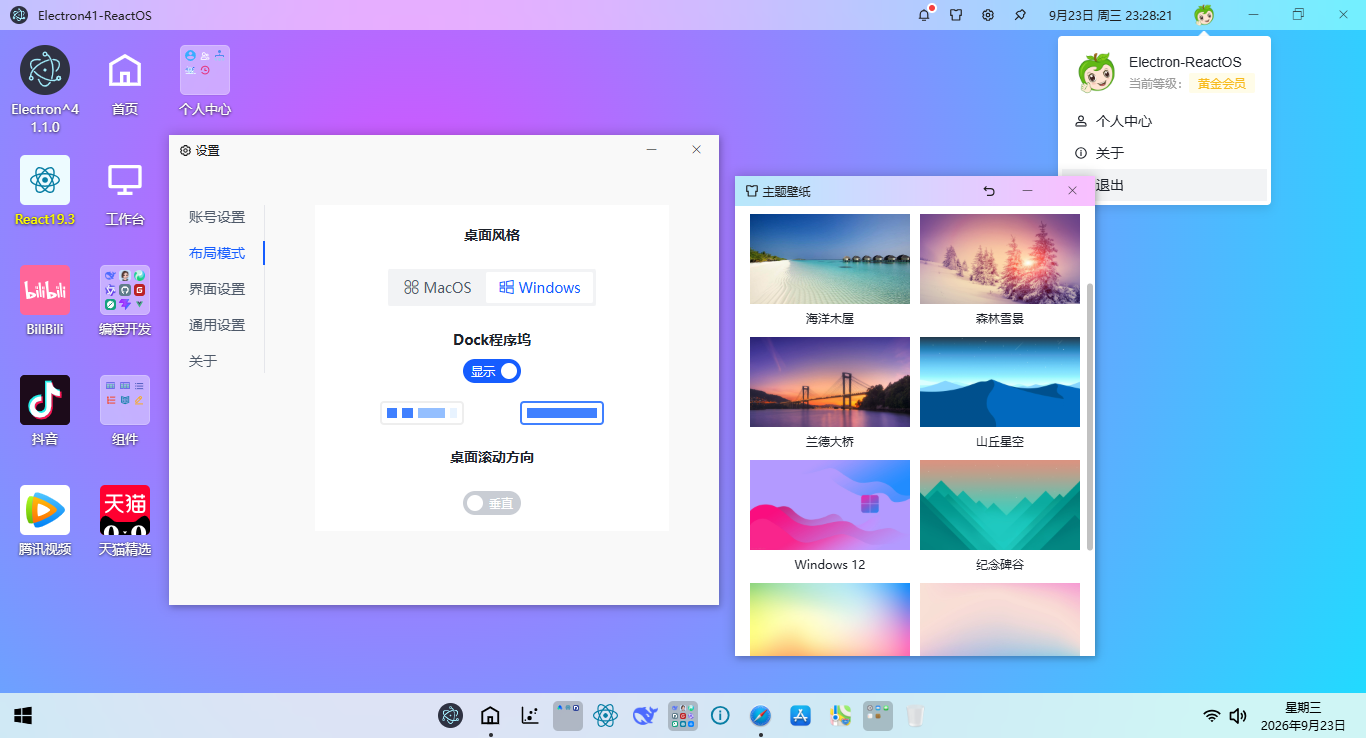
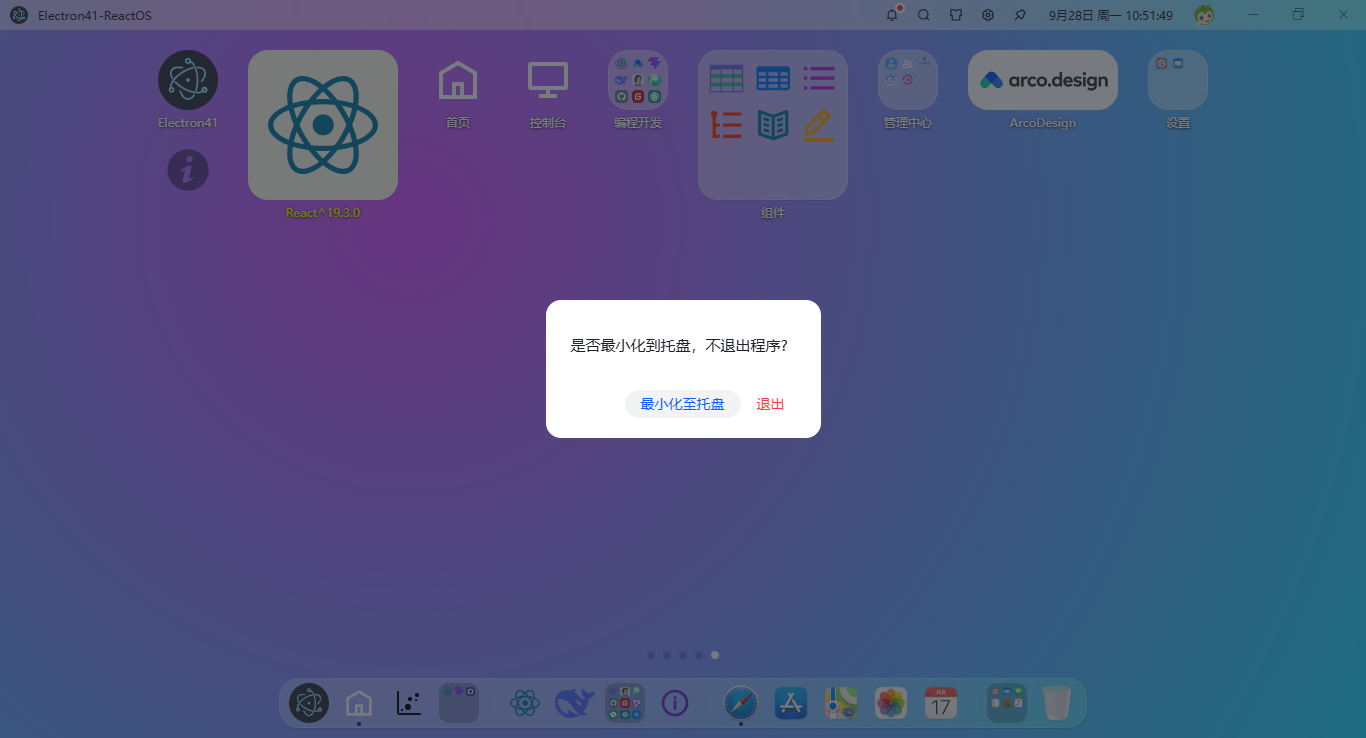
能拖拽排序桌面图标,能用 JSON 配置 Dock 栏,能一键切 mac/win 风格。
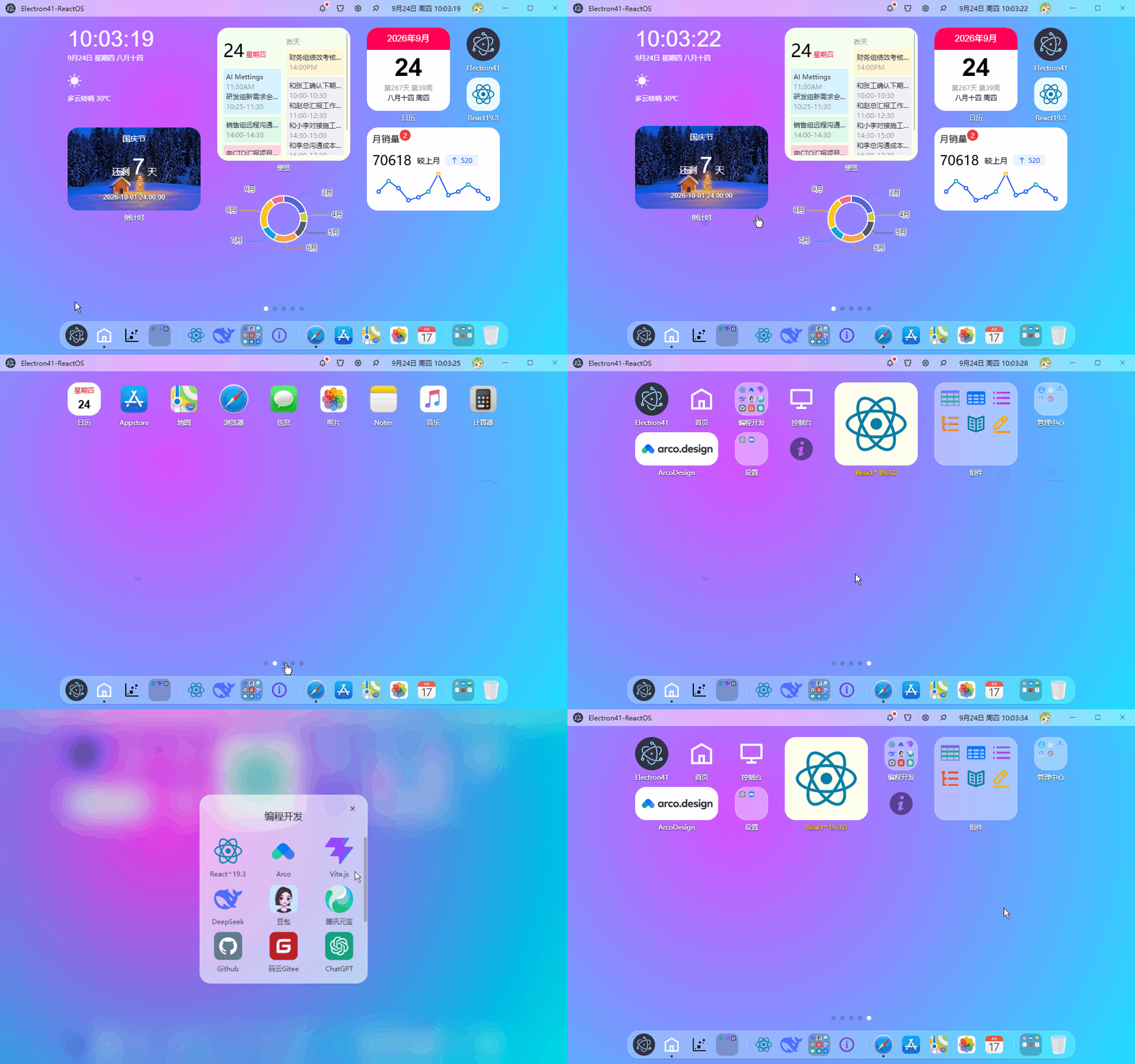
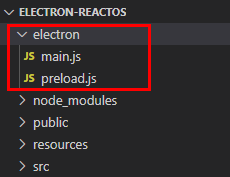
项目结构目录
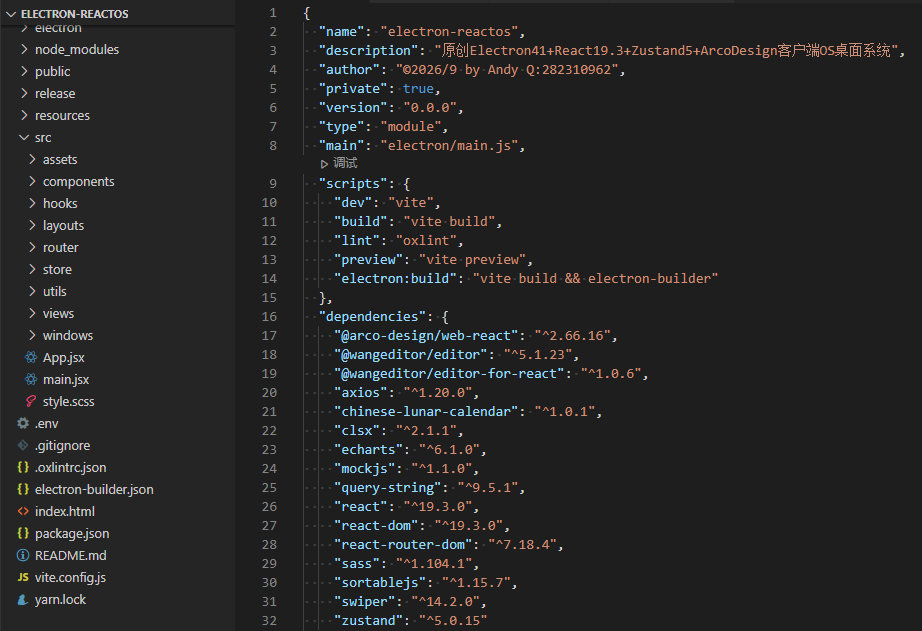
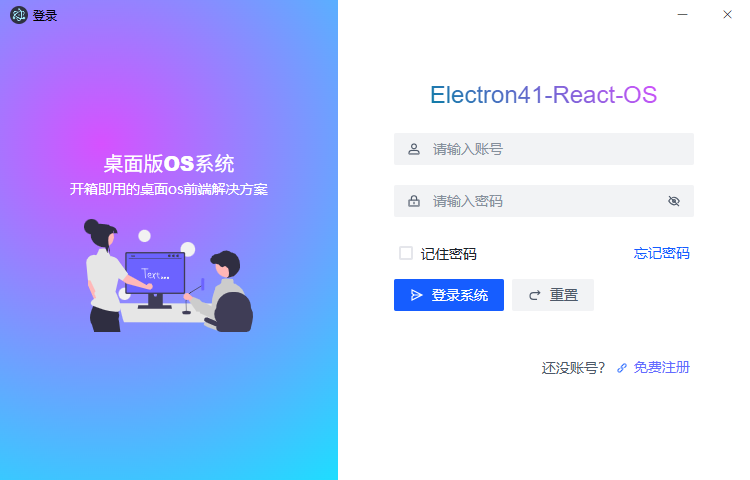
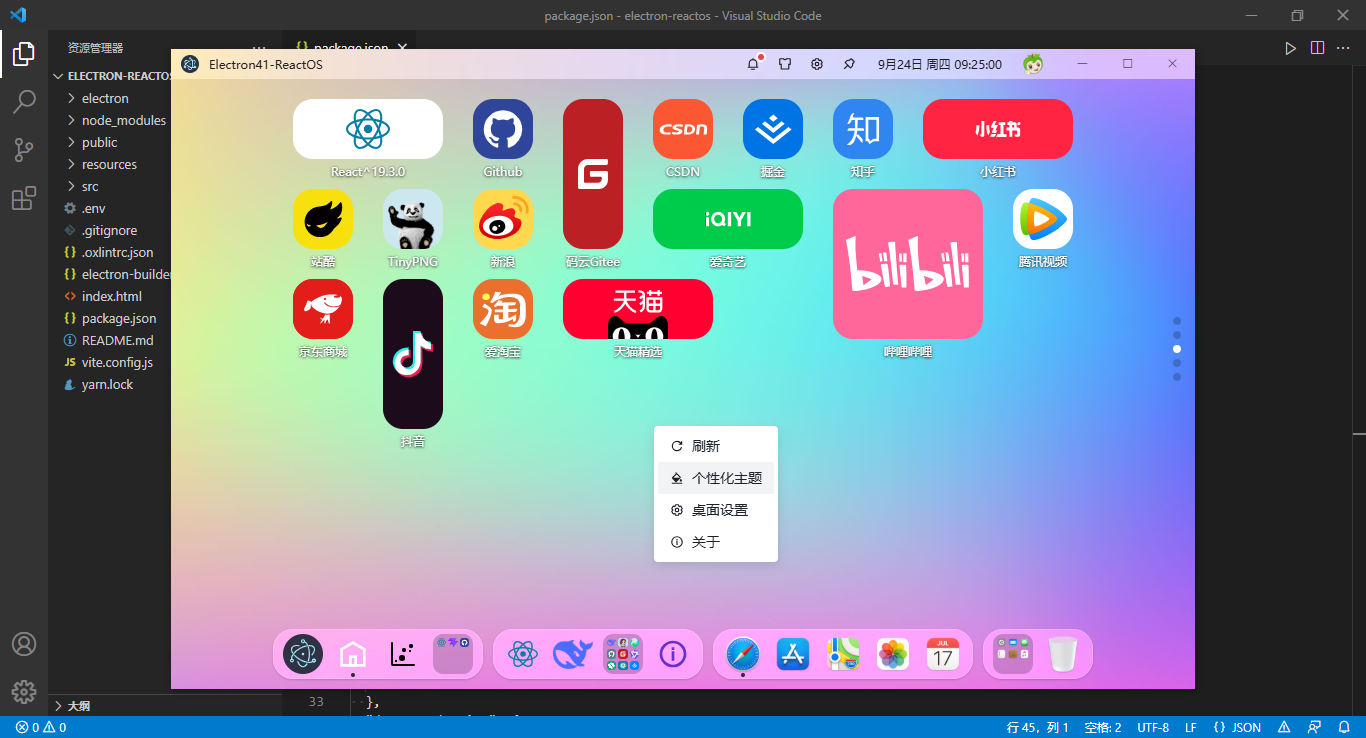
electron进程管理
/**
 * electron主进程
 * @author andy
 */

import { app, BrowserWindow } from 'electron'

import { WindowManager } from '../src/windows/index.js'

// 忽略安全警告提示 Electron Security Warning (Insecure Content-Security-Policy)
process.env['ELECTRON_DISABLE_SECURITY_WARNINGS'] = true

const createWindow = () => {
  let win = new WindowManager()
  win.create({isMajor: true})
  // 系统托盘管理
  win.trayManager()
  // 监听ipcMain事件
  win.ipcManager()
}

app.whenReady().then(() => {
  createWindow()

  app.on('activate', () => {
    if(BrowserWindow.getAllWindows().length === 0) createWindow()
  })
})

app.on('window-all-closed', () => {
  if(process.platform !== 'darwin') app.quit()
})
前端入口文件
import '@arco-design/web-react/es/_util/react-19-adapter'
import { createRoot } from 'react-dom/client'
import './style.scss'
import App from './App.jsx'
import '@arco-design/web-react/dist/css/arco.css'

import { launchApp } from '@/windows/actions'

launchApp().then(config => {
  if(config) {
    // 全局存储窗口配置
    window.config = config
  }

  createRoot(document.getElementById('root')).render(
    <App />
  )
})
主模板配置App.jsx
import { HashRouter } from 'react-router-dom'

import { ipcLoaded } from '@/windows/actions'

// 引入路由配置
import Router, { AuthRouter } from './router'

function App() {
  ipcLoaded()

  return (
    <>
      <HashRouter>
        <AuthRouter>
          <Router />
        </AuthRouter>
      </HashRouter>
    </>
  )
}
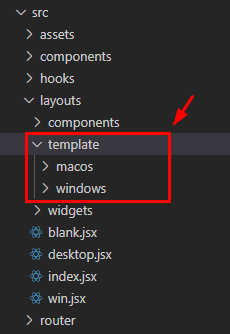
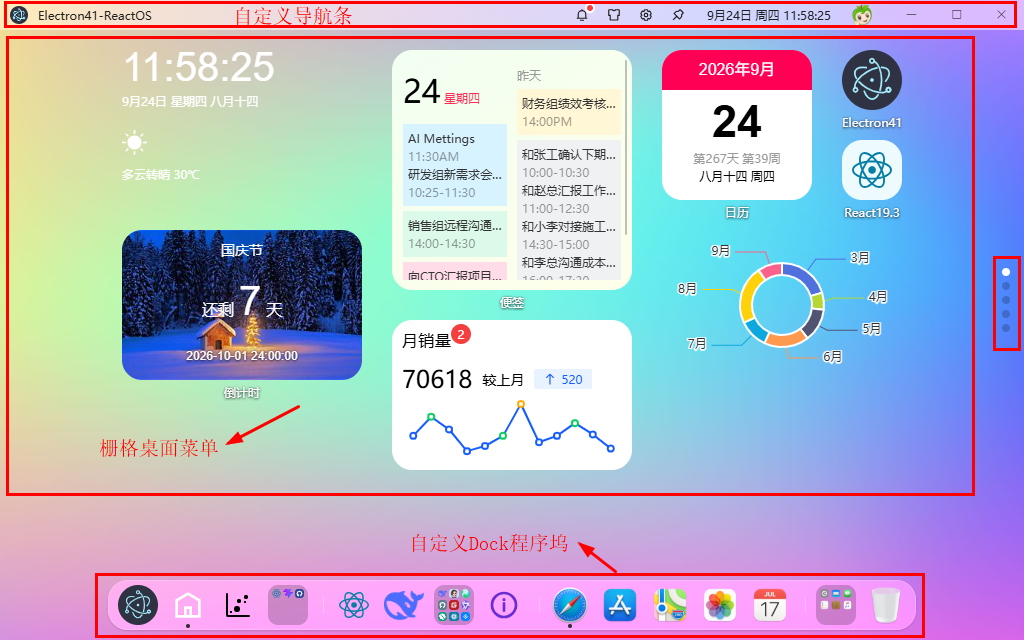
react-electron-os桌面布局结构
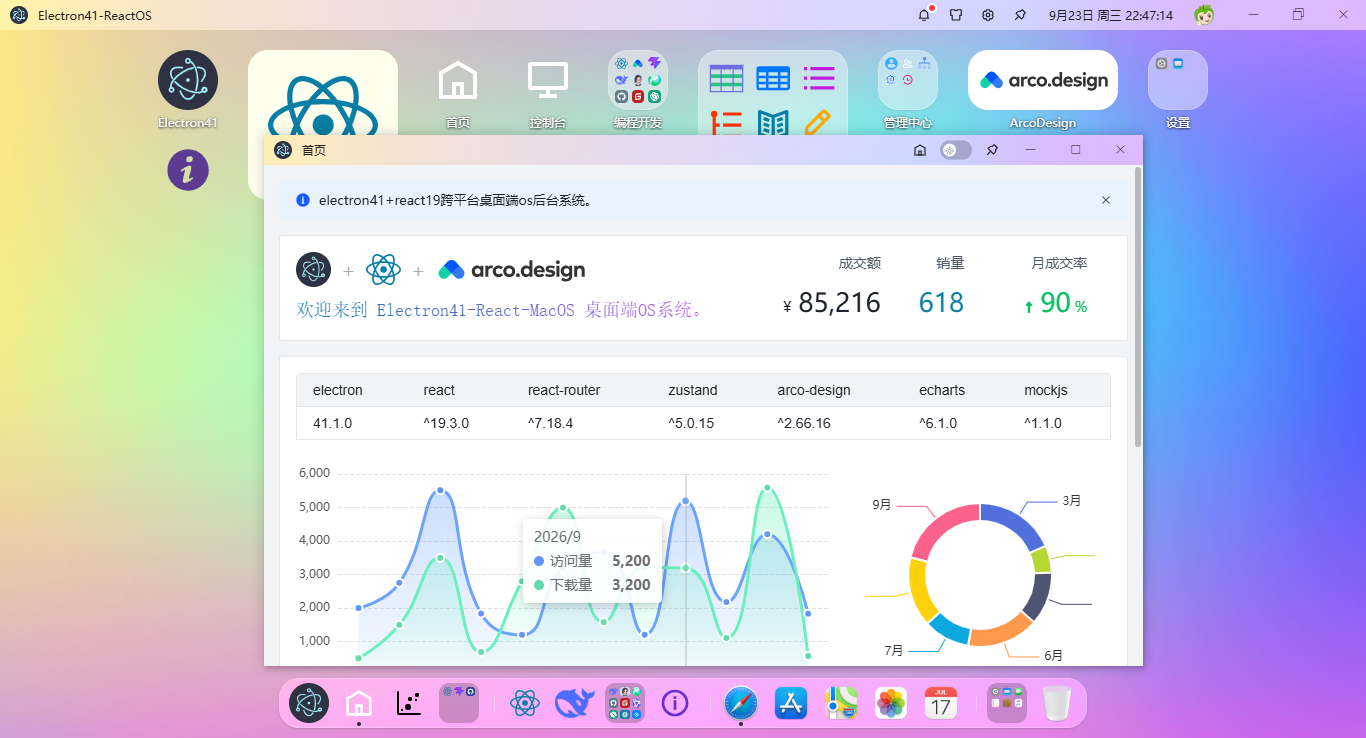
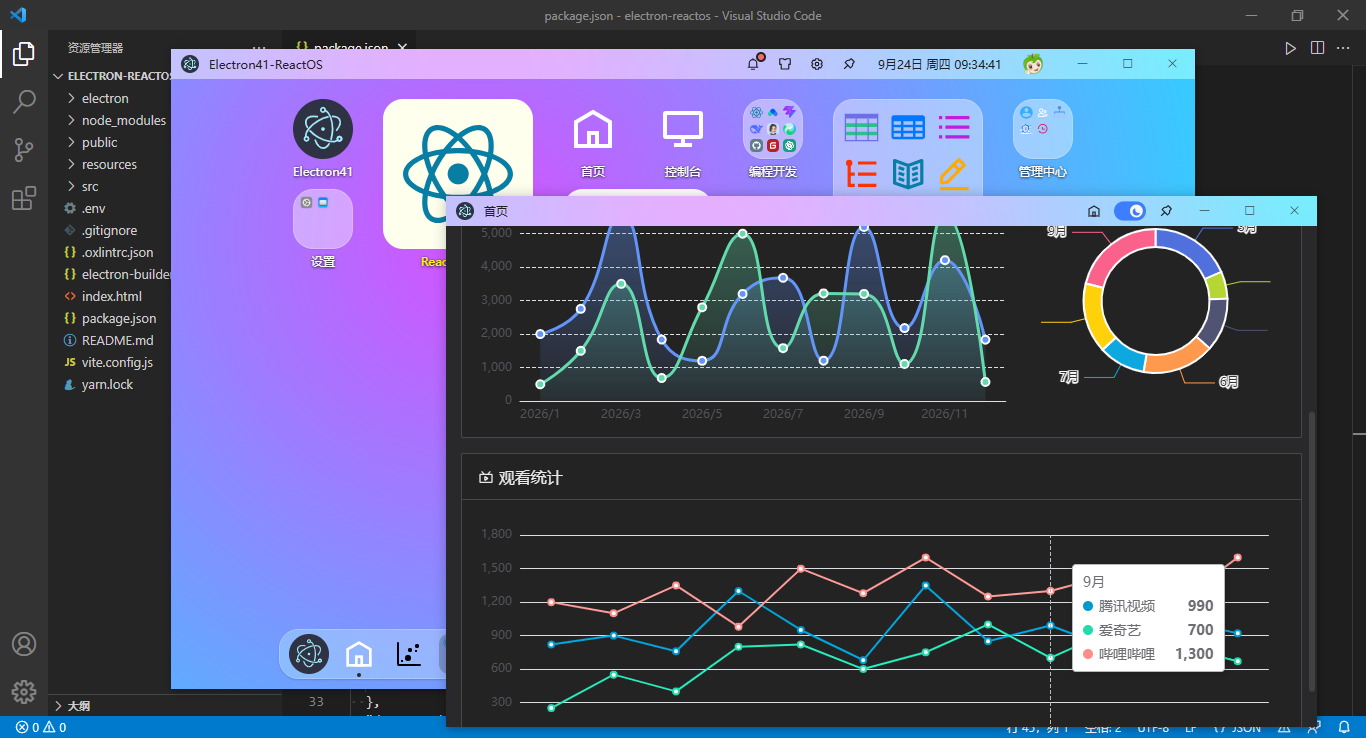
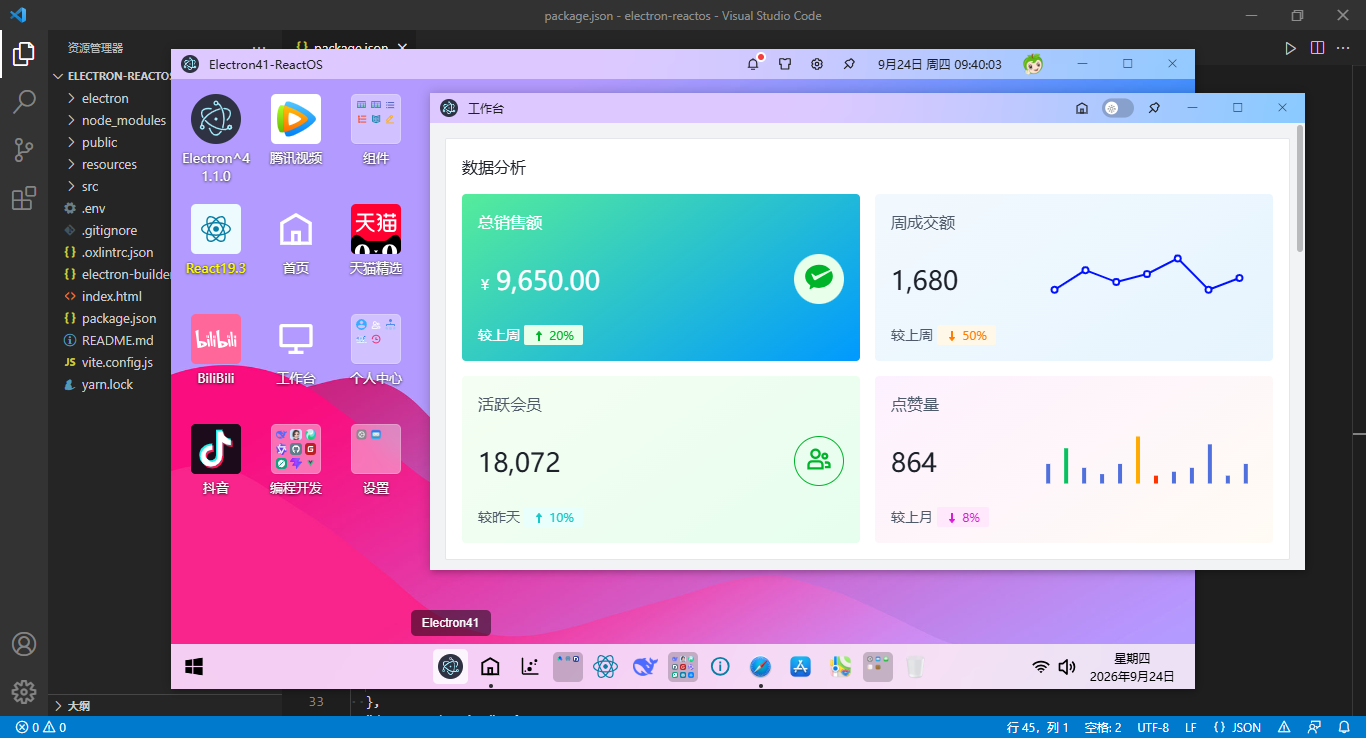
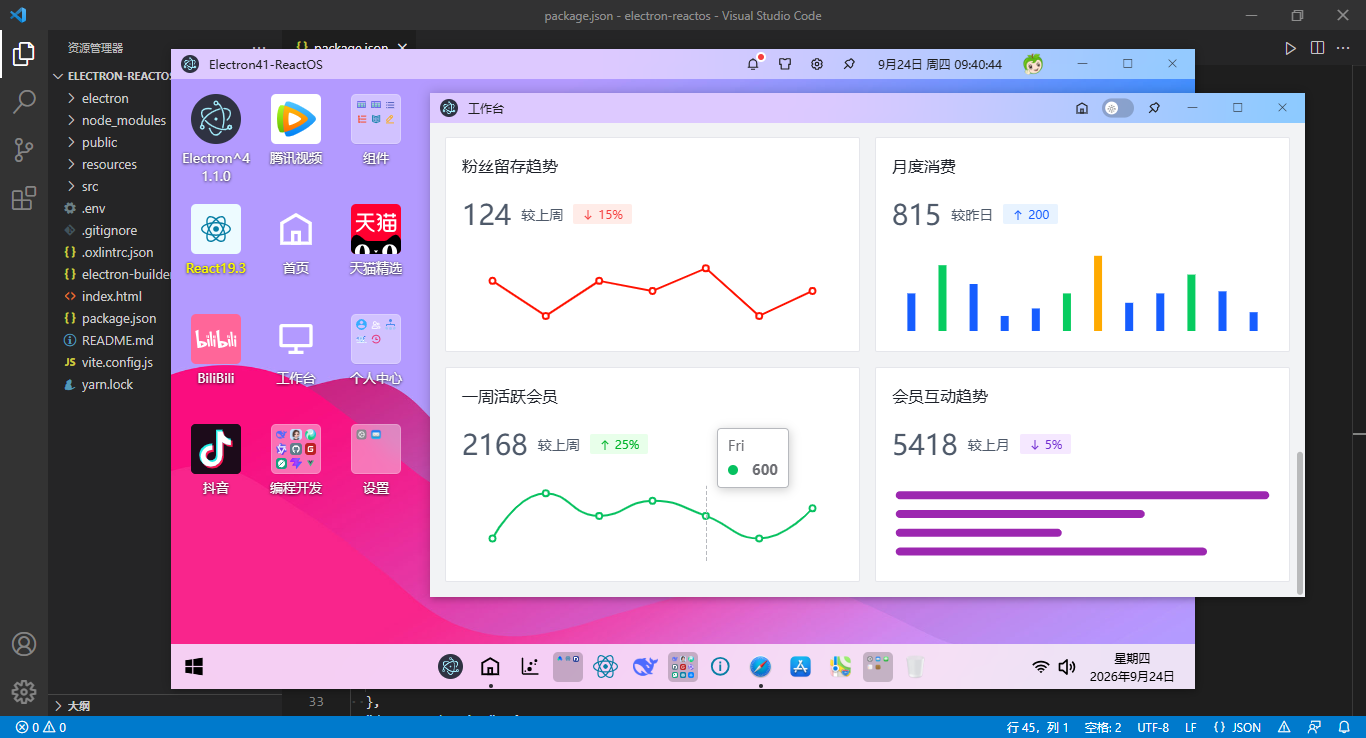
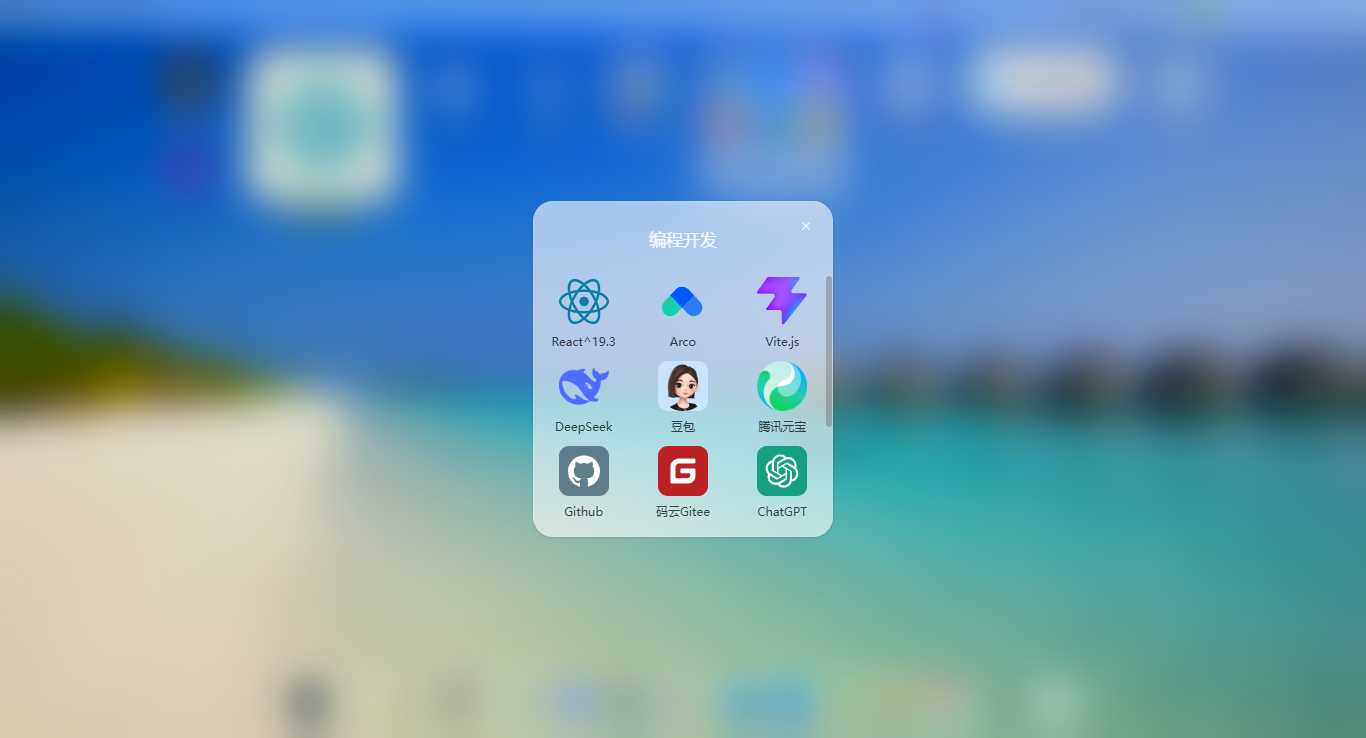
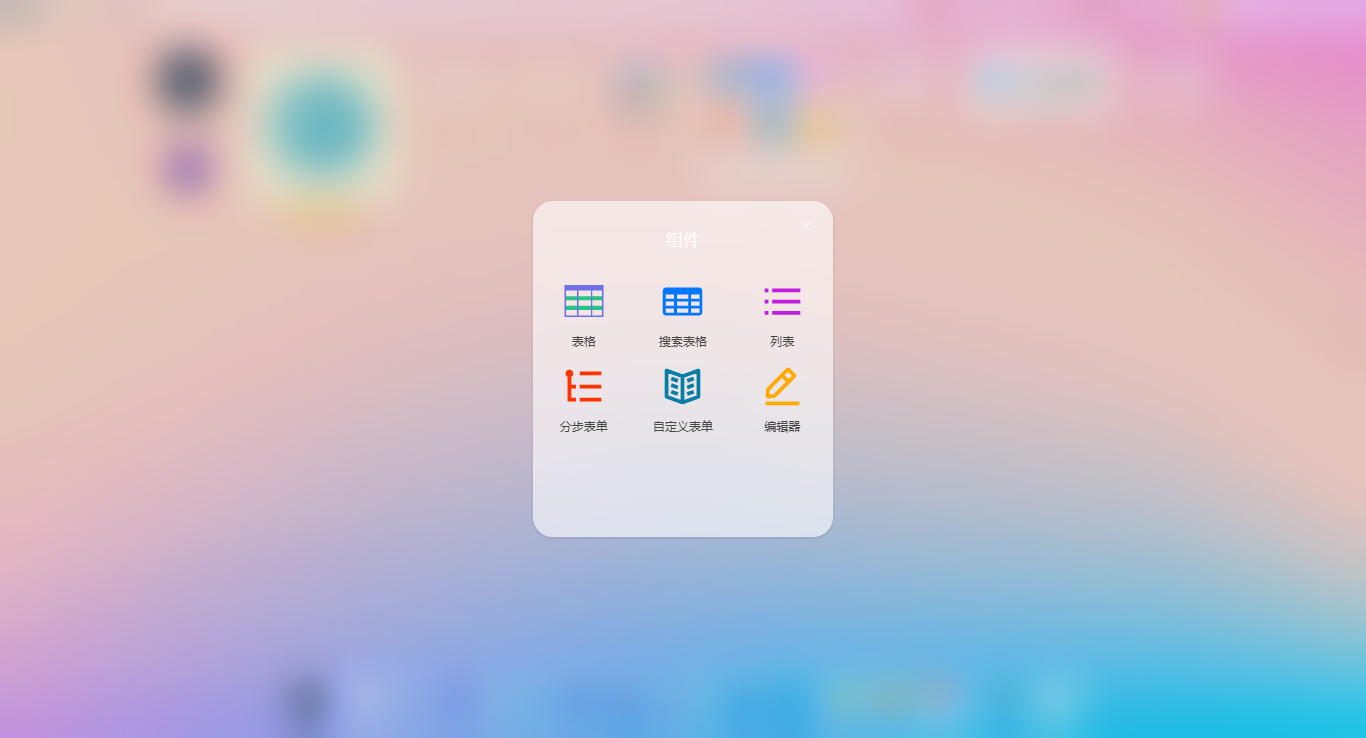
支持macOS和windows两种桌面风格。
/**
 * 桌面布局模板
 * @author andy
*/

import { useMemo } from 'react'
import { appStore } from '@/store/app'

// 引入布局模板
import Macos from './template/macos'
import Windows from './template/windows'

function Desktop() {
  const { config: { layout, skin } } = appStore()

  // 布局模板
  const DeskLayout = useMemo(() => {
    switch (layout) {
      case 'macos':
        return Macos
      case 'windows':
        return Windows
      default:
        return Macos
    }
  }, [layout])

  return (
    <div className='ra__container desktop flex-c' style={{'--themeSkin': skin}} onContextMenu={(e) => e.preventDefault()}>
      <DeskLayout />
    </div>
  )
}
/**
 * 桌面布局模板(macos风格)
*/

import './index.scss'

// 引入公共组件
import Toolbar from '@/layouts/components/Toolbar'
import Desk from './components/desk'
import Dock from './components/dock'

function Macos() {
  return (
    <div className="ra__layout flexbox flex-col">
      <div className='ra__layout-header'>
        <Toolbar />
      </div>

      <div className="ra__layout-body flex1 flexbox">
        <Desk />
      </div>

      <div className='ra__layout-footer'>
        <Dock />
      </div>
    </div>
  )
}
react-router-dom v7路由配置
采用集中式路由配置,支持json方式自定义桌面/dock菜单。
import { useEffect } from 'react'
import { useRoutes, Navigate, useLocation, matchRoutes } from 'react-router-dom'

import { authStore } from '@/store/auth'
import { loginWindow } from '@/windows/actions'

// 批量导入modules路由
const modules = import.meta.glob('./modules/*.jsx', { eager: true })
const patchRoutes = Object.keys(modules).map(key => modules[key].default).flat()

/**
 * 路由守卫组件
 */
export function AuthRouter({ children }) {
  const { pathname } = useLocation()
  const { isLogged } = authStore()

  // 获取匹配路由
  const matched = matchRoutes(routes, pathname)
  // 合并所有匹配路由的meta信息
  const { meta } = matched.reduce((acc, match) => {
    return {
      // 合并 meta 信息
      meta: {
        ...acc?.meta,
        ...match?.route?.meta
      }
    }
  }, {})

  useEffect(() => {
    if(!meta?.isAuth || ['/login', '/register'].includes(pathname)) return
    // 判断是否登录
    if(!isLogged) {
      loginWindow()
    }
  }, [pathname])

  // 判断当前路由是否需要访问权限
  if (!meta?.isAuth) return children

  return children
}

/**
 * meta配置
 * @param meta.isAuth 是否需要验证
 */
export const routes = [
  {
    path: '/',
    element: <Navigate to="/desktop" replace={true} />,
  },
  ...patchRoutes,
  // 404模块 path="*"不能省略
  {
    path: '*',
    element: <Navigate to="/error/404" />,
  }
]

const Router = () => useRoutes(routes)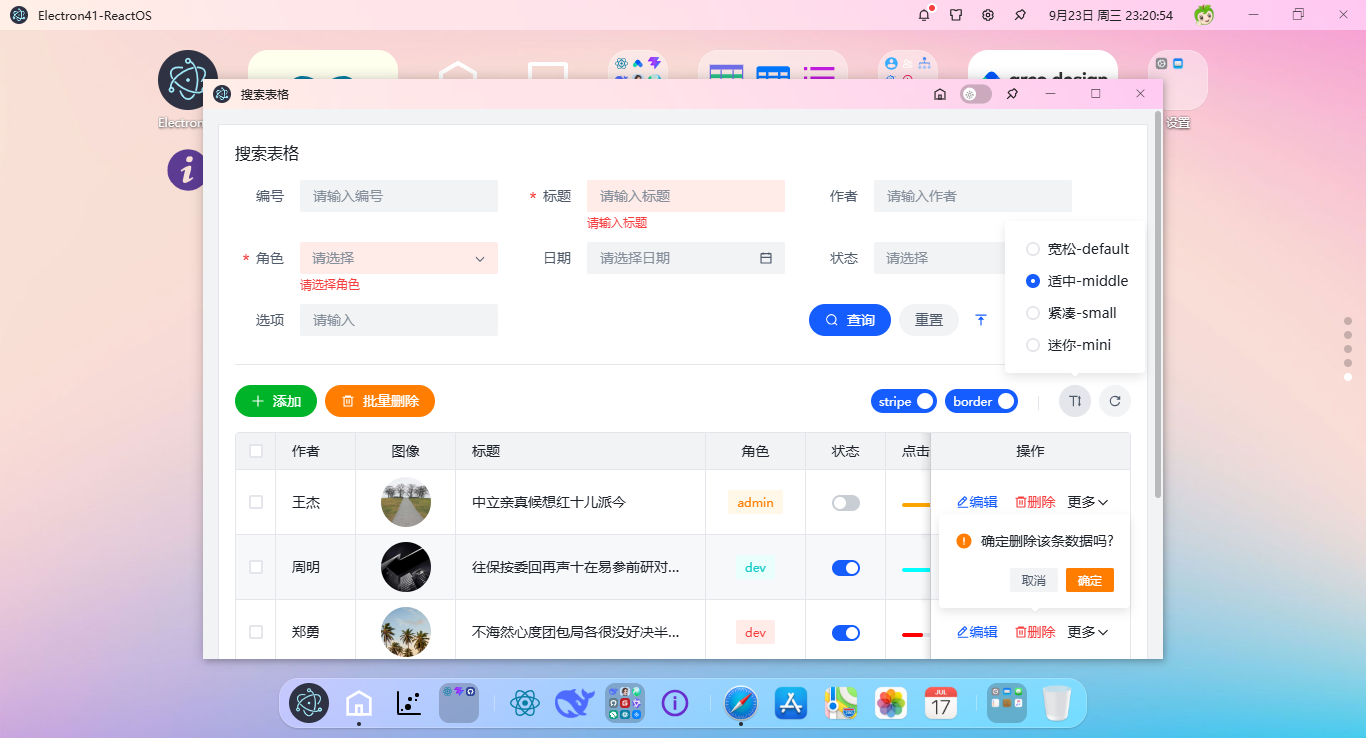
基于electron41+react19跨平台实战桌面版os管理系统就分享到这里,希望对大家有所帮助!
electron38-vite7-vue3os电脑端os管理系统
最新款flutter3.41 & dart3.11仿写抖音app
升级款vite8+vue3.5+arcoDesign网页端webOS桌面框架
Electron-React19-WinChat聊天系统|react+electron客户端聊天程序Exe
React19+Arco+Zustand仿macOS风格webOS桌面系统
最新版electron38-vite7-admin电脑端中后台管理系统
Electron38+Vite7+Pinia3+ElementPlus客户端聊天程序
基于React19+Arco+Zustand5接入DeepSeek-V4网页版仿豆包/Kimi流式AI系统
Vite8.0+Vue3.5+Arco深度对接DeepSeek网页版AI智能助手
uni-app+mphtml快速集成DeepSeek-V4智能ai应用
2026原创自研React19+Vite8+ArcoDesign+Zustand中后台管理系统框架模板
自研Vite8+NaiveUI+Vue3+Echarts后台管理系统
Flutter3.41实战AI:从零到一构建app版流式ai系统
Electron41 + Vite8打造流式输出客户端AI助手
原创声明:本文系作者授权腾讯云开发者社区发表,未经许可,不得转载。
如有侵权,请联系 cloudcommunity@tencent.com 删除。
目录
腾讯云开发者

Copyright © 2013 - 2026 Tencent Cloud. All Rights Reserved. 腾讯云 版权所有
深圳市腾讯计算机系统有限公司 ICP备案/许可证号:粤B2-20090059  粤公网安备44030502008569号
腾讯云计算(北京)有限责任公司 京ICP证150476号 | 京ICP备11018762号