中国站 - English
中国站
中国站 - English
International
Documentation
Log in
Console
Documentation
Console
Log in
4009 100 100
腾讯问卷
Only the Chinese version of this page is provided currently. The English version will be provided soon.
Help & Documentation
>
腾讯问卷
>
操作指南
>
题型说明
>
矩阵多选
矩阵多选
Last updated: 2026-06-29 12:01:02
On this page:
设置指引
效果展示
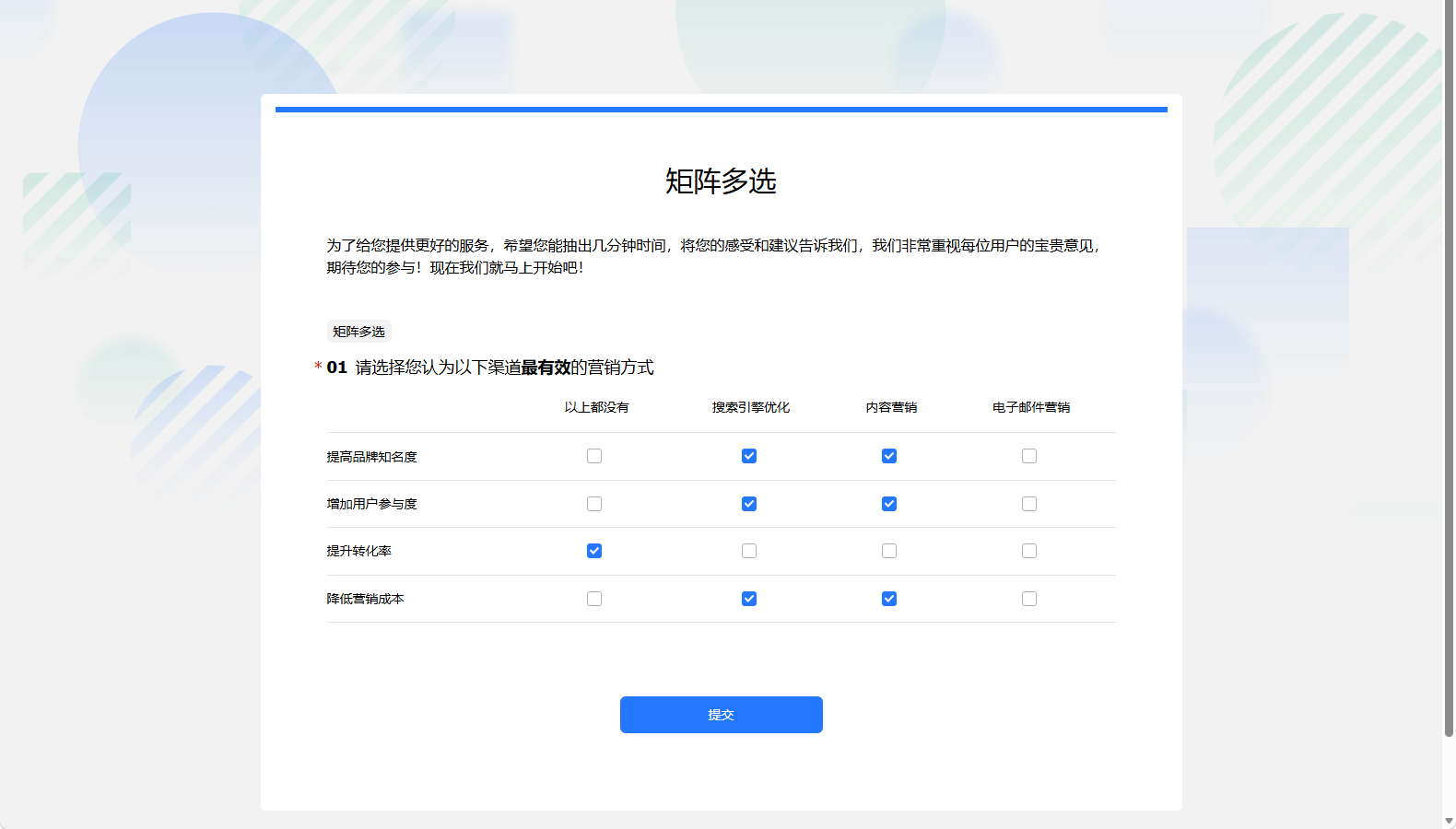
矩阵多选题是将同类的多个问题和答案排列成一个矩阵,由问卷受访者对比后进行多项选择,适用于进行多变量分析、研究产品特性及其关联因素等方面。
设置指引
1.
在
腾讯问卷工作台
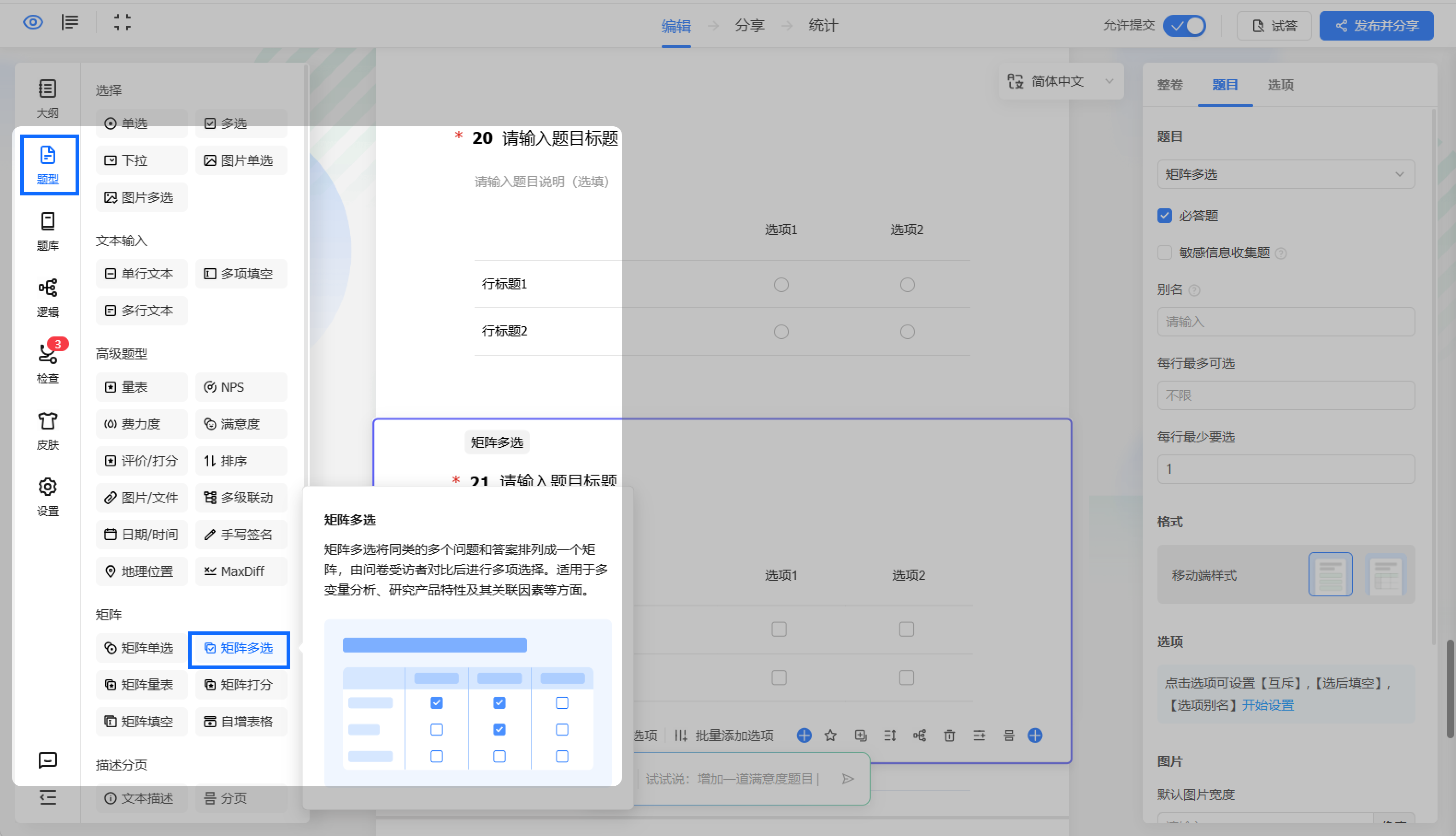
进入待设置的问卷,单击编辑页左侧
题型
,选择
矩阵多选。
2.
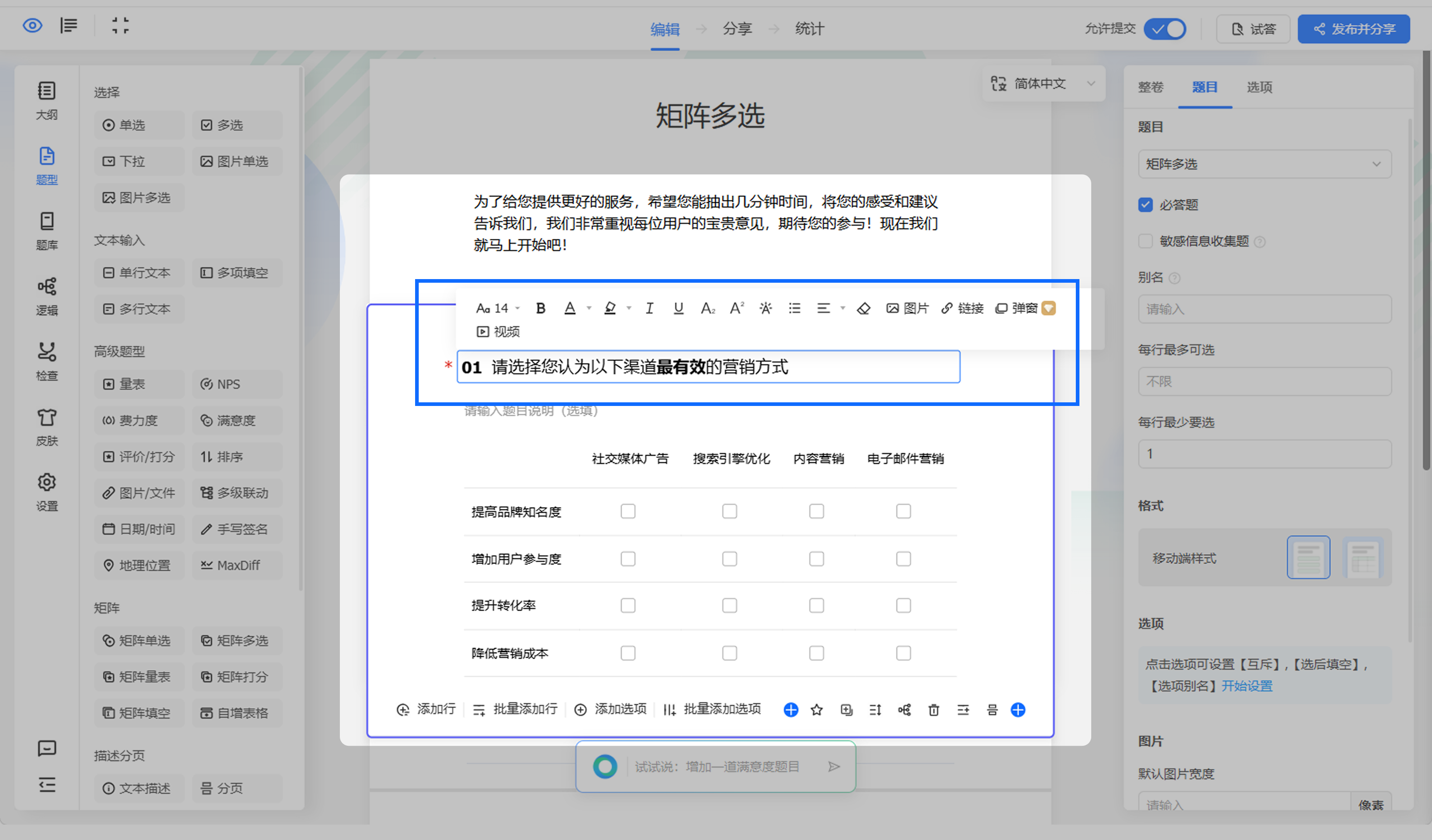
在编辑页中间编辑矩阵多选题目。
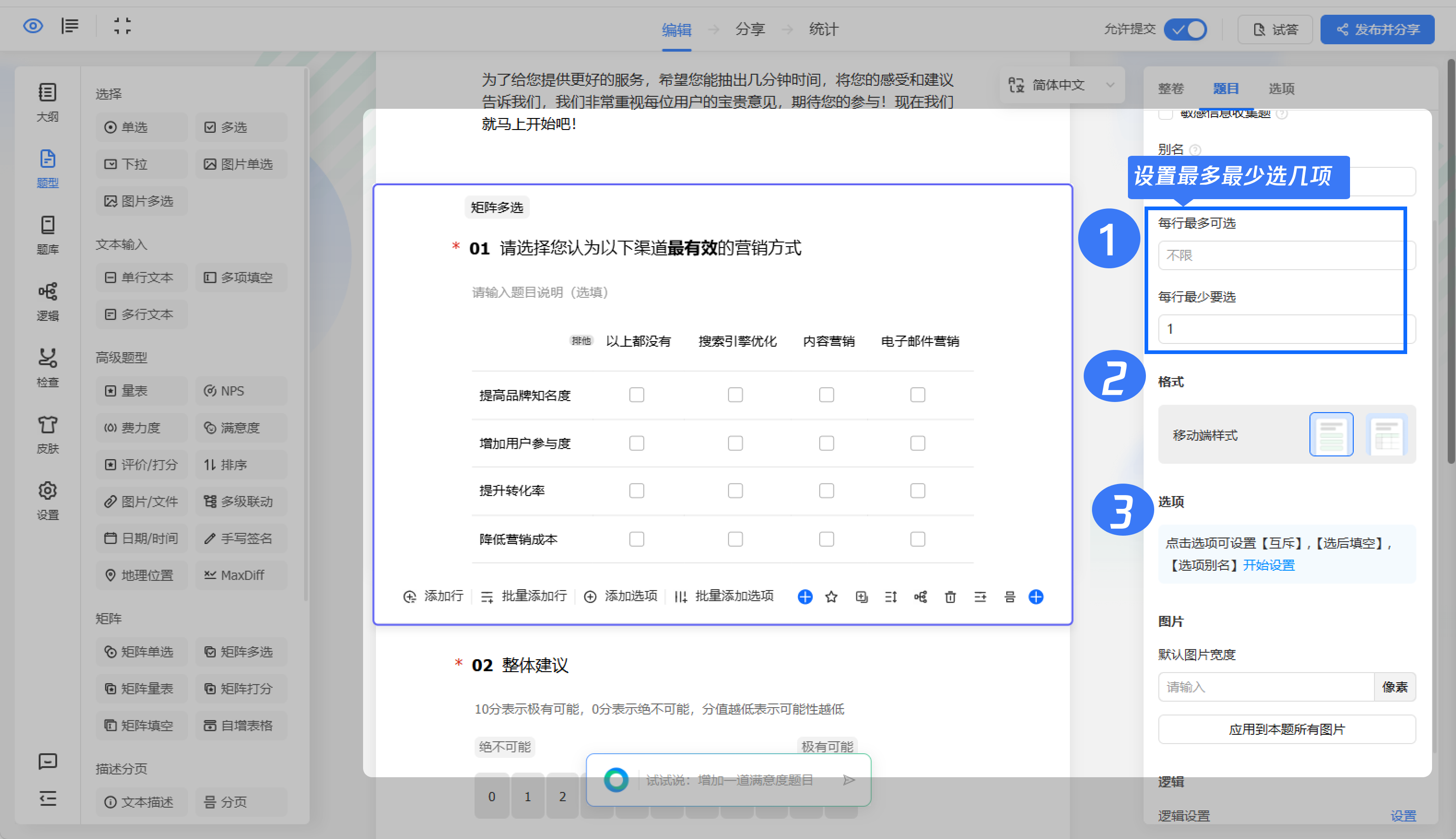
选中题目,在右侧设置
每行最多最少可选
、
移动端展示样式
、
选项互斥
、
填空等
。
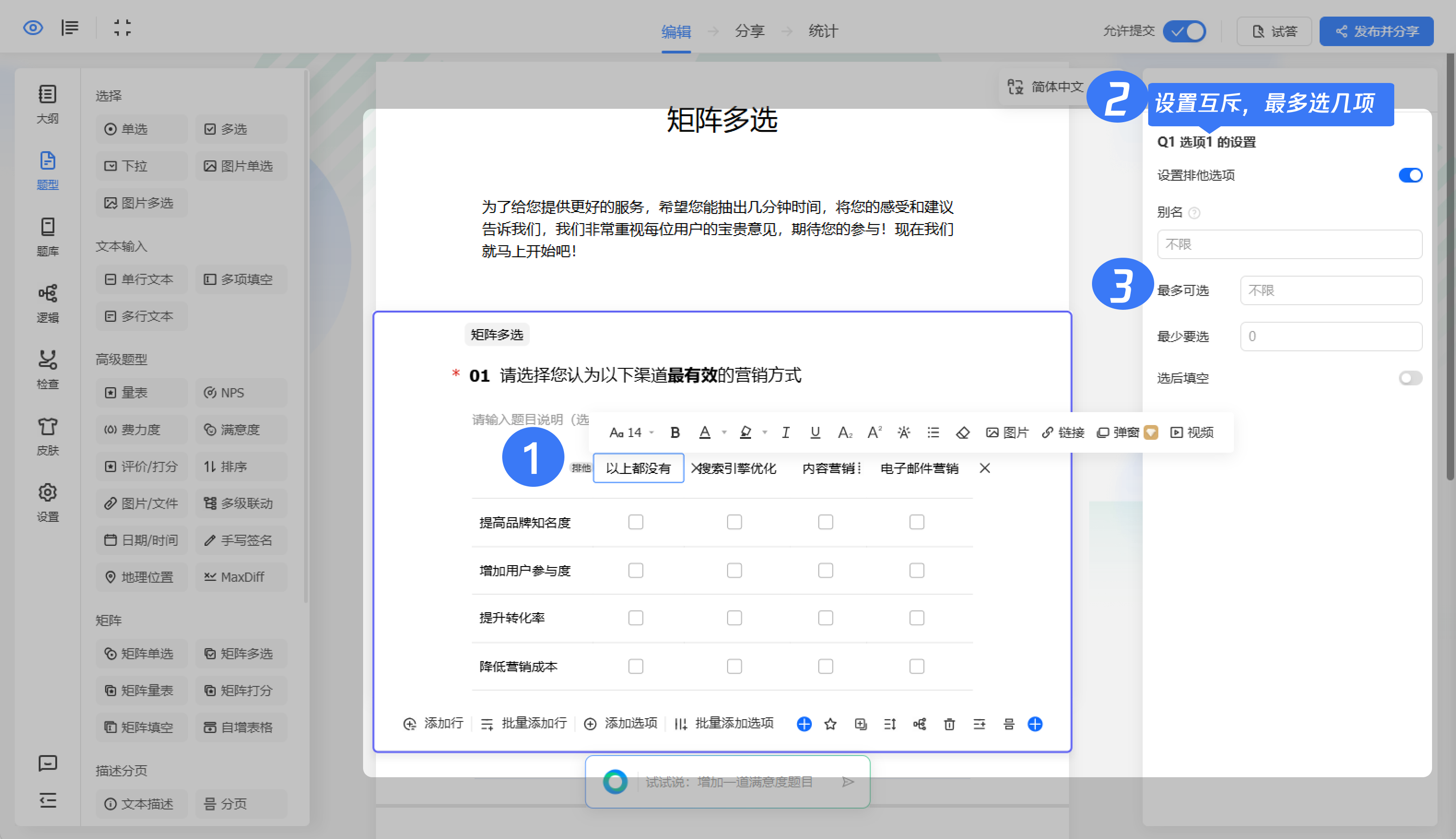
选中题目,选项可设置
最多可选
、
最少要选几项
。
效果展示
Previous: 矩阵单选
Next: 矩阵量表