What are Flow Logs?
Flow Logs provide a comprehensive, full-flow, non-intrusive traffic collection service, enabling real-time storage and analysis of network traffic. For example, you can use VPC Flow Logs to capture inbound and outbound traffic for Elastic Network Interfaces (ENIs), NAT Gateways, or Cross-region Cloud Connect Networks within a VPC to troubleshoot issues.
Note
Currently, flow logs for NAT gateways and cross-region traffic in Cloud Connect Networks are in beta testing. If you are interested, please submit a ticket to request access.
What is a Flow Log record?
A flow log record represents the network flow in your flow logs. Each record captures the network flow of a specific quintuple within a specific capture window. For more information, please refer to Flow Log Records.
What traffic will Flow Logs capture?
Flow Logs captures all traffic except the following:
Traffic generated by Windows instances for Windows license activation.
DHCP traffic.
What are some common Flow Logs use cases?
Rapid Identification of Network Issues
Rationally optimize network architecture
Promptly Detect Network Security Threats
What services do Flow Logs support?
Flow Logs support the collection of traffic for Elastic Network Interfaces (ENIs), NAT Gateways, and Cloud Connect Networks within a Virtual Private Cloud (VPC).
Flow Logs are currently not supported for Classic Network Cloud Virtual Machines, Databases, Gateways, or Peering Connections.
Can I edit a flow log’s configuration after creation?
After creating a Flow Log, you cannot change its storage location, collection type, or other configuration information. You can only modify the log name and tags. If you need to modify the configuration, you can delete the Flow Log and create a new one with the required settings.
Is Flow Logs free of charge?
FL is free of charge, but the data stored in CLS is charged according to CLS billing rules.
How do I use Flow Logs?
Why can't I see the log data after creating an ENI flow log?
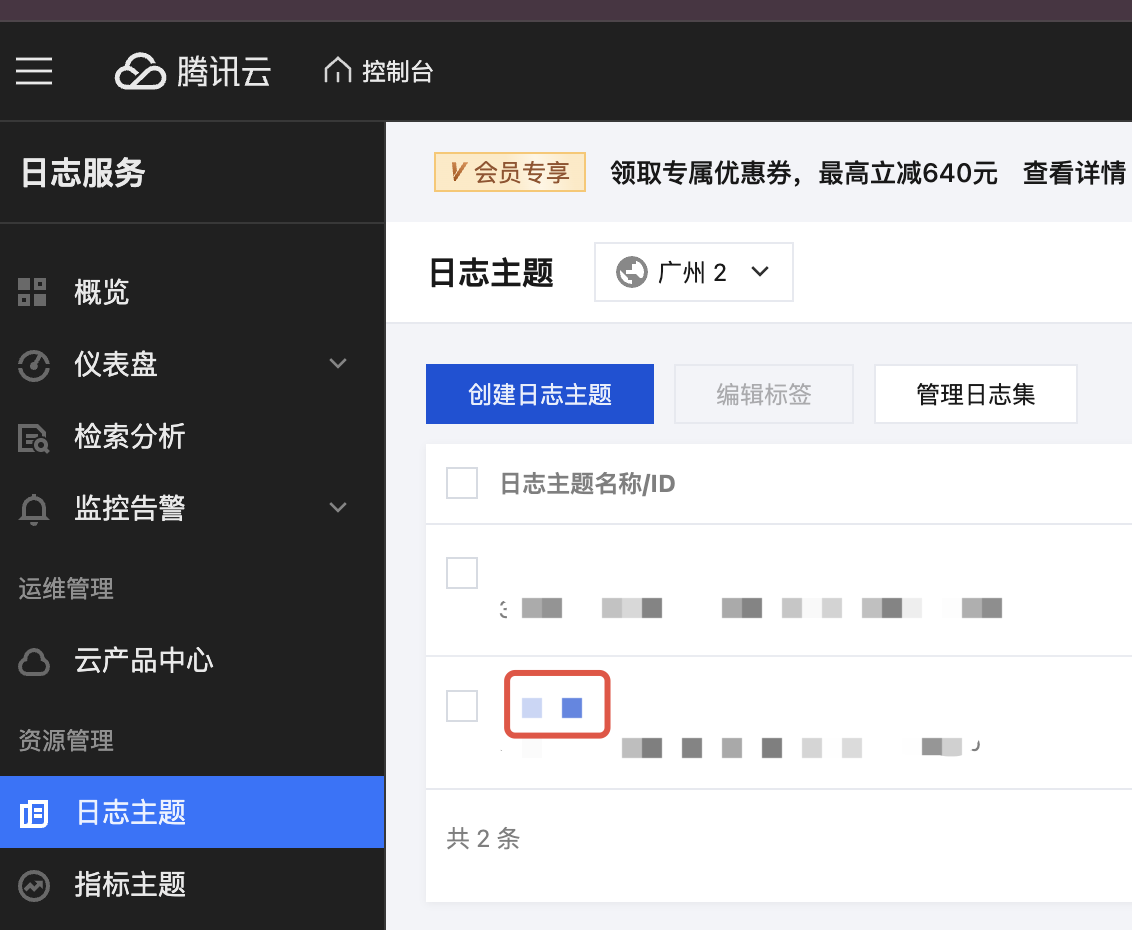
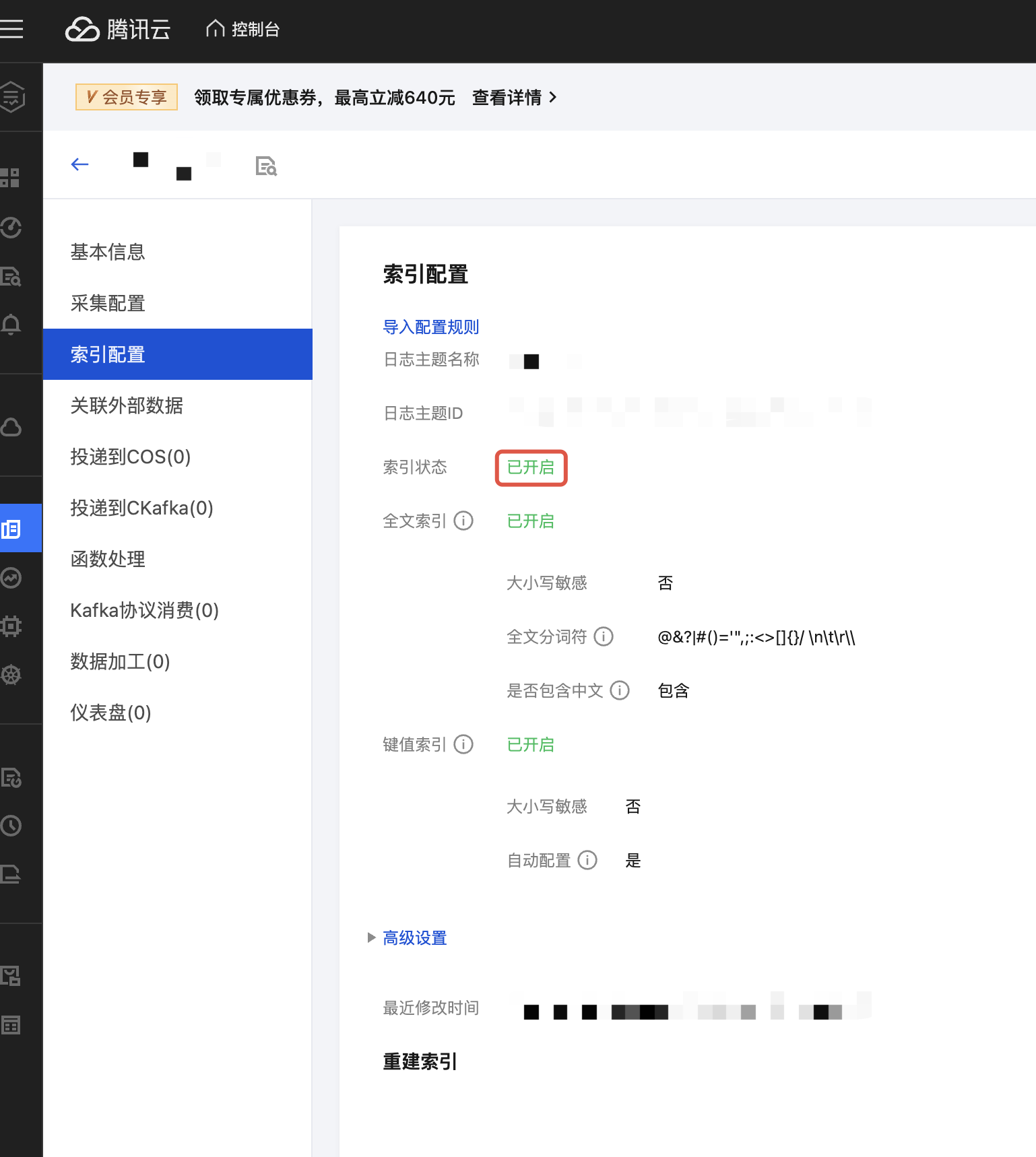
Flow log data is stored in Cloud Log Service (CLS). First, ensure that you have granted Flow Log access to CLS permissions. Next, if you selected a log topic without the "Flowlog" identifier when creating the flow log, you need to go to the "Index Configuration" tab on the log topic details page and confirm that the "Index Status" is "Enabled" to query log data in CLS.
Log topics without the "Flowlog" identifier:
Index status must be "Enabled":