The content of this page has been automatically translated by AI. If you encounter any problems while reading, you can view the corresponding content in Chinese.
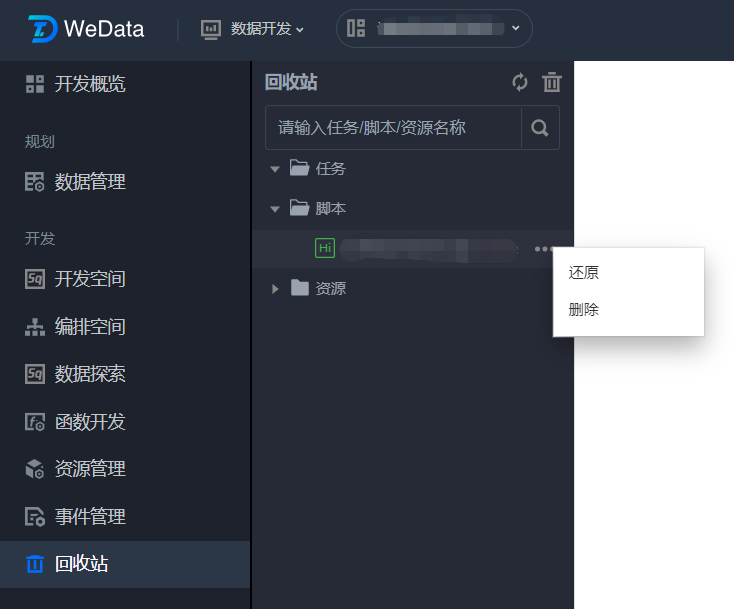
The Recycle Bin supports recovering deleted scripts, tasks, and resources from Development Space, Orchestration Space, and Resource Management, categorized into different directories.
2. Click Project List on the left side, select the corresponding project, and click to enter the Data Development module.
3. Click Recycle Bin in the left menu and then click Recycle Bin to view deleted tasks under the current project. You can view task details, restore tasks, or delete tasks as shown below:
4. By clicking the
icon on the right side of the Recycle Bin, you can also empty the Recycle Bin directly.
Note:
Deleted resources can only be seen in the Recycle Bin by the corresponding owner.