Deleting a user pool

Last updated: 2023-09-04 10:32:03

Scenario

The Account Risk Control Platform supports multiple user directories. If an administrator no longer requires one or more of these directories, they can be removed by deleting the user directory.
Note
Deleting a user directory will erase all data within it, including users, custom attributes, user groups, applications, authentication sources, and all other information. Please proceed with caution.

Preparations

Before deleting a user directory, any active applications must be closed.

Instructions

1. Log in to the Account Risk Control Platform Console, select Overview from the left sidebar to navigate to the Overview page.
2. On the Overview page, click on Manage User Directory at the top right of the interface to enter the User Directory Management Details page.

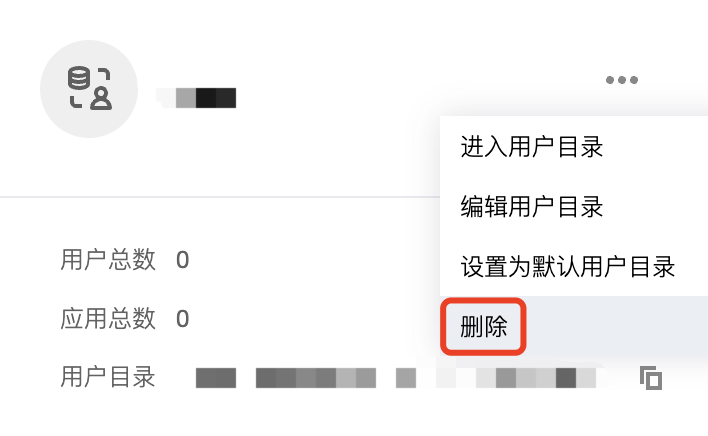
3. On the User Directory Management Details page, click

, then select Delete.
Note
If operation protection has been enabled on the Security Settings page in the Account Center, a second verification of identity will be required when deleting a user directory. Within half an hour of passing the second verification, subsequent deletions will not require another round of verification.

4. In the "Confirm Deletion" pop-up window, click OK to complete the deletion of the user directory.