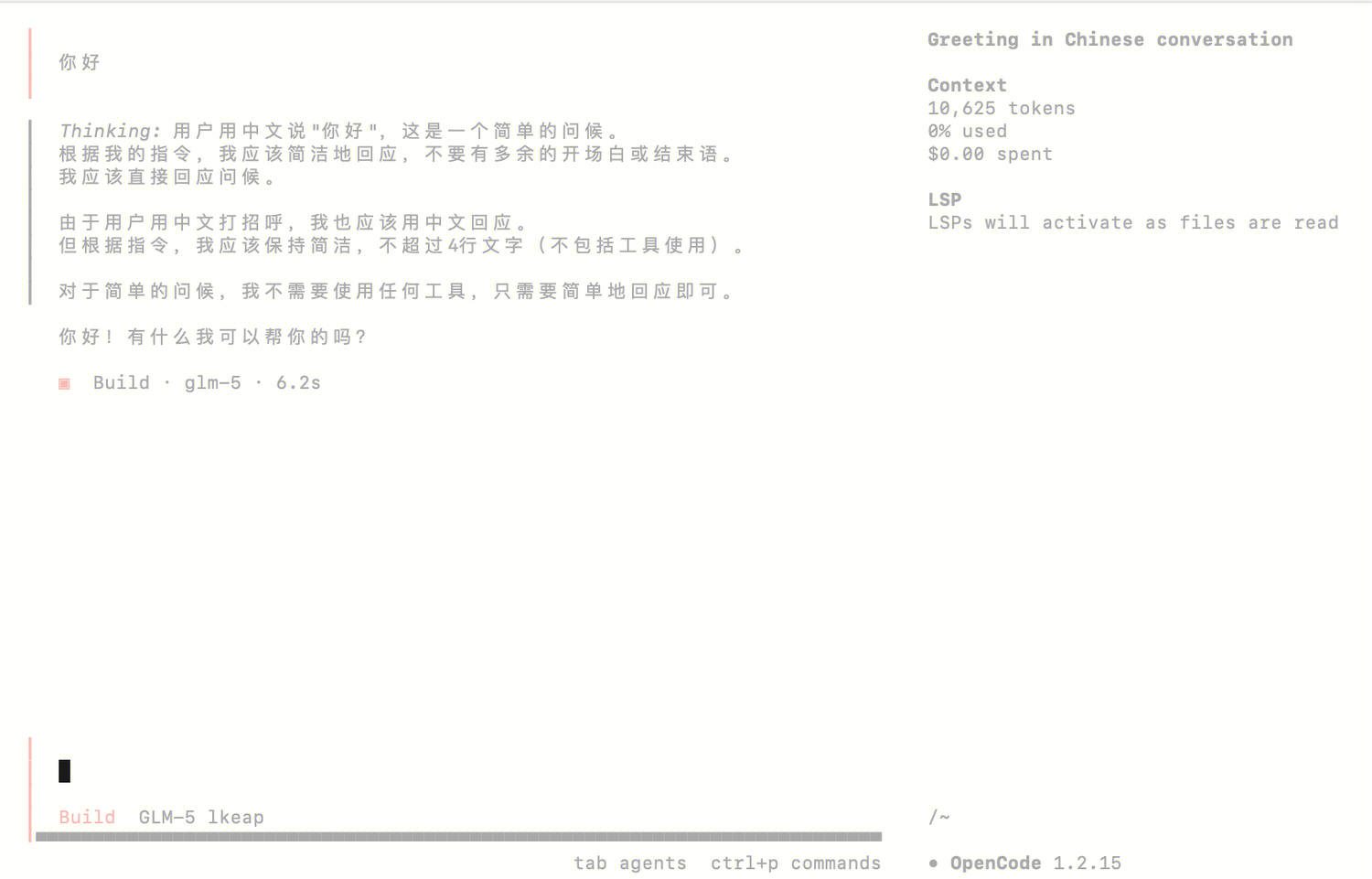
OpenCode 是一款开源的 AI 编程代理工具,提供终端界面、桌面应用和 IDE 扩展等多种使用方式。本文介绍如何在 OpenCode 中配置与使用腾讯云大模型 Coding Plan。
前置条件
安装 OpenCode
npm install -g opencode-ai
安装完成后,您可以执行如下命令检查,输出版本号则表示安装成功。
opencode -v
配置 Coding Plan
您需要按照下面的示例修改 OpenCode 的配置文件,配置文件路径如下,配置文件不存在时新建即可。
macOS / Linux:
~/.config/opencode/opencode.json。Windows:
C:\\Users\\<用户名>\\.config\\opencode\\opencode.json。说明:
请您将 <USER_API_KEY> 替换为 Coding Plan 专属的 API Key。
{"$schema": "https://opencode.ai/config.json","provider": {"myprovider": {"npm": "@ai-sdk/openai-compatible","name": "lkeap","options": {"baseURL": "https://api.lkeap.cloud.tencent.com/coding/v3","apiKey": "<USER_API_KEY>"},"models": {"tc-code-latest": {"name": "Auto","modalities": {"input": ["text"],"output": ["text"]},"options": {"thinking": {"type": "enabled","budgetTokens": 8192}},"limit": {"context": 196608,"output": 32768}},"minimax-m2.5": {"name": "MiniMax-M2.5","modalities": {"input": ["text"],"output": ["text"]},"options": {"thinking": {"type": "enabled","budgetTokens": 8192}},"limit": {"context": 196608,"output": 32768}},"kimi-k2.5": {"name": "Kimi-K2.5","modalities": {"input": ["text"],"output": ["text"]},"options": {"thinking": {"type": "enabled","budgetTokens": 8192}},"limit": {"context": 262144,"output": 32768}},"glm-5": {"name": "GLM-5","modalities": {"input": ["text"],"output": ["text"]},"options": {"thinking": {"type": "enabled","budgetTokens": 8192}},"limit": {"context": 202752,"output": 16384}}}}}}
使用 OpenCode
执行如下命令启动 OpenCode:
opencode
输入
/models,选择配置的模型并在 OpenCode 中使用。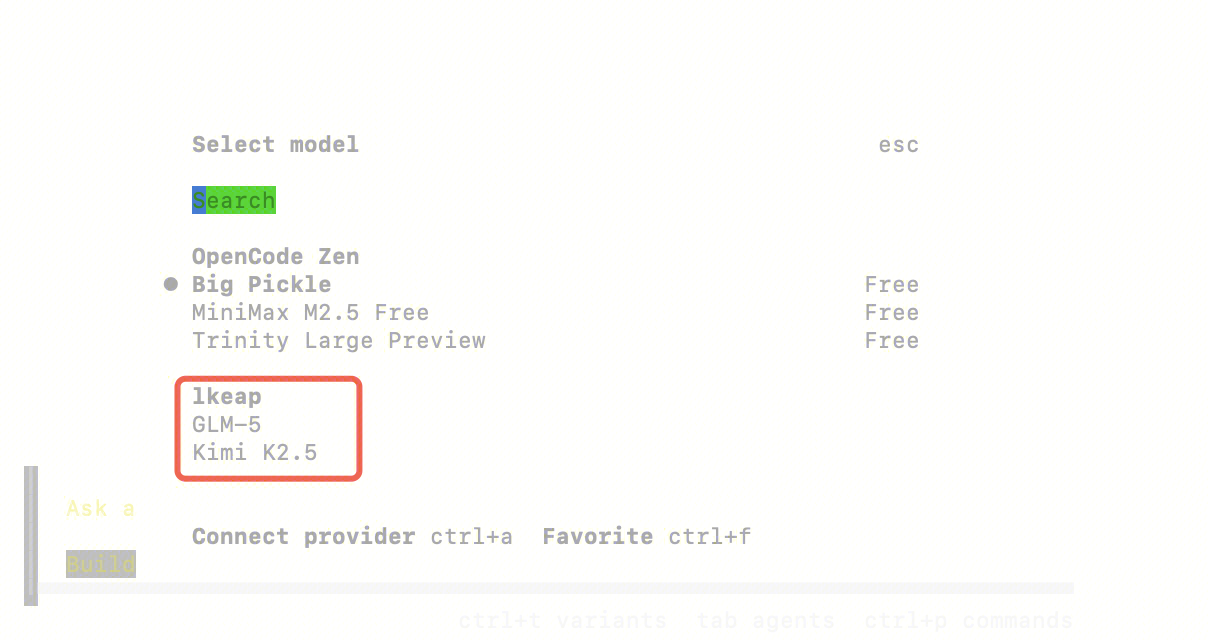
完成上述配置后,即可开始使用 OpenCode。