The content of this page has been automatically translated by AI. If you encounter any problems while reading, you can view the corresponding content in Chinese.

Security Setting

Last updated: 2025-02-06 16:34:08

To ensure your account security, Tencent Cloud SMS platform provides monitoring capability against Captcha abuse. You can set up Captcha abuse monitoring on the Application Management Security settings page, which can effectively prevent Captcha abuse, ensuring the security of your funds and the stability of your business.

Captcha Anti-Fraud Monitoring Settings

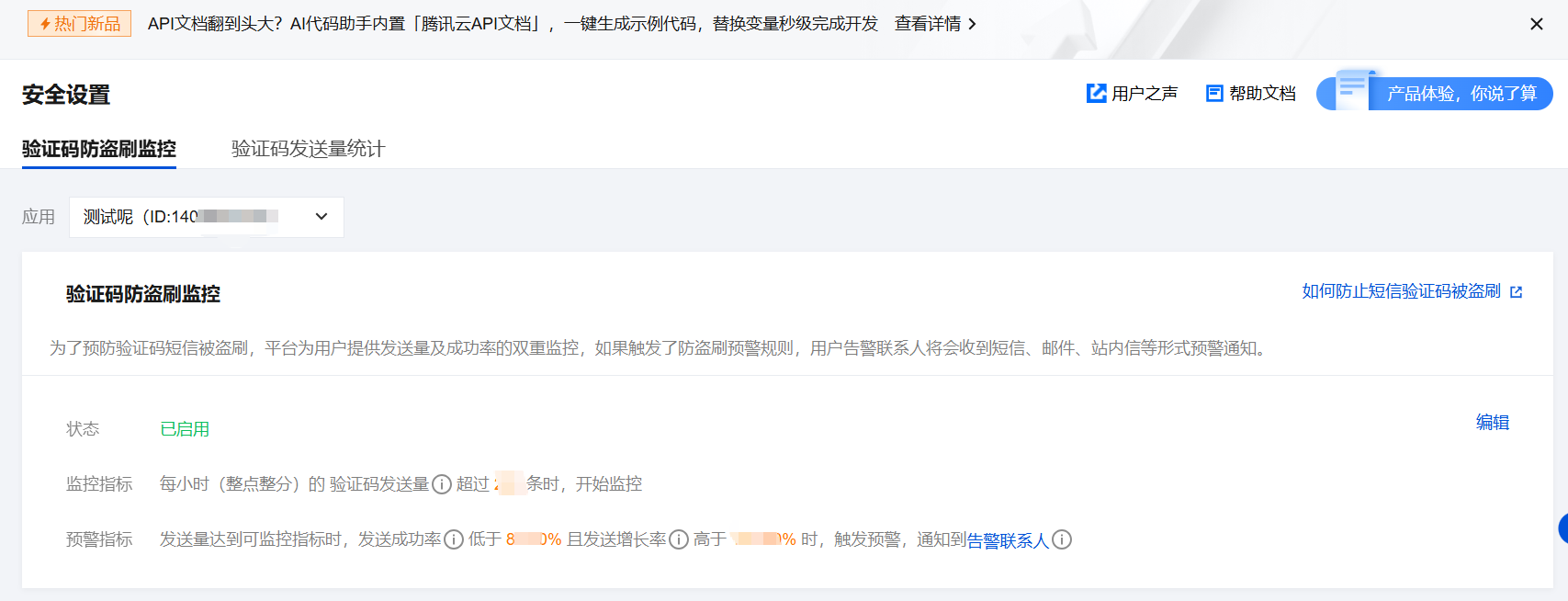
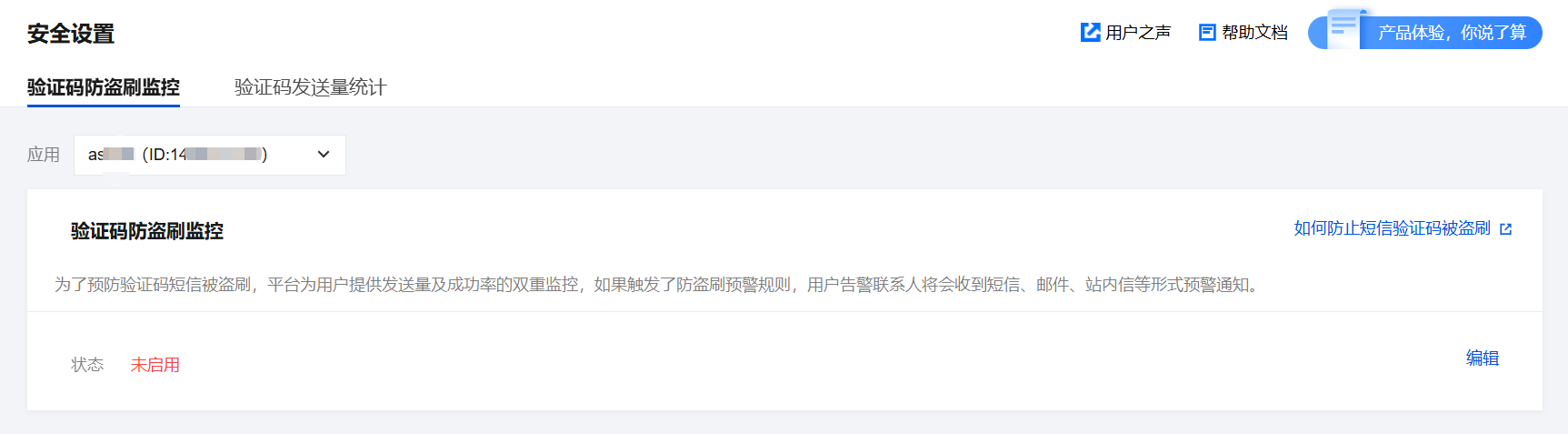
On the Security settings page, select Captcha Abuse Monitoring. You can set the Captcha abuse alarm threshold for each application based on actual needs.


Operation Steps

Step 1: Log In To the Console

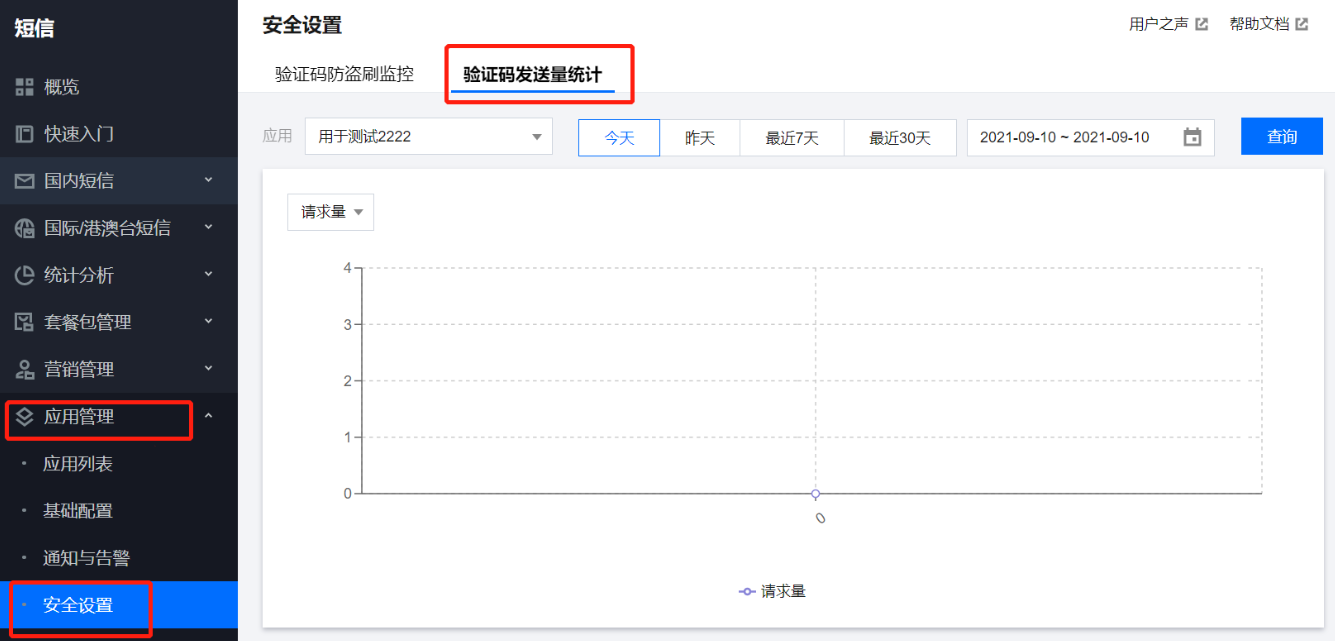
Log in to the SMS Console. In the left navigation pane, select Application Management > Security settings to enter the Captcha Abuse Monitoring security settings details page.


Step 2: Select an Application

Select Current Application as the target application to be operated.

Step 3: Set the Threshold

Click Security settings area Settings, you can enter the corresponding alert threshold based on actual needs. Click OK to save.

Step 4: Complete the Setup

After the settings are successfully configured, if the Captcha SMS request volume, sending success rate, and growth rate compared to the same period yesterday all reach the threshold you set, an alarm notification will be sent to the preset Alarm Contacts.
Description
Captcha SMS: Refers to messages whose content template includes the words "Captcha" or "code".
Sending success rate: The number of successful Captcha SMS sent per hour (on the hour) divided by the total number of Captcha SMS sent.
Sending growth rate: (The number of SMS sent each hour (on the hour) of the current day - the number of SMS sent during the same period the previous day) / the number of SMS sent during the same period the previous day.

Captcha Sent Amount Statistics

On the Security Setting page, select Captcha Sending Volume Statistics, you can view the request volume, success volume, sending success rate, and sending growth rate of Captcha SMS for each application.


References

If you have any queries, please contact Tencent Cloud SMS Assistant, and a dedicated person will answer your questions.