操作场景
本文档将介绍启用流水线后,如何把业务正在使用的制品与包管理工具关联至 TAPD。
制品与包管理依赖于已关联的持续集成服务,请确保您的业务环境已有符合条件的管理工具,目前支持基于 Nexus 的工具关联。
在持续集成服务中配置 Nexus
1. 安装 nexus-artifact-uploader 插件。
操作路径:系统管理 > 插件管理 > 可选插件,搜索 nexus-artifact-uploader 插件并安装。

2. 使用 nexus-artifact-uploader 上传制品到 Nexus。
下文将介绍通过 nexus-artifact-uploader 工具,分别以 Freestyle、Pipeline 两种模式向 Nexus 上传制品的具体实现方式。以下仅为示例配置,请根据实际情况填写。
使用 Freestyle project,在 Build Steps 中选择 Nexus artifact uploader 并填写相关配置。
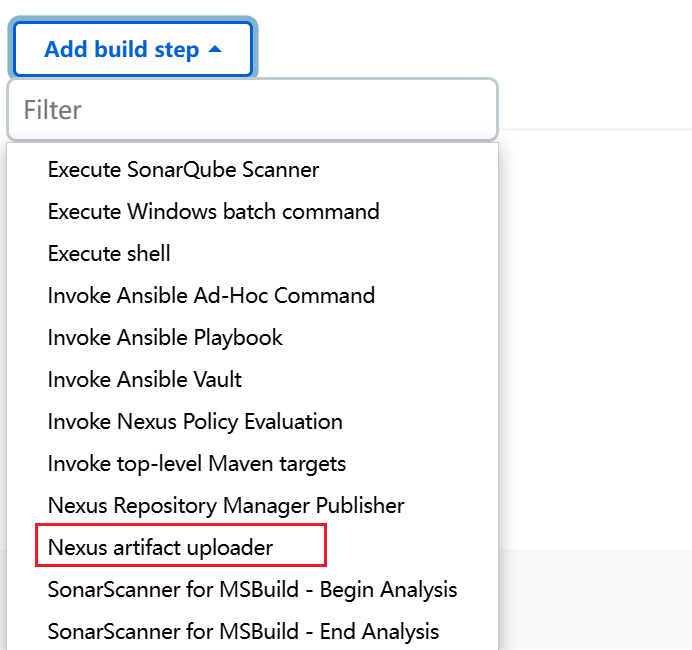
示例配置如下:
freeStyleJob('NexusArtifactUploaderJob') {steps {nexusArtifactUploader {nexusVersion('nexus2')protocol('http')nexusUrl('localhost:8080/nexus')groupId('sp.sd')version('2.4')repository('NexusArtifactUploader')credentialsId('44620c50-1589-4617-a677-7563985e46e1')artifact {artifactId('nexus-artifact-uploader')type('jar')classifier('debug')file('nexus-artifact-uploader.jar')}artifact {artifactId('nexus-artifact-uploader')type('hpi')classifier('debug')file('nexus-artifact-uploader.hpi')}}}}
如使用 Pipeline,则在 Pipeline 中添加如下配置:
nexusArtifactUploader(nexusVersion: 'nexus3',protocol: 'http',nexusUrl: 'my.nexus.address',groupId: 'com.example',version: version,repository: 'RepositoryName',credentialsId: 'CredentialsId',artifacts: [[artifactId: projectName,classifier: '',file: 'my-service-' + version + '.jar',type: 'jar']])
在 TAPD 中查看构建制品
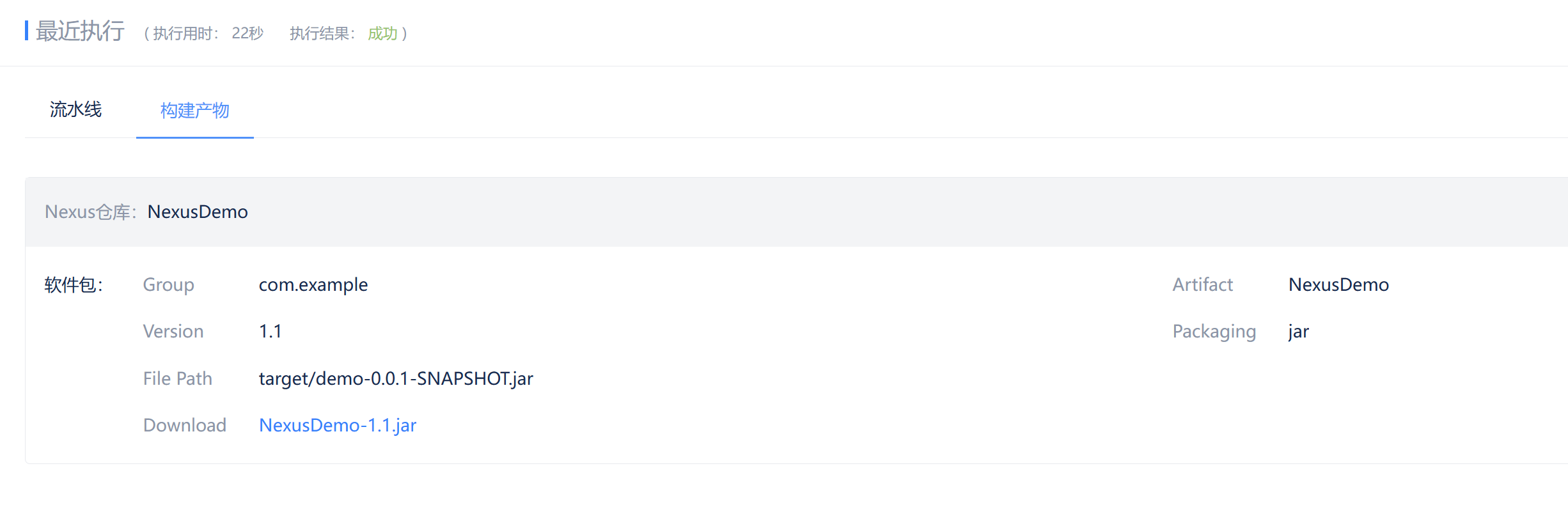
进入目标项目下的流水线应用,选择配置了包管理步骤的构建任务,即可查看构建产物信息。