For proper functionality of the Cloud GPU Service, installing the correct driver is essential. If you need to upgrade the GRID driver or uninstall the current driver for any reason, ensure the newly installed driver matches your instance specifications, operating system, and business requirements. This helps avoid risks of business disruptions caused by driver mismatches.
Notes:
NVIDIA rendering GPU instances include physical passthrough card instances (full GPUs) and vGPU instances (fractional GPUs, such as 1/4 GPU).
Physical passthrough GPUs can use the GRID driver to support rendering scenarios or the Tesla driver to enable computing scenarios.
vGPUs can only use specific versions of the GRID driver to support different scenarios.
Operation Steps
Windows
TencentOS Serve/CentOS
Ubuntu
Taking Tencent Cloud operating systems Windows Server 2019 and Windows Server 2022 as examples.
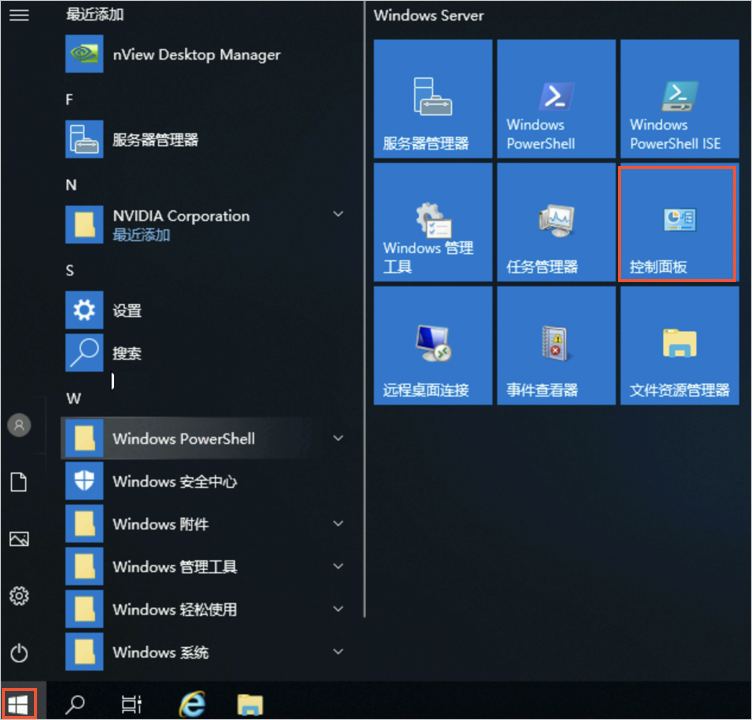
1. Open the control panel.
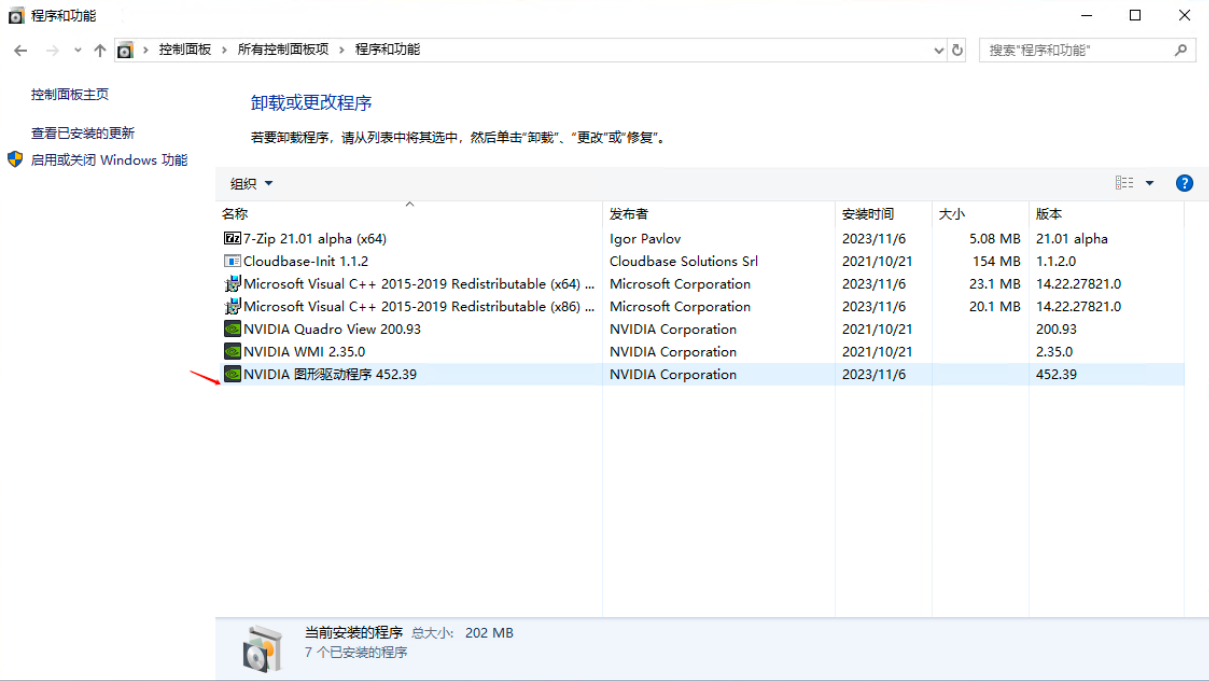
2. In the Control Panel dialog box, click Uninstall a program in the Programs section. In Control Panel > Uninstall a program, right-click the Tesla driver you need to uninstall, then click Uninstall.
3. After the uninstallation is complete, restart the instance as instructed. After restarting, the GRID driver will be successfully uninstalled.
Taking Tencent Cloud operating system TencentOS Server 3.1 (TK4) as an example.
1. Execute the following commands with root permissions to uninstall the GRID driver and restart the instance.
nvidia-installer --uninstall -s
dracut --force &&reboot
2. After restarting and logging in to the instance, execute the following command to confirm that no NVIDIA kernel modules are present.
lsmod |grep nvidia
The following output indicates that the uninstallation was successful.
Taking Tencent Cloud operating system TencentOS Server 3.1 (TK4) as an example.
1. Log in to the instance, execute the following command to uninstall the GRID driver, and then restart the instance.
sudo nvidia-installer --uninstall -s
sudo update-initramfs -u &&reboot
2. After restarting and logging in to the instance, execute the following command to confirm that no NVIDIA kernel modules are present.
lsmod |grep nvidia
The following output indicates that the uninstallation was successful.