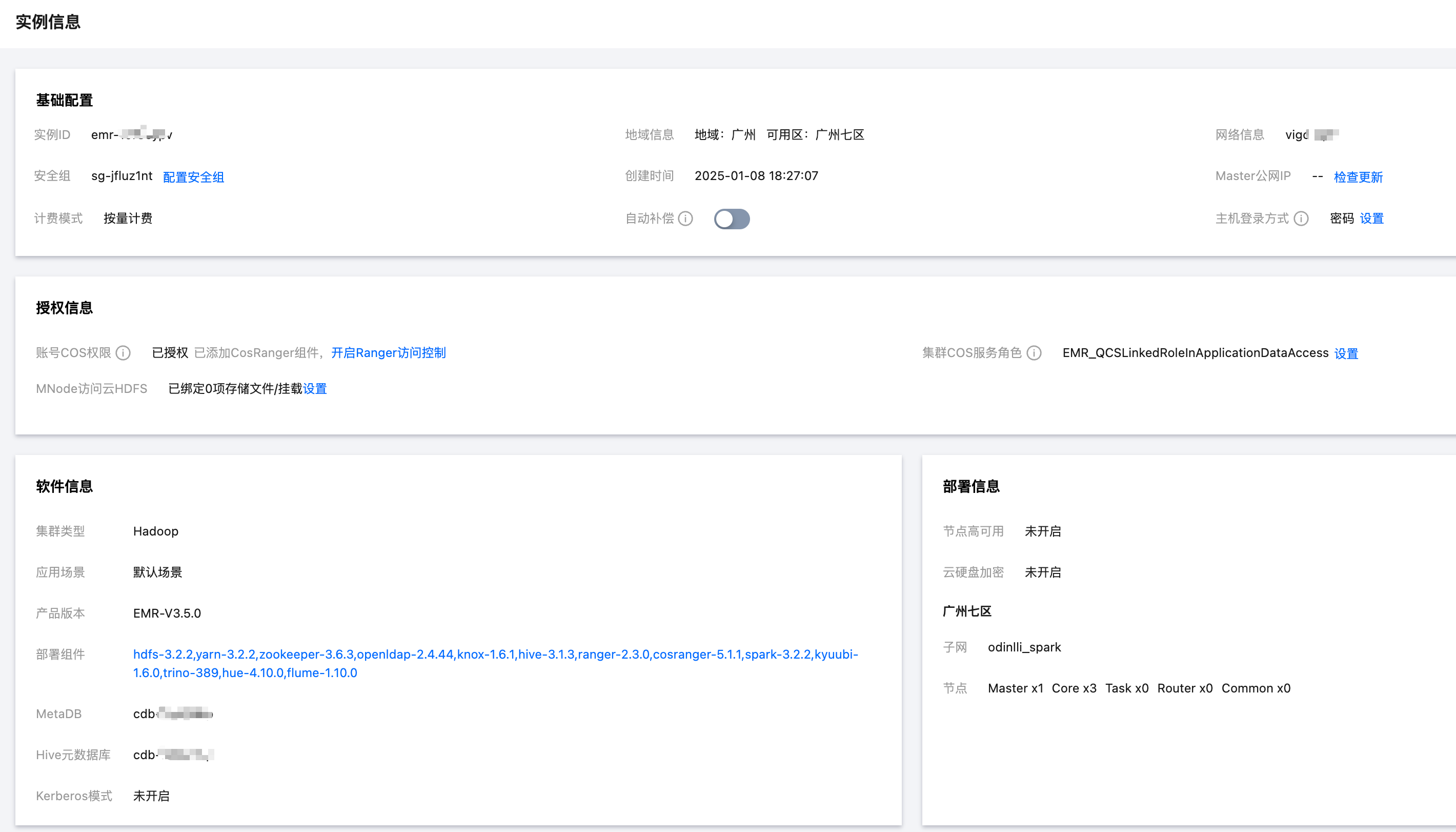
Instance information is a record of the fundamental details of a user's EMR cluster. Users can view the basic configuration, software information, and deployment details of the cluster on the instance information page.
The basic configuration displays the fundamental details of the cluster, such as network information, creation time, security group, master public IP, billing mode, host login method, whether an automatic service role has been set, and if object storage (COS) has been enabled.
The software information displays the cluster type, application scenario, product version, deployment components, MetaDB, Hive metadata database, and whether the Kerberos mode has been enabled.
The deployment information displays the quantity details of each node type.
This document provides guidance on how to view cluster instance information via the console.
Instructions
1. Upon successful creation of the cluster, log in to the EMR Console and click on the ID/Name of the cluster you wish to manage from the cluster list page.
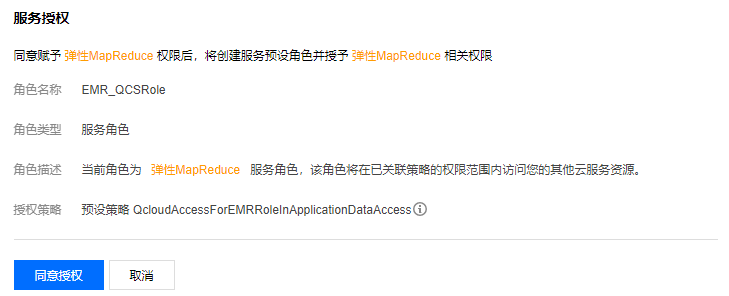
2. If the current cluster has not enabled object storage, you can click on Authorize to grant permission.
Click on Grant to complete the authorization process.
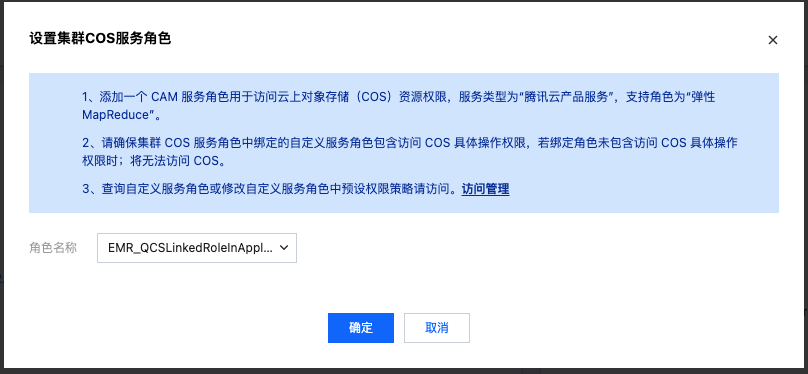
For more granular authorization, you can set a custom service role for accessing cloud resources during big data job execution. The custom service role type is "Tencent Cloud Product Service", with "Elastic MapReduce" as the supported role service.
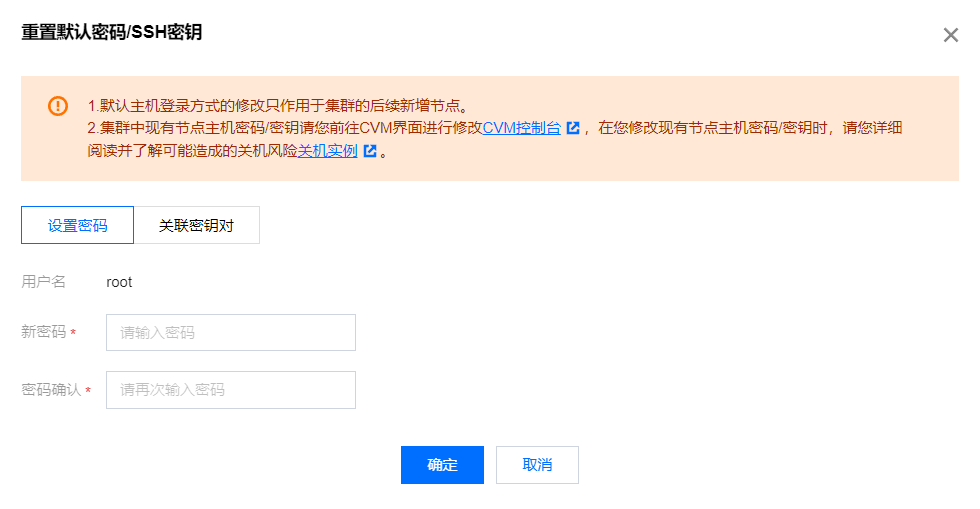
If you need to change the cluster node login password or method after expansion, click on Comfirm to modify the host login method.
Note
The login method set during the initialization of the EMR cluster node host only applies to newly created nodes after the cluster has been established.
Please go to the CVM interface to modify the existing node host password/key in the cluster CVM console. When you modify the existing node host password/key, please read and understand the potential risks of shutting down Shutdown Instance.