
在Xamarin Forms UITextView中使用UIStringAttributes时,如何获得iOS的线条高度?
在Xamarin Forms UITextView中使用UIStringAttributes时,如何获得iOS的线条高度?
提问于 2022-07-27 19:58:47
设置UIStringAttributes.Font有问题。
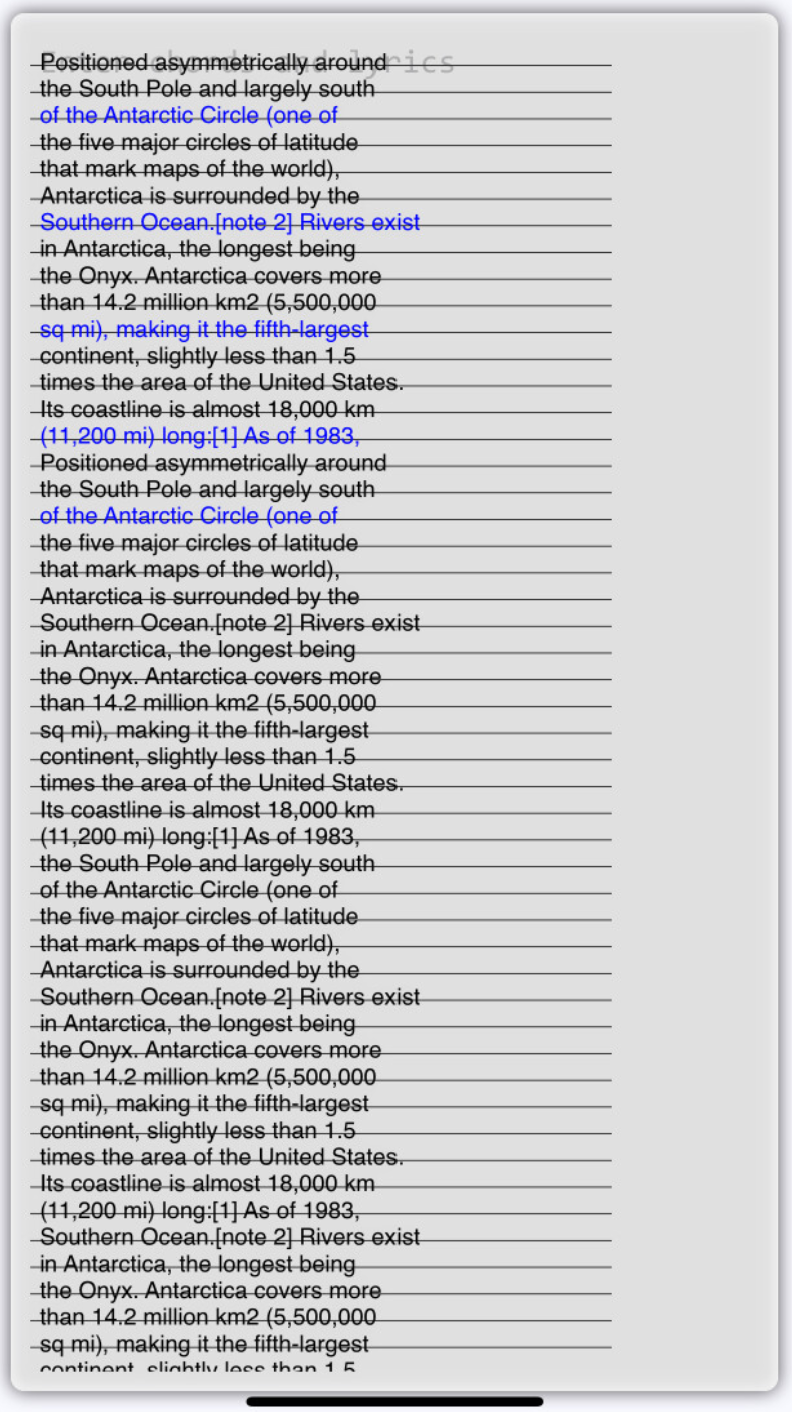
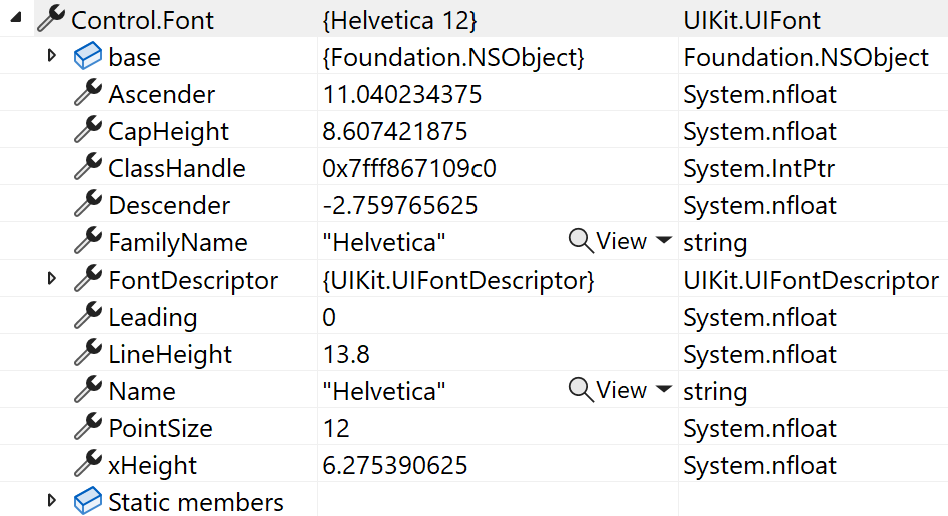
在设置它之前,系统默认为Helvetica 12 it ,线条高度为13.8。
如下图所示,这条线的高度似乎是准确的:
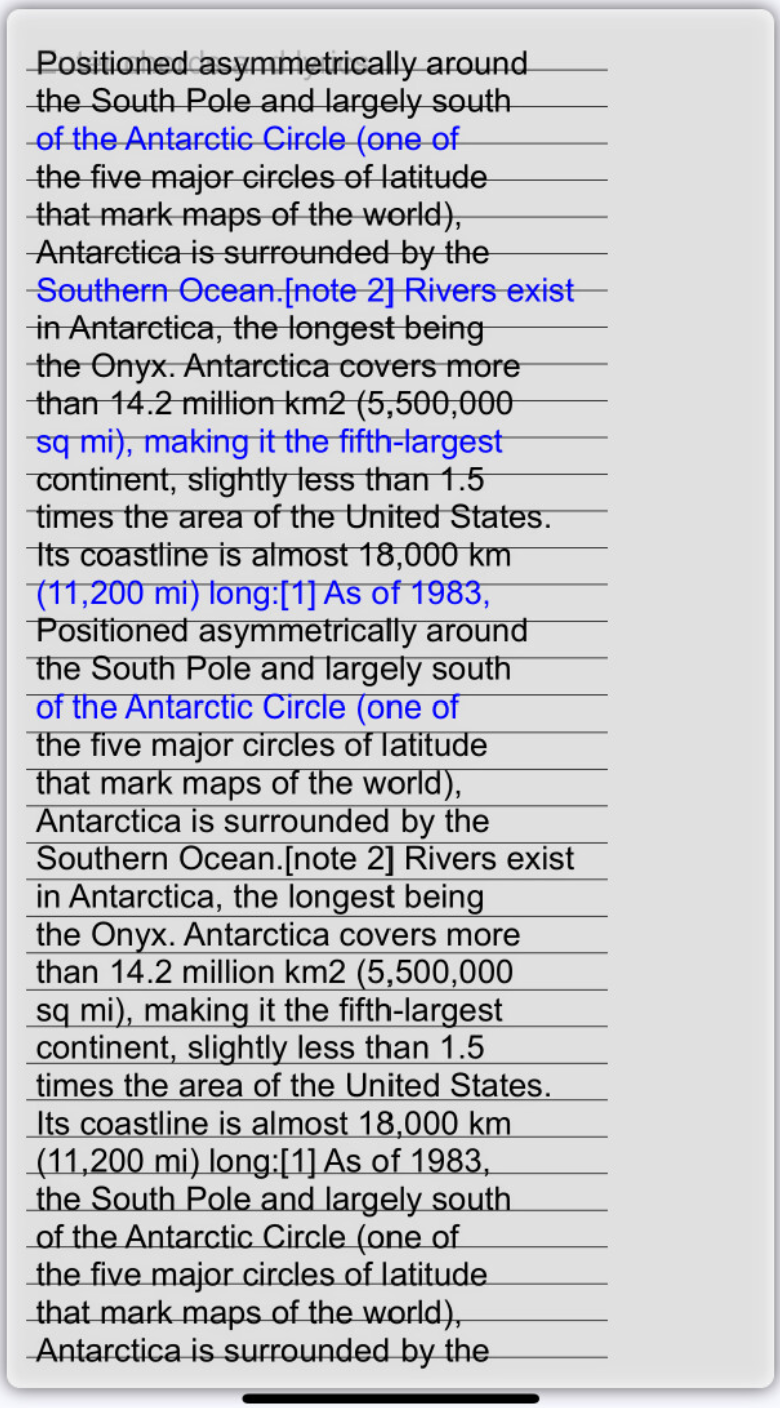
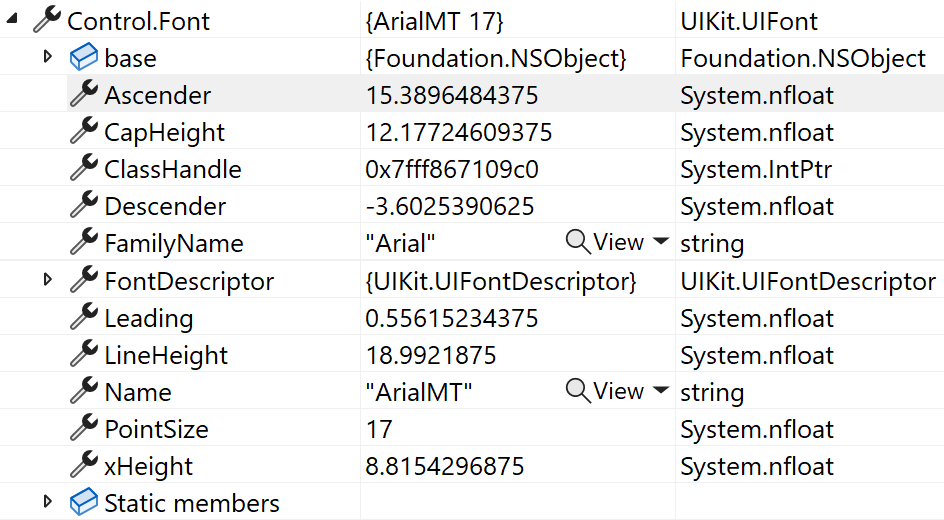
但是,如果我使用UIStringAttributes.Font Arial17pt设置属性,那么18.99的直线高度似乎不准确,如下所示:
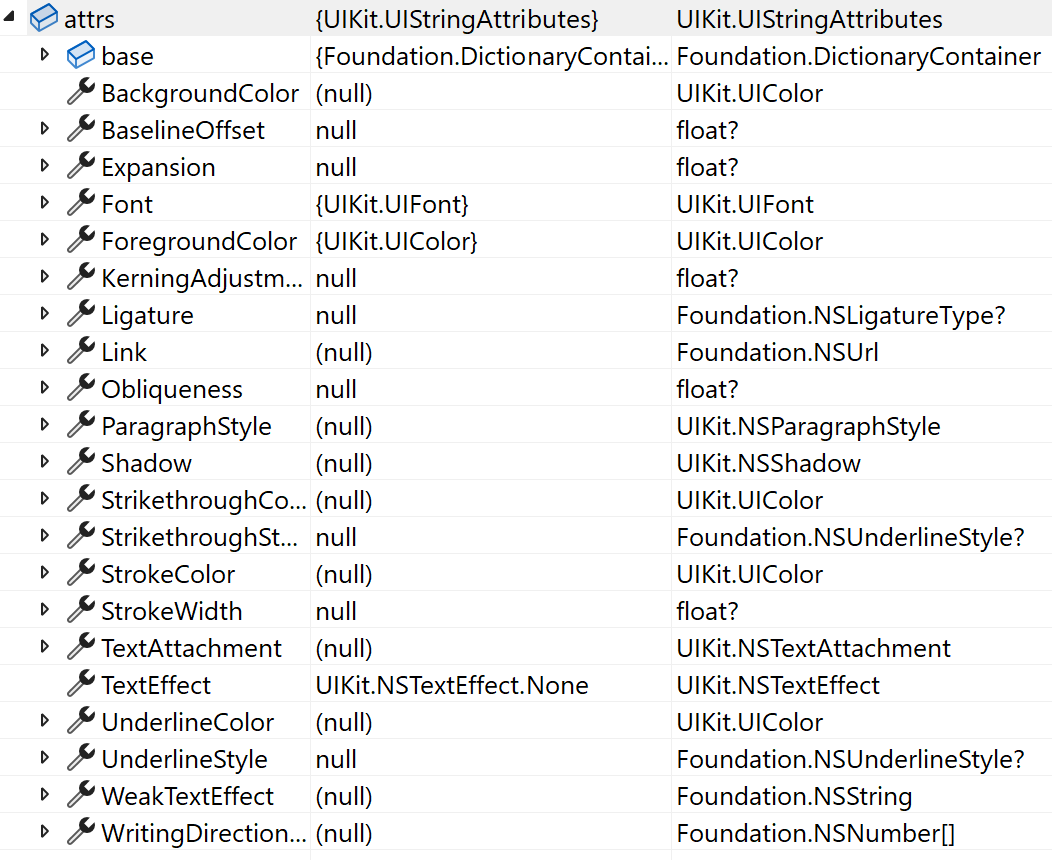
我的代码如下:
void SetAttributes(string text)
{
  NSMutableAttributedString astr = new NSMutableAttributedString();
  UIStringAttributes attrs;
  NSAttributedString str;
  CheckBox cb;
  string[] lines;
  string line;

  lines = text.Split("\n", StringSplitOptions.None);
  for (int i = 0; i < lines.Count; i++)
  {
            cb = _checks[i];
            line = lines[i];

    if (i + 1 < _checks.Count)
      line += "\n";

    attrs = new UIStringAttributes();
    attrs.ForegroundColor = cb.Color;

    ////////////////////////////////
    //COMMENTING THIS LINE OUT ALLOWS A CORRECT
    //LINEHEIGHT TO BE GIVEN IN DRAW METHOD
    attrs.Font = Control.Font;
    ////////////////////////////////

    str = new NSAttributedString(line, attrs);

    astr.Append(str);
        }

  Control.AttributedText = astr;
}

public override void Draw(CGRect rect)
{
  double baseline = editor.Padding.Top + Control.Font.Ascender;
  double movingBaseline = baseline + BOTTOM_MARGIN;
  double scrollY = Control.ContentOffset.Y;

  double _lineHeight = Control.Font.LineHeight;

  //get graphics context
  using (CGContext g = UIGraphics.GetCurrentContext())
  {
    for (int i = 0; i < _lines.Count; i++)
    {
        CGPath path = new CGPath();

      //set up drawing attributes
      g.SetLineWidth(0.5f);
      UIColor.Black.SetStroke();

      //add lines to the touch points
      path.AddLines(new CGPoint[] { new CGPoint(0, movingBaseline - scrollY),
                  new CGPoint(300, movingBaseline - scrollY) });

      //add geometry to graphics context and draw it
      g.AddPath(path);

      g.DrawPath(CGPathDrawingMode.Stroke);

      //tying this to the control.baseline hopefully should help
      //to avoid accumulating rounding errors
      movingBaseline = baseline + BOTTOM_MARGIN + (_lineHeight * (double)(i + 1));
    }
  }


  base.Draw(rect);

}
我试过:
wrong
NSString(text).StringSize- 1其他字体,Consolas -> not仍然是 ->,它的高度为19,这是
UIStringAttributes中的ParagraphStyle.LineHeight,所以我可以控制它的高度,但不幸的是,它无法设置,因为Xamarin还没有实现setter。
有什么想法吗?
回答 1
Stack Overflow用户
回答已采纳
发布于 2022-07-27 20:38:23
我相信我可能已经解决了这个问题,或者至少有一个解决办法:
NSMutableParagraphStyle para = new NSMutableParagraphStyle();

para.LineSpacing = LINESPACING;
attrs.ParagraphStyle = para;在属性上设置字体可能会添加一个默认的行步长,而我对此没有可见性。如果我自己显式地设置它,至少我知道所使用的值,并且可以计算出线的高度如下:
lineHeight = Control.Font.LineHeight + LINESPACING现在看来是可行的。如果它又开始不正常的话会回来报告的。
页面原文内容由Stack Overflow提供。腾讯云小微IT领域专用引擎提供翻译支持
原文链接:
https://stackoverflow.com/questions/73143965
复制相关文章
相似问题
腾讯云开发者

Copyright © 2013 - 2026 Tencent Cloud. All Rights Reserved. 腾讯云 版权所有
深圳市腾讯计算机系统有限公司 ICP备案/许可证号:粤B2-20090059  粤公网安备44030502008569号
腾讯云计算(北京)有限责任公司 京ICP证150476号 | 京ICP备11018762号