
用Qt在屏幕上绘制透明图像
用Qt在屏幕上绘制透明图像
提问于 2022-08-13 23:00:53
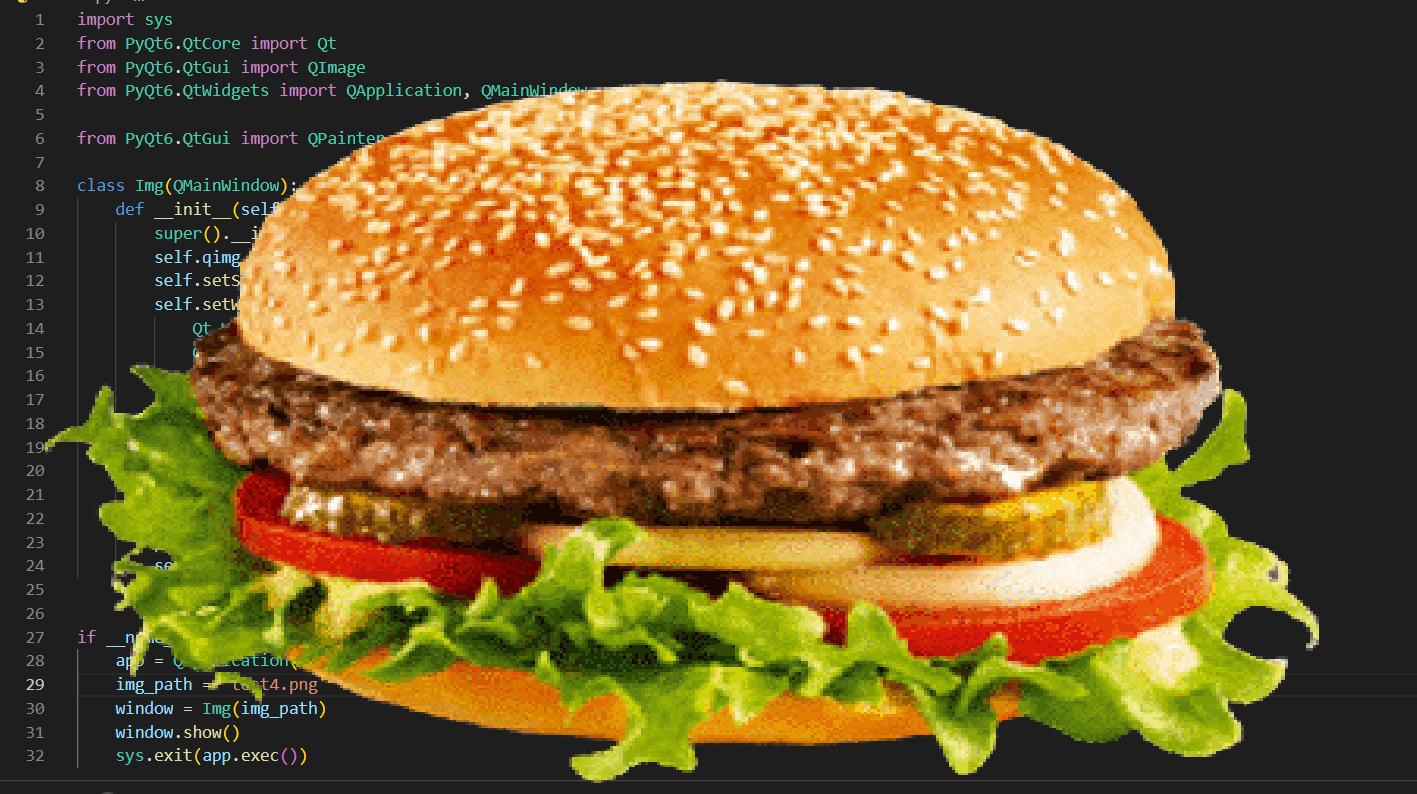
我试图在整个屏幕上画一个透明背景的图像。我对Xlib也做了类似的操作,但是我想我应该尝试Qt,这样我的程序可以在X11之外的不同环境中工作。在得到承诺之前,我一直在网上搜索,试图找到一个有用的例子,但失败了。
因此,我有一个坐标图像,我想要覆盖在屏幕上。该图像是具有透明背景的PNG。这是一张我想看到的图片,我的桌面上有坐标:
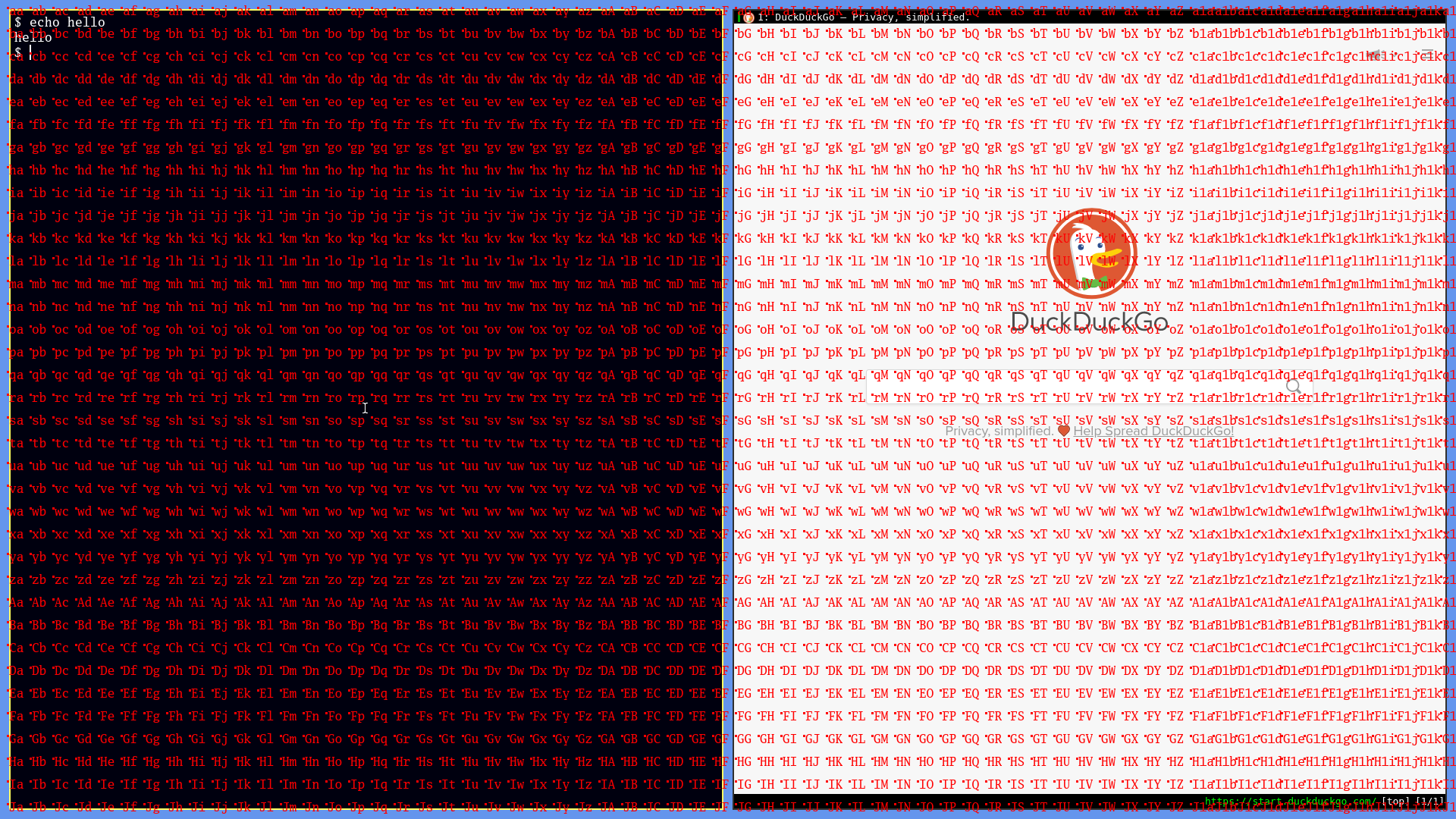
这是我的PyQt6代码,它会全屏绘制图像,但遗憾的是,你看不见它,它有一个黑色的背景:
import sys
from PyQt6.QtCore import Qt
from PyQt6.QtGui import QImage
from PyQt6.QtWidgets import QApplication, QMainWindow

from PyQt6.QtGui import QPainter

class Img(QMainWindow):
    def __init__(self, img_path, parent=None):
        super().__init__(parent)
        self.qimg = QImage(img_path)
        self.setStyleSheet('QMainWindow {background:transparent}')
        self.setWindowFlags(
            Qt.WindowType.WindowStaysOnTopHint |
            Qt.WindowType.FramelessWindowHint |
            Qt.WindowType.WindowTransparentForInput
        )
        self.setAttribute(Qt.WidgetAttribute.WA_TranslucentBackground)

    def paintEvent(self, qpaint_event):
        painter = QPainter(self)
        rect = qpaint_event.rect()
        painter.drawImage(rect, self.qimg)
        self.showFullScreen()


if __name__ == "__main__":
    app = QApplication(sys.argv)
    img_path = 'coords.png'
    window = Img(img_path)
    window.show()
    sys.exit(app.exec())
答案不需要是PyQt6,也许是PyQt5,或者是用Go写的。
回答 1
Stack Overflow用户
回答已采纳
发布于 2022-08-18 15:11:49
页面原文内容由Stack Overflow提供。腾讯云小微IT领域专用引擎提供翻译支持
原文链接:
https://stackoverflow.com/questions/73348118
复制相关文章
相似问题
腾讯云开发者

Copyright © 2013 - 2026 Tencent Cloud. All Rights Reserved. 腾讯云 版权所有
深圳市腾讯计算机系统有限公司 ICP备案/许可证号:粤B2-20090059  粤公网安备44030502008569号
腾讯云计算(北京)有限责任公司 京ICP证150476号 | 京ICP备11018762号