
数据报头模板和我的自定义javascript和css的问题
数据报头模板和我的自定义javascript和css的问题
提问于 2020-07-14 08:23:25
我试图包括一个漂亮的日期输入字段在我的网页。我已经做了我的输入字段的造型。它有一个浮动标签,使用jquery方法由'onfocus‘和'onblur’事件处理。一切都很顺利。我已经给你看过了。
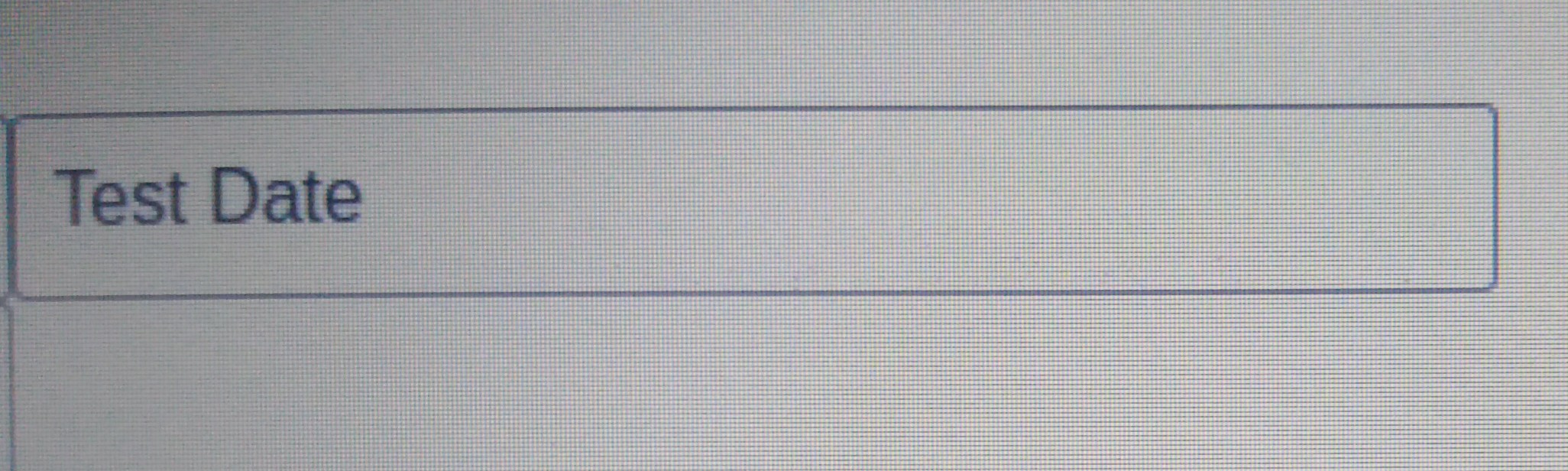
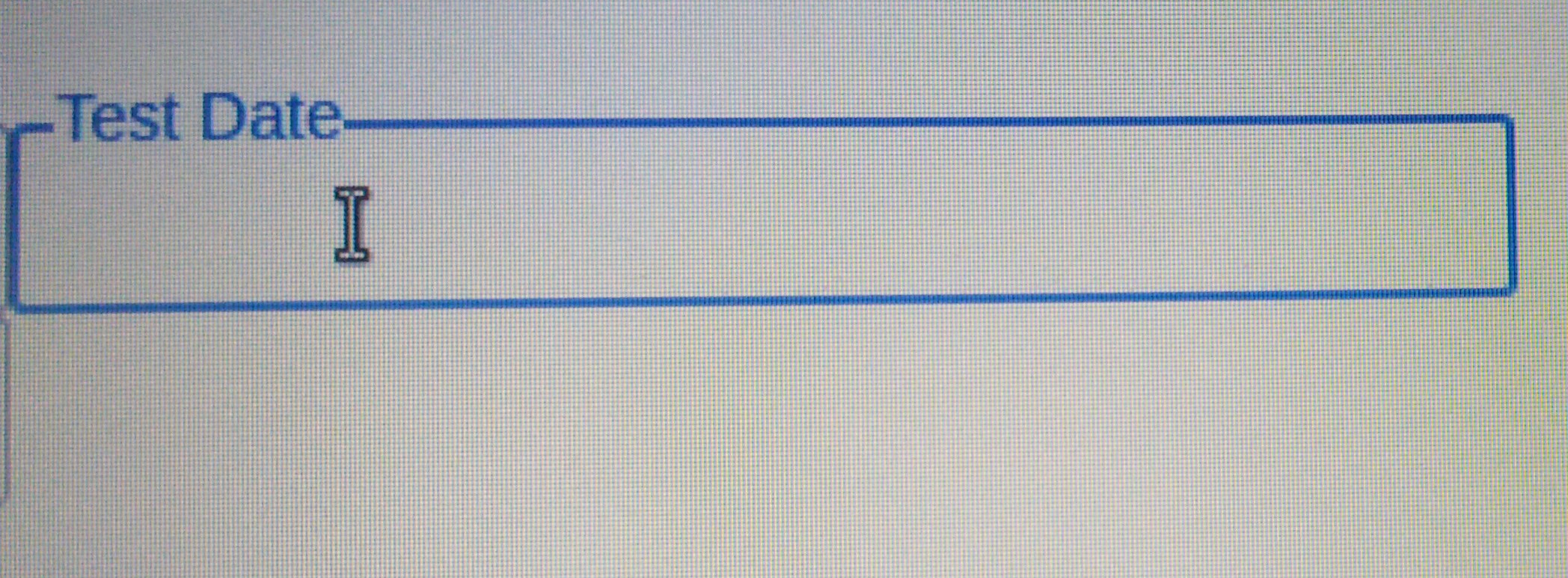
但是,当我使用这个站点https://gijgo.com/datepicker/中的数据报警器模板时,就会出现问题。数据选择器的工作也没有问题。它能够在我的输入字段中选择日期。但我的浮动标签出现了问题。标签不会向上点击输入框,而且当我选择一个日期,它与标签重叠,就像在图像中所示。
// Datepicker from website https://gijgo.com/datepicker/.
$('.datepicker').datepicker({
  showRightIcon: false
});


// Floating label onfocus and onblur handling.
function floatOnFocus(evt) {
  $(evt).parent().find('.place').css("font-size", "88%");
  $(evt).parent().find('.place').css("top", "-11px");
  $(evt).parent().find('.place').css("color", "#1b75cf");
  $(evt).parent().find('.place').css("background-color", "white");

}

function makeInpFocus(evt) {
  $(evt).parent().find('#inpbox').focus();
}

function floatOnBlur(evt) {
  if ($(evt).val() == "") {
    $(evt).parent().find('.place').css("font-size", "100%");
    $(evt).parent().find('.place').css("top", "7px");
    $(evt).parent().find('.place').css("color", "grey");
    $(evt).parent().find('.place').css("background-color", "transparent");
  }
}
// Floating label onfocus and onblur handling end..maindiv {
position: relative;
}
.place {
position: absolute;
left: 9px;
top: 7px;
height: 56%;
font-size: 100%;
color: grey;
transition-duration: 0.2s;
white-space: nowrap;
}<!-- Input field without datepicker template, Custom CSS and jquery functions are working.-->
<div class="maindiv">
<span class="place" onclick="makeInpFocus(this)">Test Date</span>
<input type="text" name="testDate" id="inpbox" onfocus="floatOnFocus(this)" onblur="floatOnBlur(this)" placeholder="">
</div>
<!-- Input field with datepicker template, Custom CSS and jquery functions are not working.-->
<div class="maindiv">
<span class="place" onclick="makeInpFocus(this)">Test Date</span>
<input class="datepicker" type="text" name="testDate" id="inpbox" onfocus="floatOnFocus(this)" onblur="floatOnBlur(this)" placeholder="">
</div>
<br>
<script src="https://code.jquery.com/jquery-3.3.1.min.js"></script>
<script src="https://unpkg.com/gijgo@1.9.13/js/gijgo.min.js" type="text/javascript"></script>
<link href="https://unpkg.com/gijgo@1.9.13/css/gijgo.min.css" rel="stylesheet" type="text/css" />
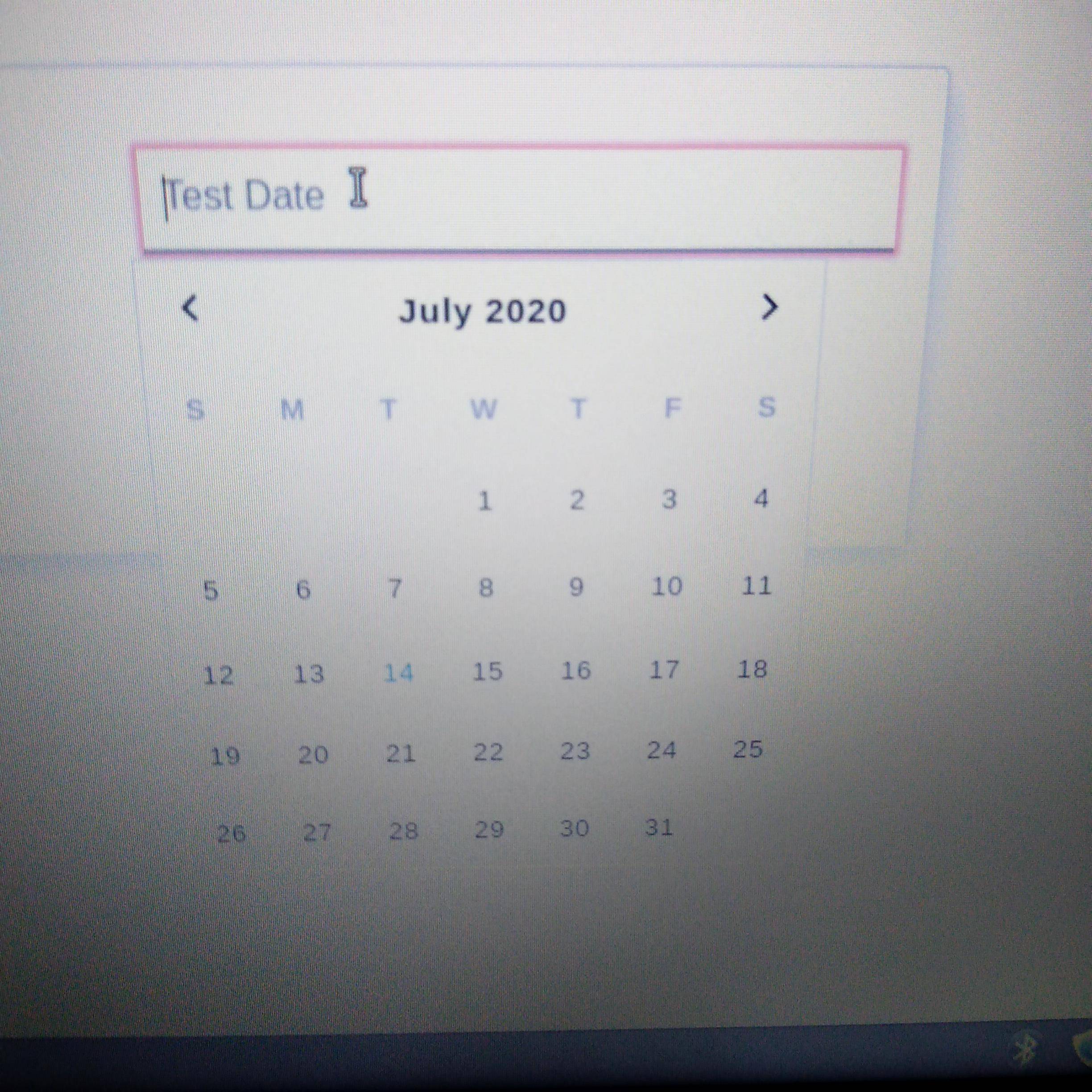
最初,红色警告框看起来是这样的,这也是一个问题。
在选择日期之后是这样的。
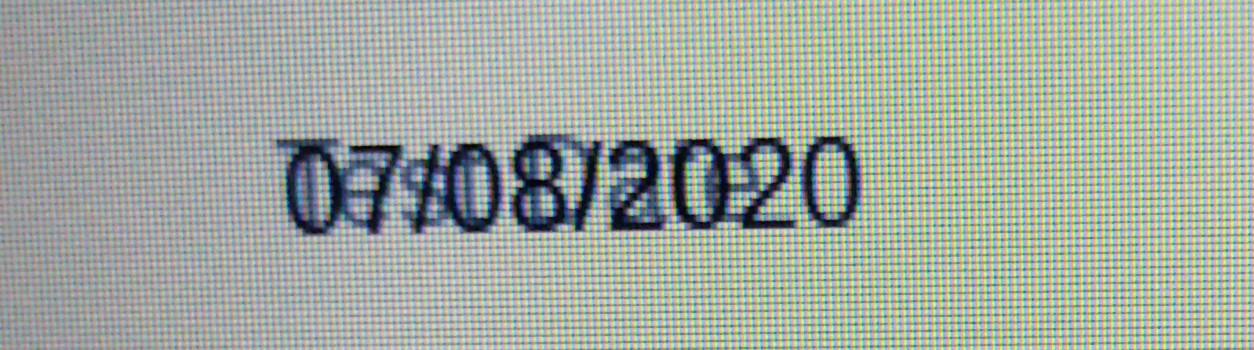
您可以看到标签和选定的日期重叠。这意味着这个模板不允许我的jquery和css工作。我只想知道如何使这个模板与我的自定义样式和事件函数一起工作。或者,如果您知道任何其他数据报警器模板,可以给我一个浮动标签风格,那么请让我知道。
Stack Overflow用户
回答已采纳
发布于 2020-07-14 11:46:18
问题是,数据报警器正在将额外的div封装在输入周围,因此调用parent()将得到div而不是span的父级。
添加对parent()的另一个调用,您将得到正确的元素:
  $(evt).parent().parent().find('.place').css("font-size", "88%");
  $(evt).parent().parent().find('.place').css("top", "-11px");
  $(evt).parent().parent().find('.place').css("color", "#1b75cf");
$(evt).parent().parent().find('.place').css("background-color", "white");页面原文内容由Stack Overflow提供。腾讯云小微IT领域专用引擎提供翻译支持
原文链接:
https://stackoverflow.com/questions/62890938
复制相关文章
相似问题
腾讯云开发者

Copyright © 2013 - 2026 Tencent Cloud. All Rights Reserved. 腾讯云 版权所有
深圳市腾讯计算机系统有限公司 ICP备案/许可证号:粤B2-20090059  粤公网安备44030502008569号
腾讯云计算(北京)有限责任公司 京ICP证150476号 | 京ICP备11018762号