
在现有android应用程序中运行RN会导致无法加载脚本的错误
我已经将现有的android应用程序集成到了react本地应用程序中。当我使用Reacti本机cli运行时,它会打开应用程序,在单击按钮打开RN视图后,它会给出错误Unable to load script Make sure you are either running a Metro server or that your bundle 'index.android.bundle' is packaged correctly for release (参见图像)。
如果我使用命令手动创建index.android.js
react-native bundle --platform android --dev false --entry-file index.js --bundle-output android/app/src/main/assets/index.android.bundle --assets-dest android/app/src/main/res
运行这个应用程序,它运行的很好。
此外,我还可以看到这个url上的包。
http://localhost:8081/index.bundle?platform=android&dev=true&minify=false
知道我错过了什么吗?
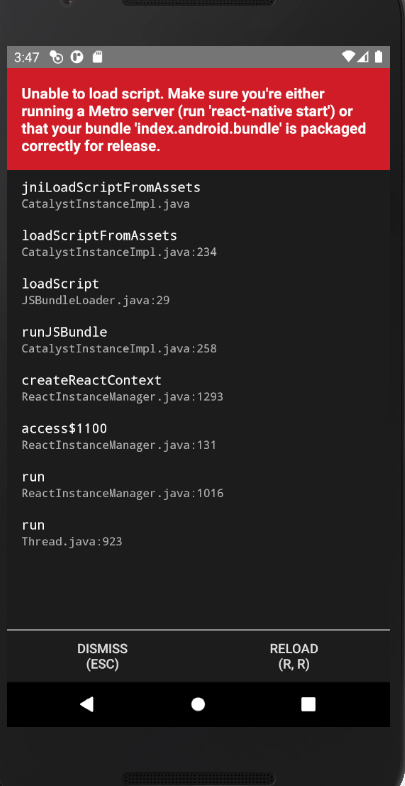
我运行的应用程序在模拟器和它没有飞行模式。
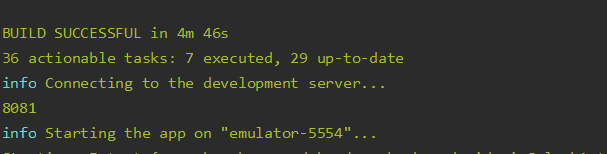
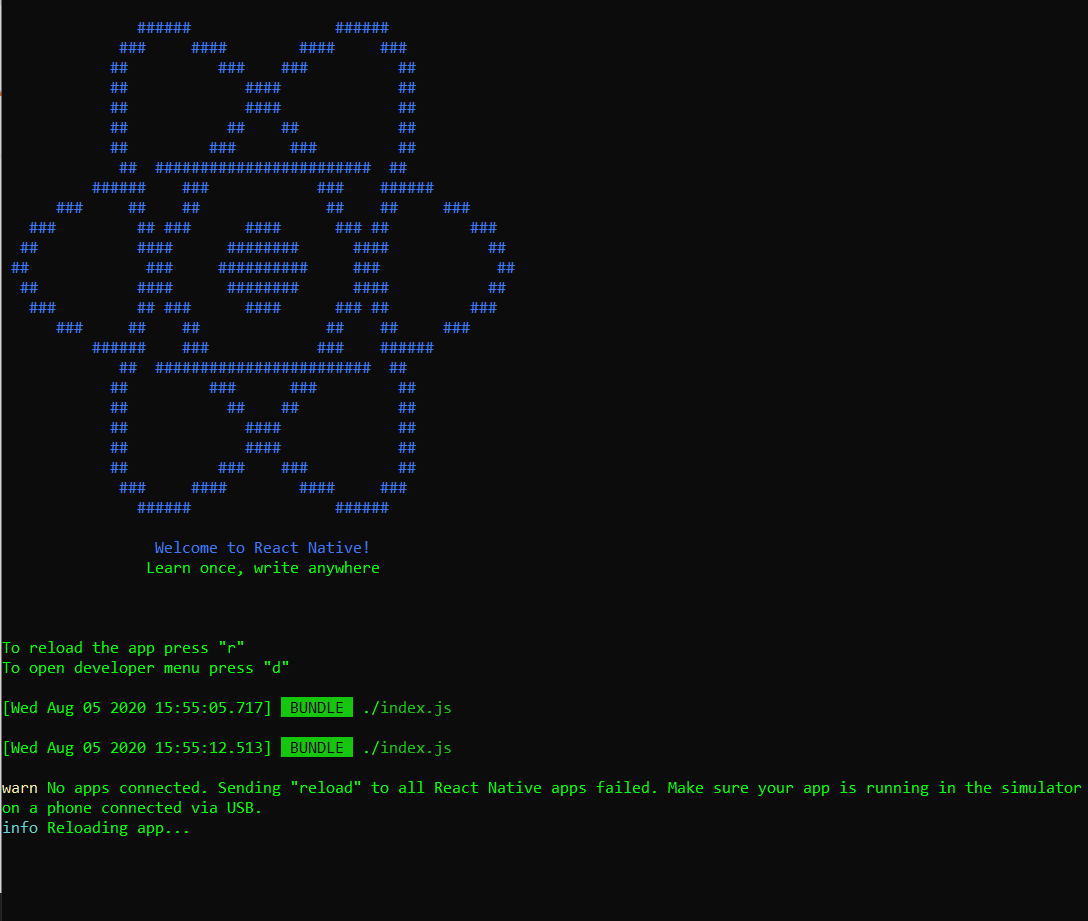
Bundler是这样打开的,但单击RR时,显示的是No apps connected (参见图像)
回答 1
Stack Overflow用户
发布于 2020-08-06 14:47:36
在尝试了这个answer中的大多数选项之后,没有一个选项起作用。对我起作用的是在<network-security-config>文件中向network_security_config.xml文件中添加以下代码:
<?xml version="1.0" encoding="utf-8"?>
<network-security-config xmlns:tools="http://schemas.android.com/tools">

    <!-- This is only for debuggable versions of the App that use Charles Proxy
      https://www.charlesproxy.com/documentation/using-charles/ssl-certificates/ -->
    <debug-overrides>
        <trust-anchors>
            <!-- Trust user added CAs while debuggable only -->
            <certificates src="user" />
        </trust-anchors>
    </debug-overrides>
    <base-config cleartextTrafficPermitted="false" />
    <domain-config cleartextTrafficPermitted="true">
        <domain includeSubdomains="true">127.0.0.1</domain>
        <domain includeSubdomains="true">localhost</domain>
        <domain includeSubdomains="true">10.0.2.2</domain>
        <domain includeSubdomains="true">10.0.3.2</domain>
    </domain-config>
</network-security-config>https://stackoverflow.com/questions/63265776
复制相似问题
腾讯云开发者

Copyright © 2013 - 2026 Tencent Cloud. All Rights Reserved. 腾讯云 版权所有
深圳市腾讯计算机系统有限公司 ICP备案/许可证号:粤B2-20090059  粤公网安备44030502008569号
腾讯云计算(北京)有限责任公司 京ICP证150476号 | 京ICP备11018762号