
 OceanBase MCP服务添加福利群:解决AI开发者的「MCP实战痛点」
 github
详情内容
OceanBase MCP 服务器
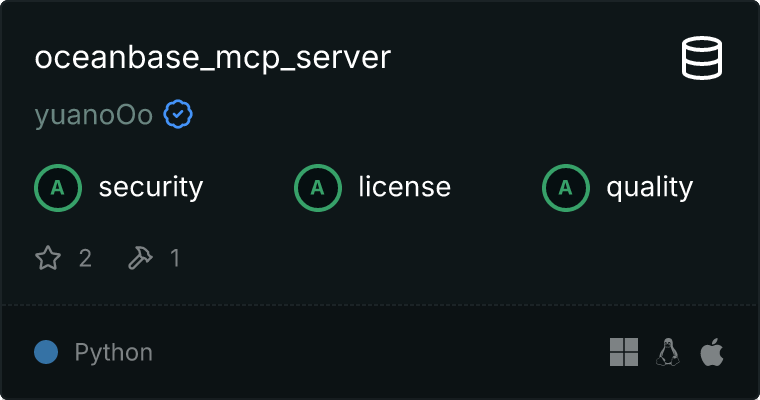
一个模型上下文协议(MCP)服务器,用于与OceanBase数据库进行安全交互。 该服务器允许AI助手通过受控接口列出表、读取数据和执行SQL查询,从而使数据库探索和分析更加安全和有条理。
特性
- 将可用的OceanBase表作为资源列出
- 读取表内容
- 执行带有适当错误处理的SQL查询
- 通过环境变量实现安全的数据库访问
- 全面的日志记录
安装
pip install oceanbase-mcp-server
配置
设置以下环境变量:
OB_HOST=localhost     # Database host
OB_PORT=2881         # Optional: Database port (defaults to 2881 if not specified)
OB_USER=your_username
OB_PASSWORD=your_password
OB_DATABASE=your_database

使用
与Claude Desktop一起使用
将以下内容添加到您的claude_desktop_config.json中:
{
  "mcpServers": {
    "oceanbase": {
      "command": "uv",
      "args": [
        "--directory",
        "path/to/oceanbase_mcp_server",
        "run",
        "oceanbase_mcp_server"
      ],
      "env": {
        "OB_HOST": "localhost",
        "OB_PORT": "2881",
        "OB_USER": "your_username",
        "OB_PASSWORD": "your_password",
        "OB_DATABASE": "your_database"
      }
    }
  }
}
作为独立服务器
# Install dependencies
pip install -r requirements.txt

# Run the server
python -m oceanbase_mcp_server
开发
# Clone the repository
git clone https://github.com/yourusername/oceanbase_mcp_server.git
cd oceanbase_mcp_server

# Create virtual environment
python -m venv venv
source venv/bin/activate  # or `venv\Scripts\activate` on Windows

# Install development dependencies
pip install -r requirements-dev.txt

# Run tests
pytest
安全考虑
- 永远不要提交环境变量或凭据
- 使用具有最小必要权限的数据库用户
- 在生产环境中考虑实施查询白名单
- 监控并记录所有数据库操作
安全最佳实践
此MCP服务器需要数据库访问才能运行。为了安全起见:
- 创建一个具有最小权限的专用OceanBase用户
- 永远不要使用root凭证或管理员账户
- 限制数据库访问至仅必要的操作
- 启用日志记录以供审计
- 定期审查数据库访问的安全性
请参阅OceanBase 安全配置指南以获取有关以下方面的详细说明:
- 创建受限的OceanBase用户
- 设置适当的权限
- 监控数据库访问
- 安全最佳实践
⚠️ 重要提示:在配置数据库访问时,始终遵循最小特权原则。
许可证
Apache许可证 - 详情请参阅LICENSE文件。
贡献
- 分叉仓库
- 创建你的功能分支 (
git checkout -b feature/amazing-feature) - 提交你的更改 (
git commit -m 'Add some amazing feature') - 推送到分支 (
git push origin feature/amazing-feature) - 打开一个拉取请求
腾讯云开发者

Copyright © 2013 - 2026 Tencent Cloud. All Rights Reserved. 腾讯云 版权所有
深圳市腾讯计算机系统有限公司 ICP备案/许可证号:粤B2-20090059  粤公网安备44030502008569号
腾讯云计算(北京)有限责任公司 京ICP证150476号 | 京ICP备11018762号