
 Notion AI 交互服务器添加福利群:解决AI开发者的「MCP实战痛点」
 github
详情内容
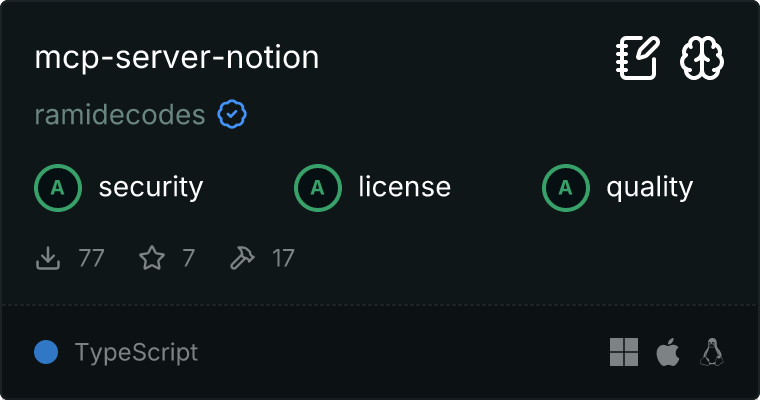
Notion MCP 服务器
这是一个模型上下文协议 (MCP) 服务器,它暴露了官方的 Notion SDK,允许 AI 模型与 Notion 工作区进行交互。
快速开始
1. 设置您的 Notion 集成
- 前往 https://www.notion.so/my-integrations
- 创建一个新的集成
- 复制 API 密钥
2. 将您的 Notion 页面连接到集成
为了让您的集成能够访问 Notion 内容,您需要明确地将页面或数据库共享给它:
- 导航到您希望通过集成访问的 Notion 页面或数据库
- 点击右上角的“分享”按钮
- 在“添加人员、群组或集成”字段中,从下拉列表中选择您的集成
- 点击“邀请”
- 对于每个您希望使其可访问的页面或数据库重复上述步骤
注意: 集成只能访问已明确与其共享的页面和数据库。子页面会自动继承父页面的访问权限。
3. 添加到您的 AI 助手中
您可以使用以下任一配置格式将此 MCP 服务器添加到 Claude Desktop、Cursor AI 或 Claude.ai 中:
命令行格式
npx @ramidecodes/mcp-server-notion@latest -y --api-key=your-notion-integration-key
JSON 配置格式
{
  "mcpServers": {
    "Notion": {
      "command": "npx",
      "args": [
        "@ramidecodes/mcp-server-notion@latest",
        "-y",
        "--api-key=your-notion-integration-key"
      ]
    }
  }
}

将 your-notion-integration-key 替换为步骤 1 中的 API 密钥。
设置说明
- Claude Desktop: 设置 > 高级 > 模型上下文协议
- Cursor AI: 设置 > AI > MCP 服务器
- Claude.ai (Web): 个人资料 > 设置 > API & 集成 > 模型上下文协议
可用工具
该服务器提供了用于与 Notion 交互的工具:
- 搜索: 查找页面或数据库
- 数据库: 查询和检索数据库条目
- 页面: 创建、检索和更新页面
- 块: 管理内容块(段落、列表等)
- 用户: 列出用户并获取用户信息
- 评论: 创建和列出评论
- 链接预览: 为 URL 创建链接预览
替代设置方法
使用环境变量
您可以使用 .env 文件而不是直接传递 API 密钥:
- 创建一个包含以下内容的
.env文件:
NOTION_API_KEY=your-notion-integration-key
- 运行服务器:
npx @ramidecodes/mcp-server-notion@latest -y
使用环境变量的 JSON 配置格式(适用于 Claude Desktop)
您还可以在 JSON 配置格式中使用环境变量:
{
  "mcpServers": {
    "Notion": {
      "command": "npx",
      "args": [
        "@ramidecodes/mcp-server-notion@latest",
        "-y",
        "--api-key=your-notion-integration-key"
      ]
    }
  }
}
命令行选项
OPTIONS:
  -h, --help              Show help message
  -v, --version           Show version information
  --verbose               Enable verbose logging
  --env-path <path>       Path to .env file
  --api-key <key>         Notion API key
  -y                      Skip confirmation prompts
故障排除
如果您遇到“创建客户端失败”的错误:
- 在 Windows 上,尝试在 npx 命令前使用
cmd /c - 在 macOS/Linux 上,尝试使用 npx 的完整路径
- 在将其添加到您的 AI 助手之前,在终端中测试命令
常见问题
- "无法访问资源"错误:请确保您已将特定的 Notion 页面或数据库与您的集成共享(参见步骤 2)
- 集成未出现在分享菜单中:尝试刷新页面或重启浏览器
- 功能受限:检查您的集成是否已在 Notion 集成设置中启用了适当的功能
功能
- 通过官方 SDK 支持完整的 Notion API
- 符合 MCP 标准,实现无缝 AI 集成
- 提供全面的工具以支持所有 Notion 操作
- 强大的错误处理机制,并附带详细的错误信息
- 可通过环境变量轻松配置
有关每个工具的详细文档,请参阅 工具文档。
许可证
本项目根据 Apache License 2.0 许可发布 - 详情请参阅 LICENSE 文件。
腾讯云开发者

Copyright © 2013 - 2026 Tencent Cloud. All Rights Reserved. 腾讯云 版权所有
深圳市腾讯计算机系统有限公司 ICP备案/许可证号:粤B2-20090059  粤公网安备44030502008569号
腾讯云计算(北京)有限责任公司 京ICP证150476号 | 京ICP备11018762号