
 MCP函数应用测试器添加福利群:解决AI开发者的「MCP实战痛点」
 github
详情内容
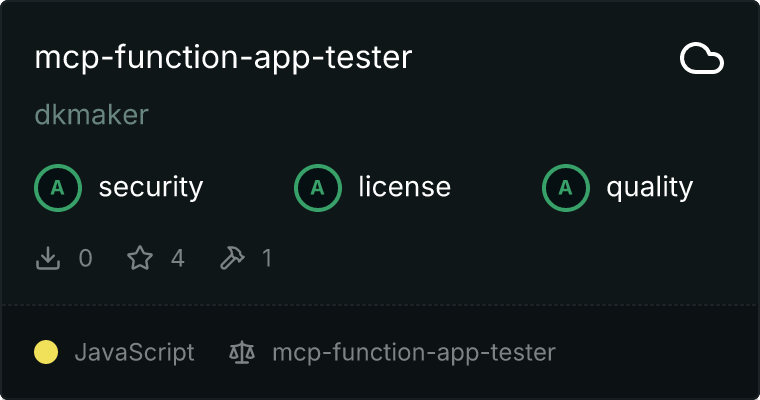
MCP Function App 测试器

这是一个基于 TypeScript 的 MCP 服务器,可以通过 Cline 来测试 Azure Function Apps。该工具允许你直接从开发环境中测试和与 Function App 端点进行交互。
安装
npm install dkmaker-mcp-function-app-tester
功能
- 使用不同的 HTTP 方法测试 Function App 端点
- 支持 GET、POST、PUT 和 DELETE 请求
- 详细的响应信息
- 自定义头部支持
- 对于 POST/PUT 方法的请求体处理
- 认证支持:
- 基本认证(用户名/密码)
- Bearer Token 认证
- API Key 认证(自定义头部)
认证
服务器支持两种可通过环境变量配置的认证方法:
基本认证
设置以下两个环境变量以启用基本认证:
AUTH_BASIC_USERNAME=your-username
AUTH_BASIC_PASSWORD=your-password
Bearer Token
设置此环境变量以启用 Bearer Token 认证:
AUTH_BEARER=your-token
API Key
设置以下两个环境变量以启用 API Key 认证:
AUTH_APIKEY_HEADER_NAME=X-API-Key  # The header name to use (e.g., X-API-Key, api-key, etc.)
AUTH_APIKEY_VALUE=your-api-key     # The actual API key value

注意:认证优先级顺序:
- 基本认证(如果设置了用户名和密码)
- Bearer Token(如果设置了令牌且未配置基本认证)
- API Key(如果设置了头部名称和值,并且没有其他认证配置)
使用
安装完成后,你可以通过 Cline 使用 Function App 测试器。服务器提供了在基础 URL http://localhost:7071/api 上测试端点的工具。
示例用法:
// Test a GET endpoint
{
  "method": "GET",
  "endpoint": "/users"
}

// Test a POST endpoint with body
{
  "method": "POST",
  "endpoint": "/users",
  "body": {
    "name": "John Doe",
    "email": "john@example.com"
  }
}

// Test with custom headers
{
  "method": "GET",
  "endpoint": "/secure/data",
  "headers": {
    "Authorization": "Bearer token123"
  }
}
开发
- 克隆仓库:
git clone https://github.com/dkmaker/mcp-function-app-tester.git
cd mcp-function-app-tester
- 安装依赖项:
npm install
- 构建项目:
npm run build
对于带有自动重建功能的开发:
npm run watch
许可
该项目根据 MIT 许可证授权 - 详情请参阅 LICENSE 文件。
腾讯云开发者

Copyright © 2013 - 2026 Tencent Cloud. All Rights Reserved. 腾讯云 版权所有
深圳市腾讯计算机系统有限公司 ICP备案/许可证号:粤B2-20090059  粤公网安备44030502008569号
腾讯云计算(北京)有限责任公司 京ICP证150476号 | 京ICP备11018762号