This document will guide you on how to set and edit Tag, and filter credentials by Tag.
Operation scenarios
Tags are used to classify and manage resources and permissions from different dimensions.
In SSM, tags are mainly used for managing user credentials.
Adding tags to credentials makes it easy for users to classify and track credentials, and also allows them to analyze the usage of credentials based on tags.
Use Limits
Add Tag
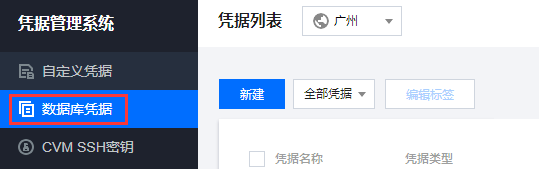
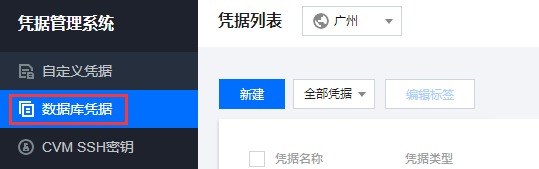
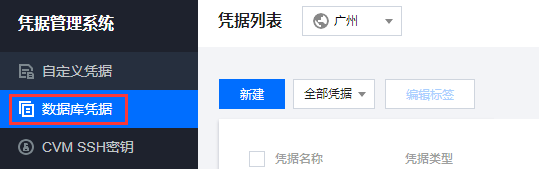
1. Log in to the SSM Console, and in the left navigation bar, click Database Credentials to enter the credentials list page.

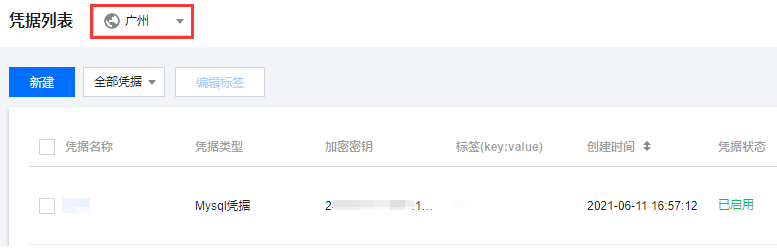
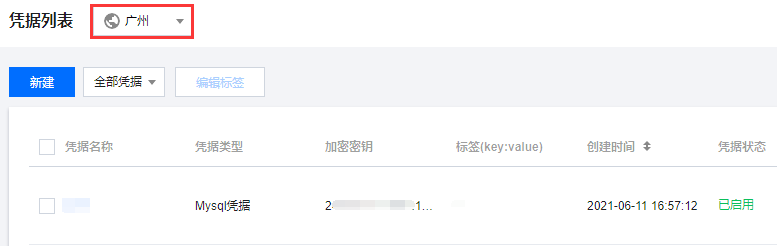
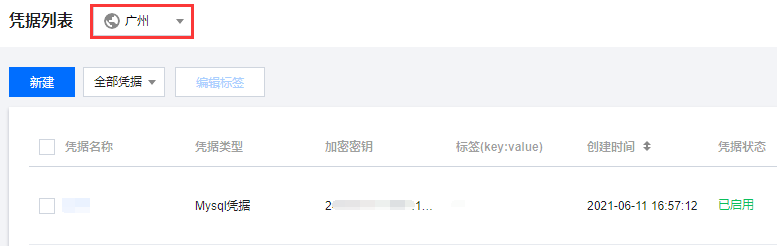
2. On the credentials list page, click the "Region dropdown" at the top left to switch regions.

3. Find the credential you need to edit, and in the operation column on the right, click Edit Tag.

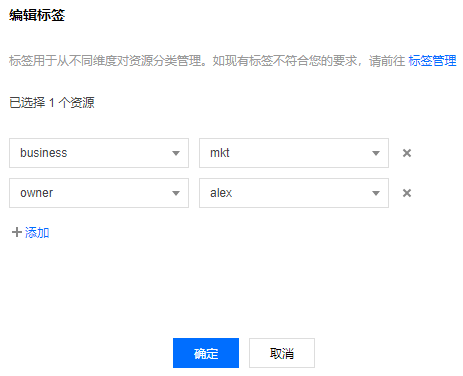
4. In the pop-up "Edit Tag" window, click Add to set the tag, as shown below:

5. Click Confirm and the system will prompt that the modification was successful.
Edit tag
1. Log in to the SSM Console, and in the left navigation bar, click Database Credentials to enter the credentials list page.

2. On the credentials list page, click the "Region dropdown" at the top left to switch regions.

3. In the credential list page, both single and batch Tag editing are supported.
Edit Individual Credential Tags
3.1 Find the credential you need to edit, and in the operation column on the right, click Edit Tag.

3.2 In the pop-up "Edit Tag" window, add or delete tags as needed.
Note
Bulk Edit Tags
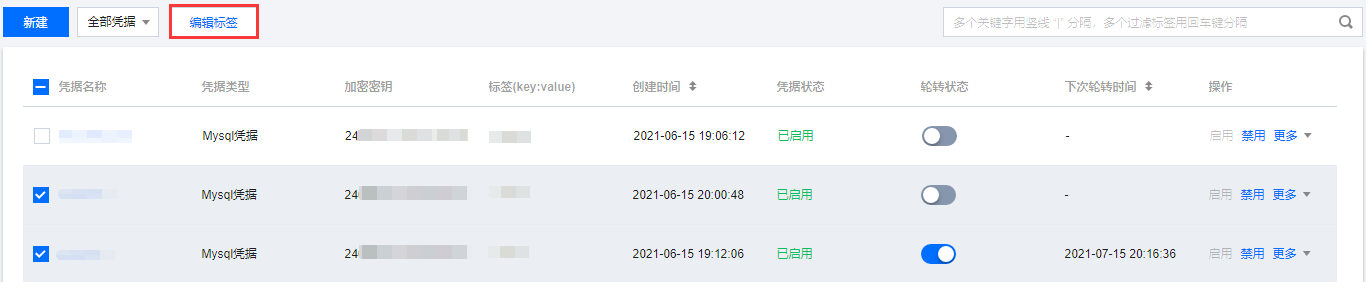
3.1 Select the credentials that need to edit the tag, and click Edit Tag above the credentials list.

3.2 In the pop-up "Edit Tag" window, add or delete tags as needed.
Filtering credentials by tags
1. Log in to the SSM Console, and in the left navigation bar, click Database Credentials to enter the credentials list page.

2. On the credentials list page, click the "Region dropdown" at the top left to switch regions.

3. In the search box above the credential list, choose " Tag " as the filter condition, enter the content to filter, click Enter to proceed.
For example, if you wish to filter the keys where owner is alex , you can enter Tag :owner:alex, click Enter to proceed.