The content of this page has been automatically translated by AI. If you encounter any problems while reading, you can view the corresponding content in Chinese.

Quick Start

Last updated: 2024-08-05 17:08:06

The IVC console is an easy-to-use SAAS application platform provided to users, allowing you to use our services directly through the console without writing code or running programs.

Step 1. Sign up for a Tencent Cloud account

First, you need to register a Tencent Cloud account. Please click the button below to start registration. (If you have already registered, please skip this step.)


Step 2. Verify your identity

After registering your account, use it to log in to the Tencent Cloud Console to start the real-name verification. For detailed operation guidance, please refer to Real-name Verification Introduction. (If you have already completed it, please skip this step)
Note: In order to provide you with better services, you need to complete the enterprise verification before you can use our products.


Step 3. Submit Application

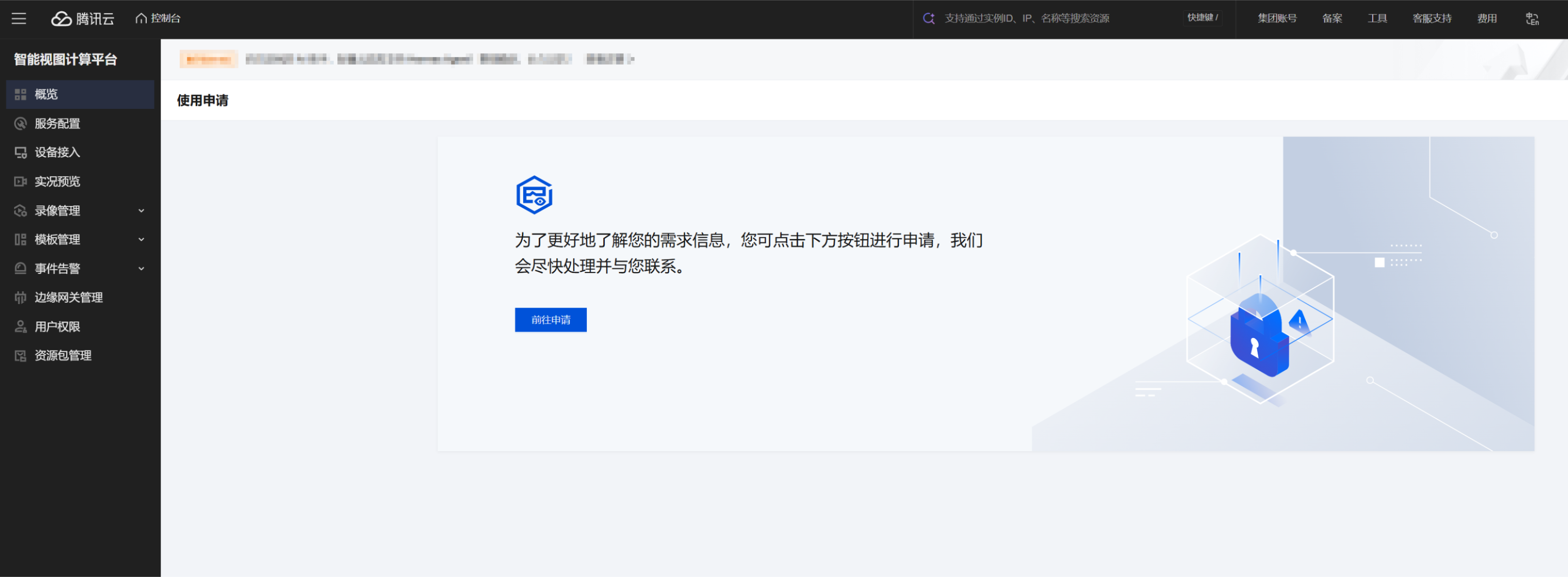
In the Tencent Cloud Console, select Cloud Products > IVC , To better understand your needs, please first submit an application for use and wait for approval.


Step 4. Activate the service

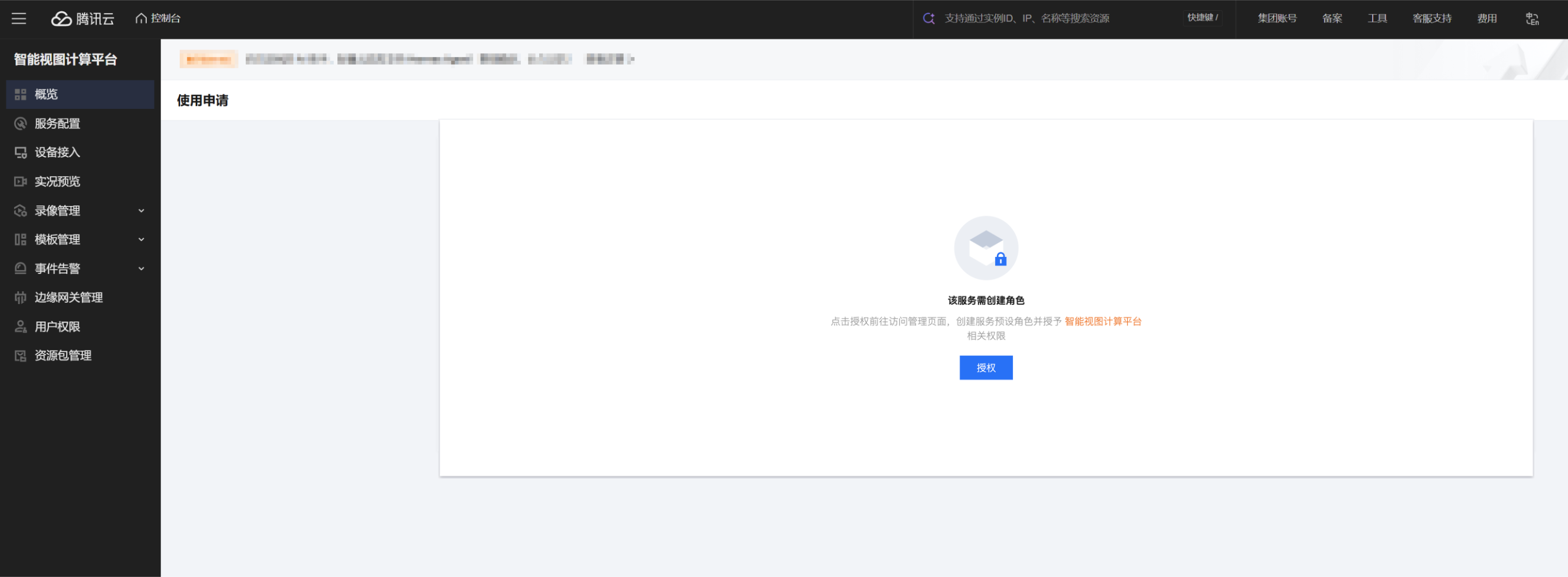
After approval, log in again to enter the product console. Grant the relevant product permissions to activate the service usage.#LF#


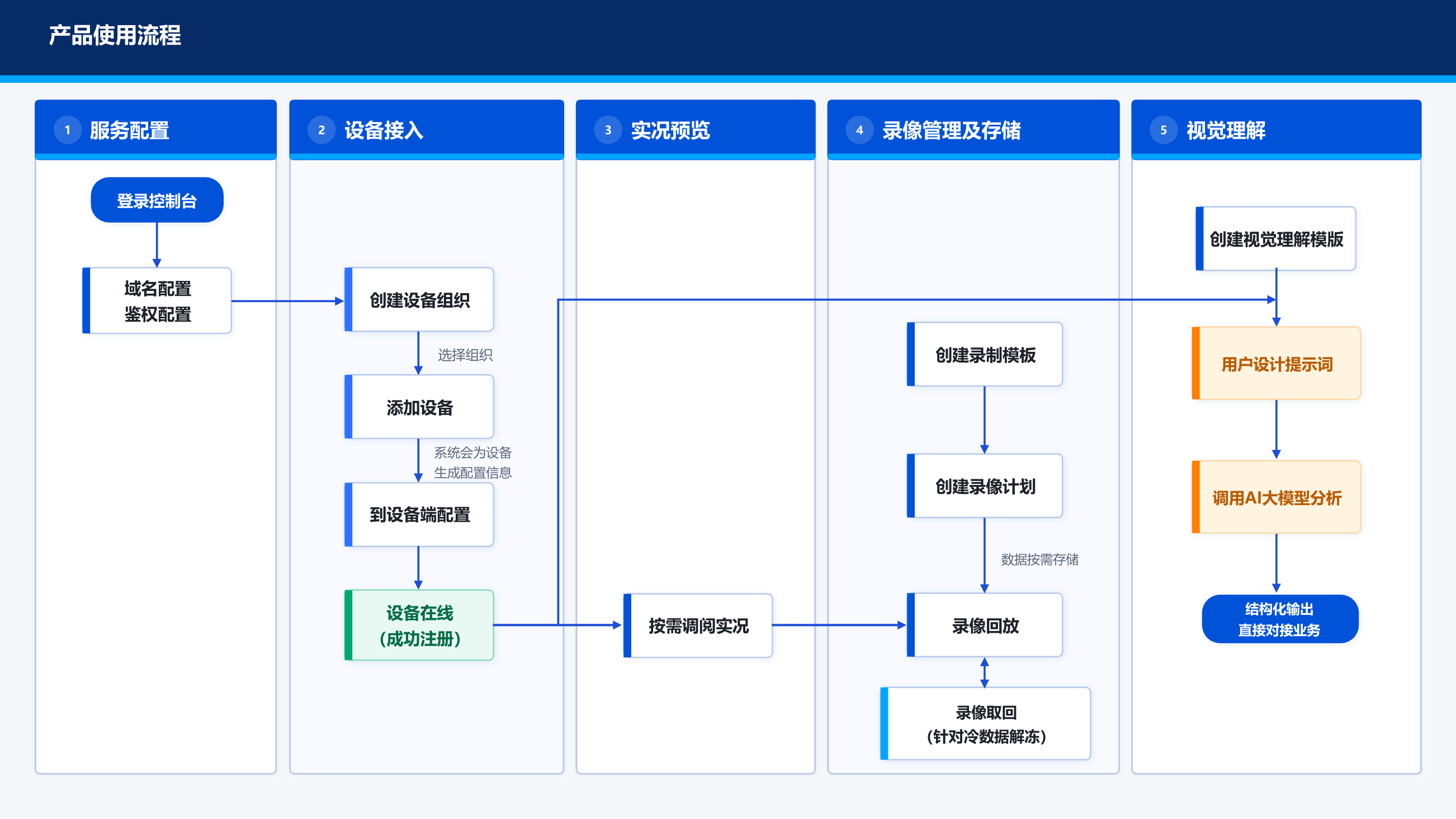
Step 5. Using the Product

We recommend the main features' usage processes to help you quickly understand and get started.
Note:
For detailed usage of the console feature, please refer to the Console Guide.
For guidance on device access configuration, please refer to the Best Practices.
For guidance on using AI services, please refer to the AI Services Usage Guide.
If you wish to access via a gateway, please refer to the View Access Gateway Usage Guide.