The content of this page has been automatically translated by AI. If you encounter any problems while reading, you can view the corresponding content in Chinese.

Custom Issue Types

Last updated: 2024-09-05 16:25:13

This document describes how to configure custom issue types in CODING Project Management.

Open Project

1. Log in to CODING Console and click Use Now to enter the CODING usage page.
2. Click Item on the left side of the team homepage to enter the project list page and select the target project.
3. Click the Project Collaboration feature in the left-hand menu.

Description of the Feature

The item type is the main entity in project collaboration, for example, both requirements and tasks can be abstracted as item type. You can add item types such as operations, modify the type icon, and define its properties and workflows in the project. Item types are divided by scenario into team-level types and project-level types; defining team-level item types first is required before applying them effectively within projects.

Team-level Issue Types

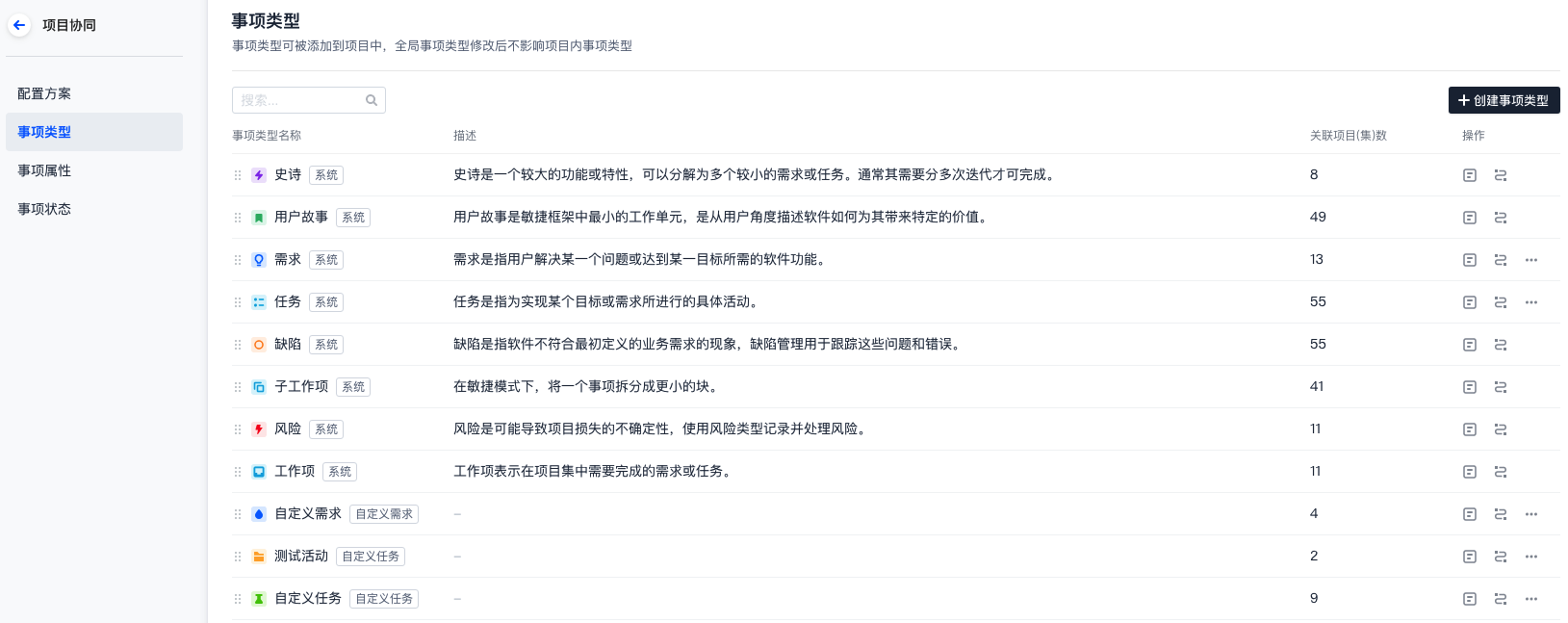
Team administrators click on the team settings center at the bottom left, select feature settings > project collaboration > item types to enter the team-level item type list.
The team-level issue type list displays all issue types in the team, categorized as built-in system types and custom types. System types cannot be modified (e.g., Epic, Requirement, Task, Defect, User Story, and Work Items). User Story is a new built-in type. As the smallest unit of work in an agile framework, it describes the value brought by software to users.
User Stories are newly added system-built types, which are the smallest work units in Agile frameworks, aiming to describe from a user's perspective how the software brings specific value.

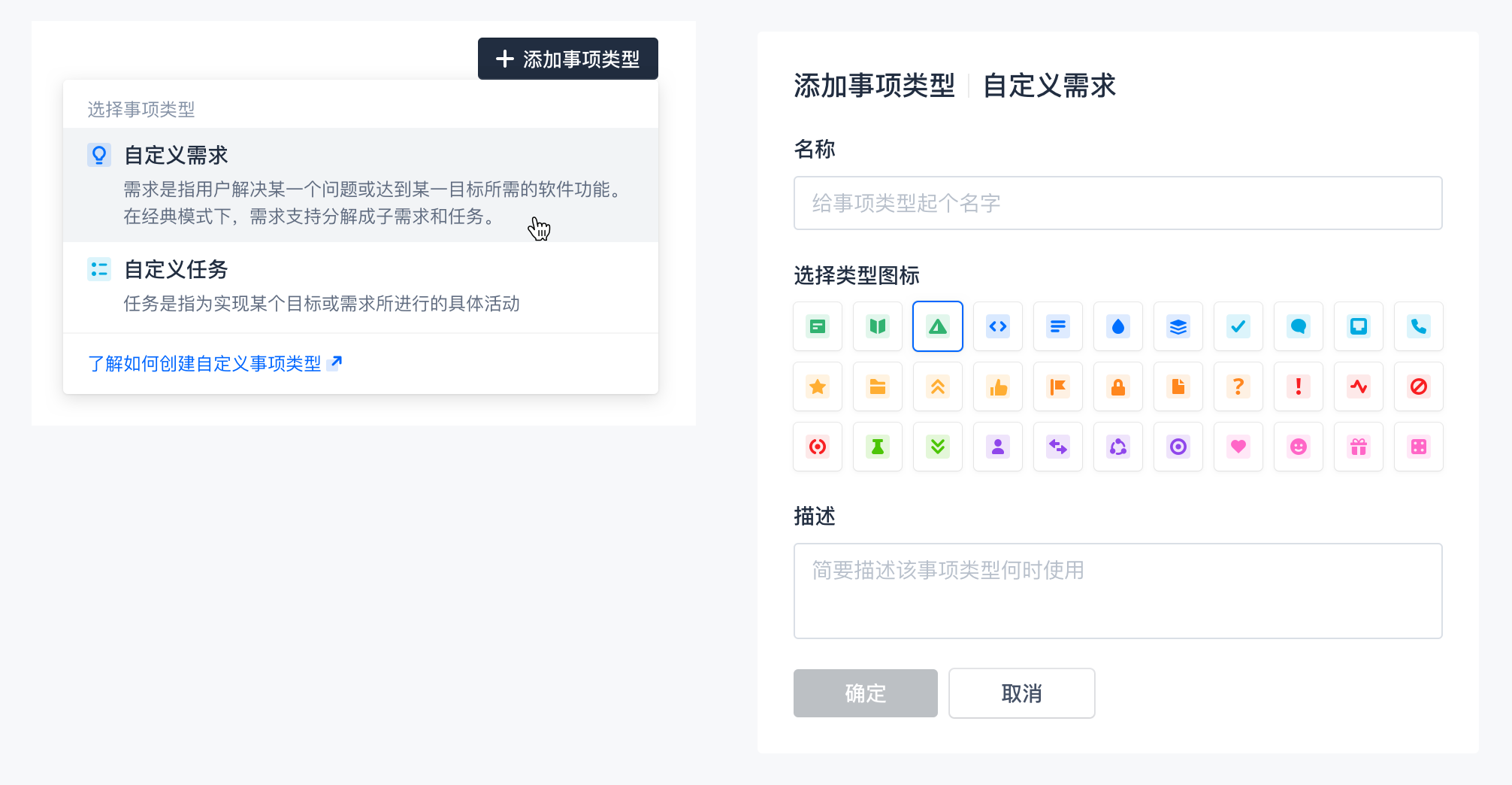
When creating a custom issue type, you can select an icon for it, and add a description. The custom issue type can be copied, and a replica of it is created automatically.
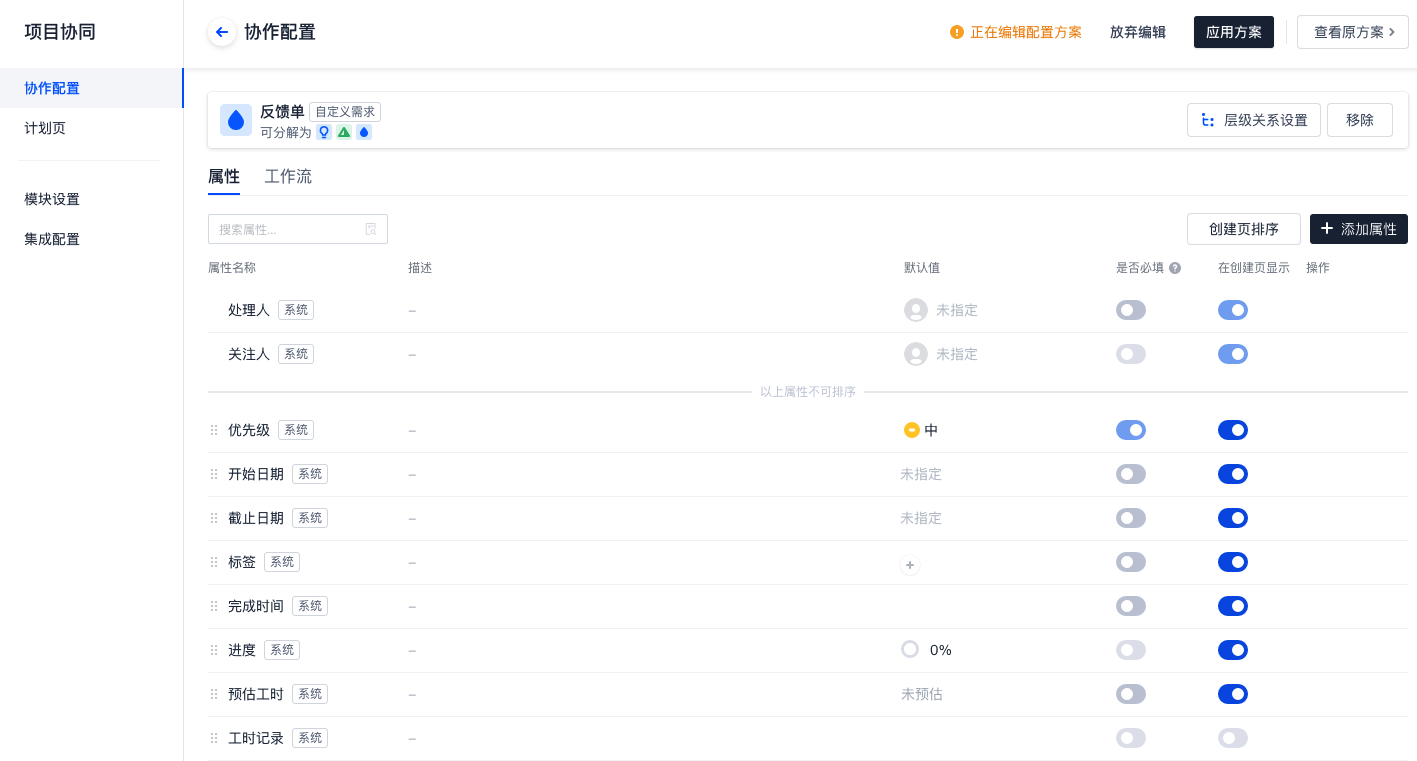
Custom requirements and custom tasks can be created for custom issue types, which can be manually deleted when they are disassociated with the project.


Project-level Issue Type

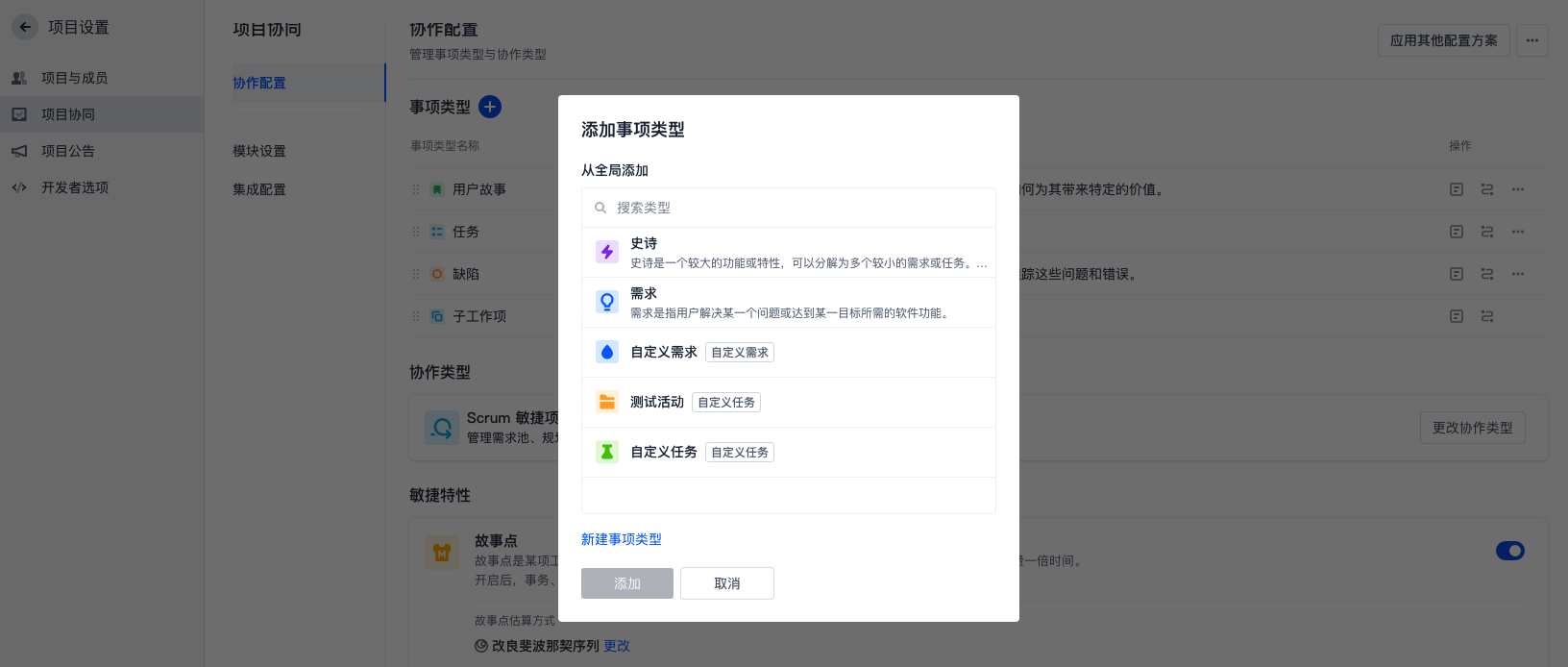
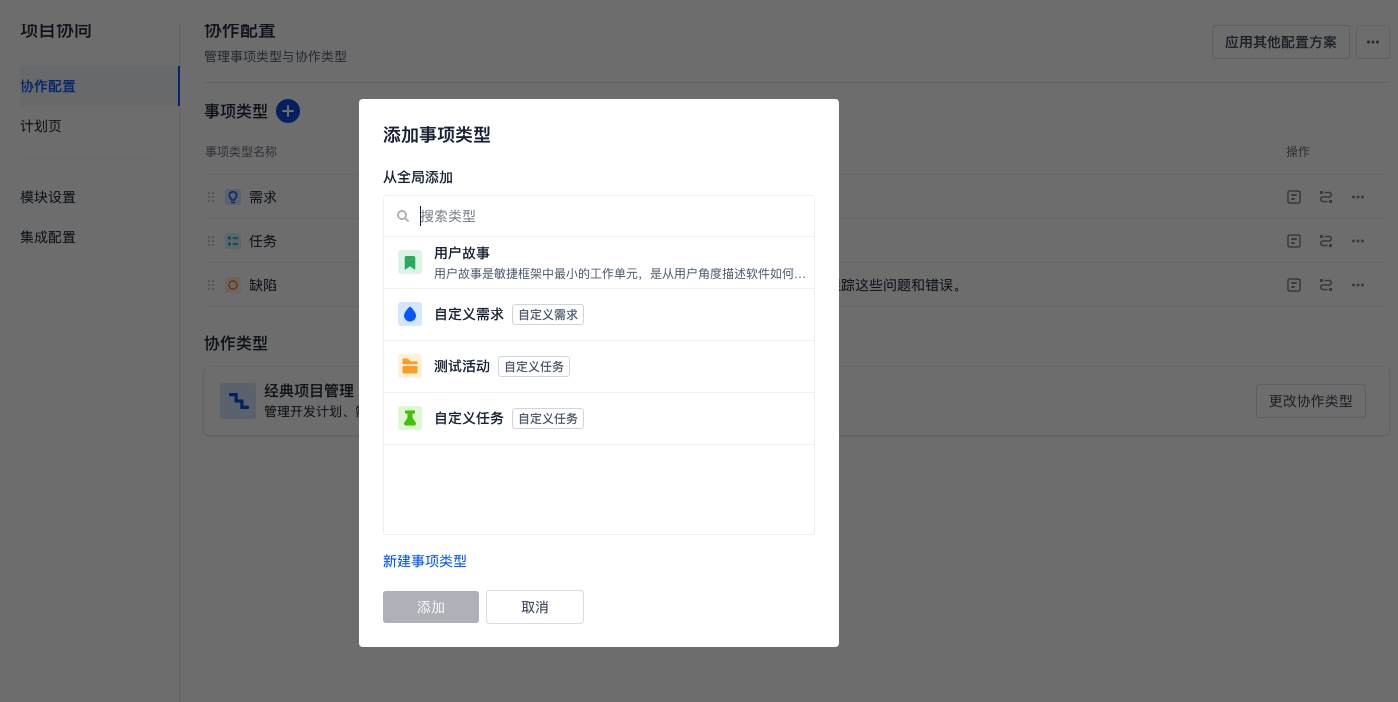
Add the set team-level item types under project settings > project collaboration.

In Agile mode, sub-work item types will be automatically introduced; in Classic mode, you cannot use epics and sub-work item types.

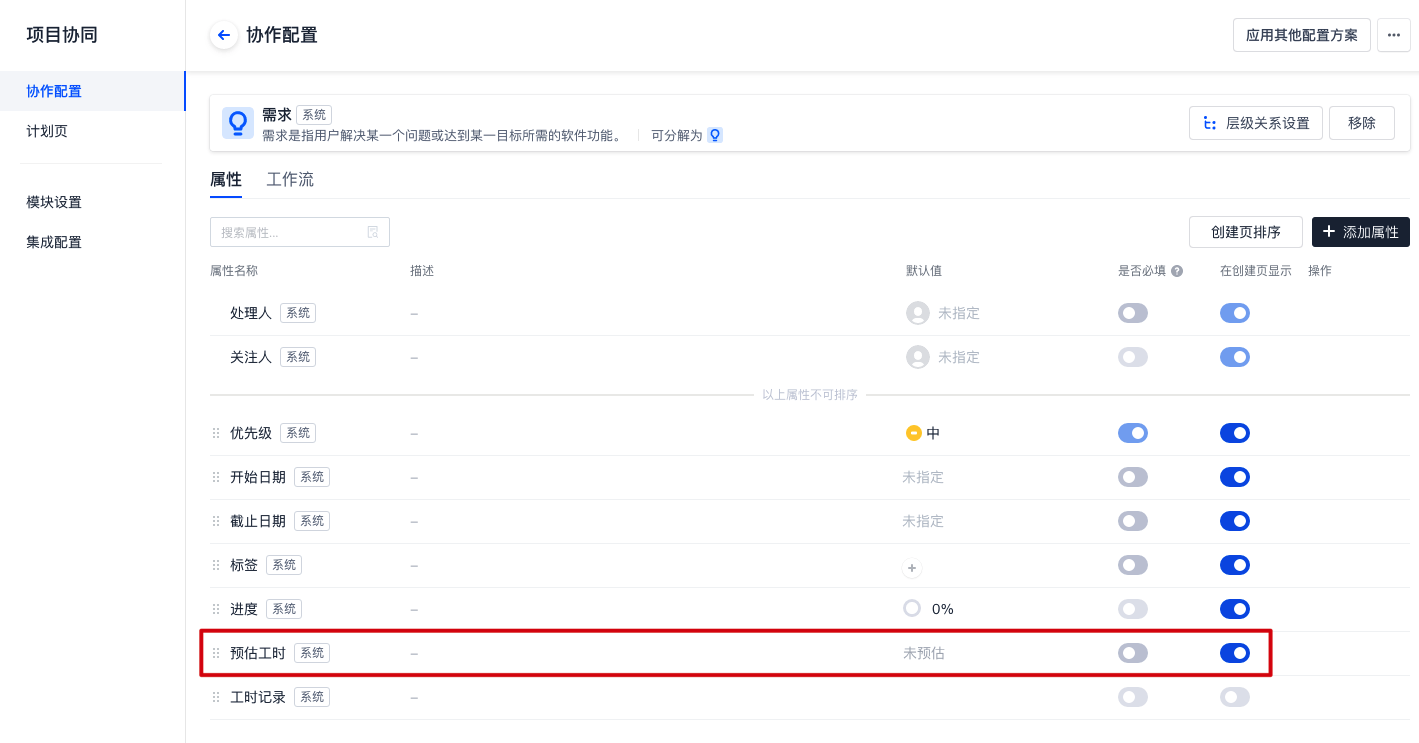
Under Agile mode, the feature to enable estimated work hours cannot be turned on, as the Agile concept itself uses story points for workload estimation. Work hour logging can only be enabled in classic mode.


Issue Type Configuration

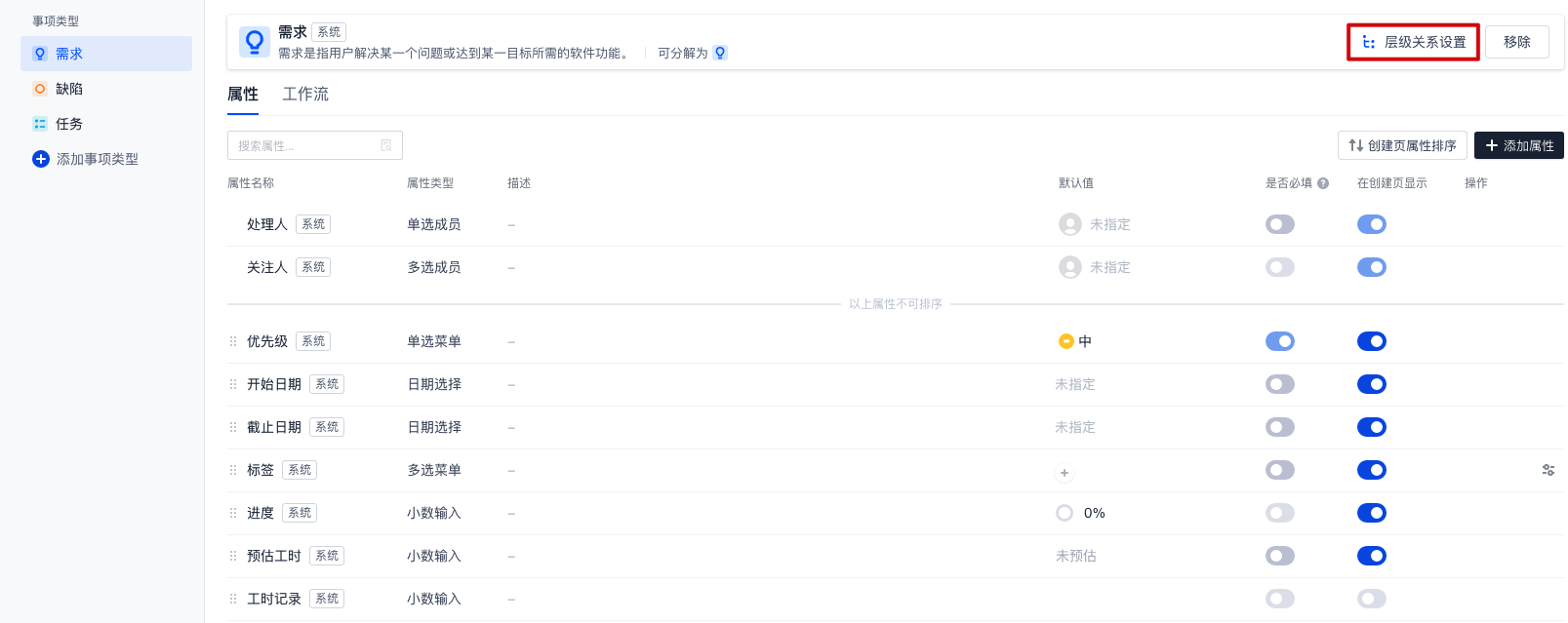
You can set hierarchy levels, fields, and workflows for issue types.

Hierarchy levels

Under the classic collaboration mode, User Stories, requirements, and custom-defined requirements three types of items support setting hierarchical relationships.

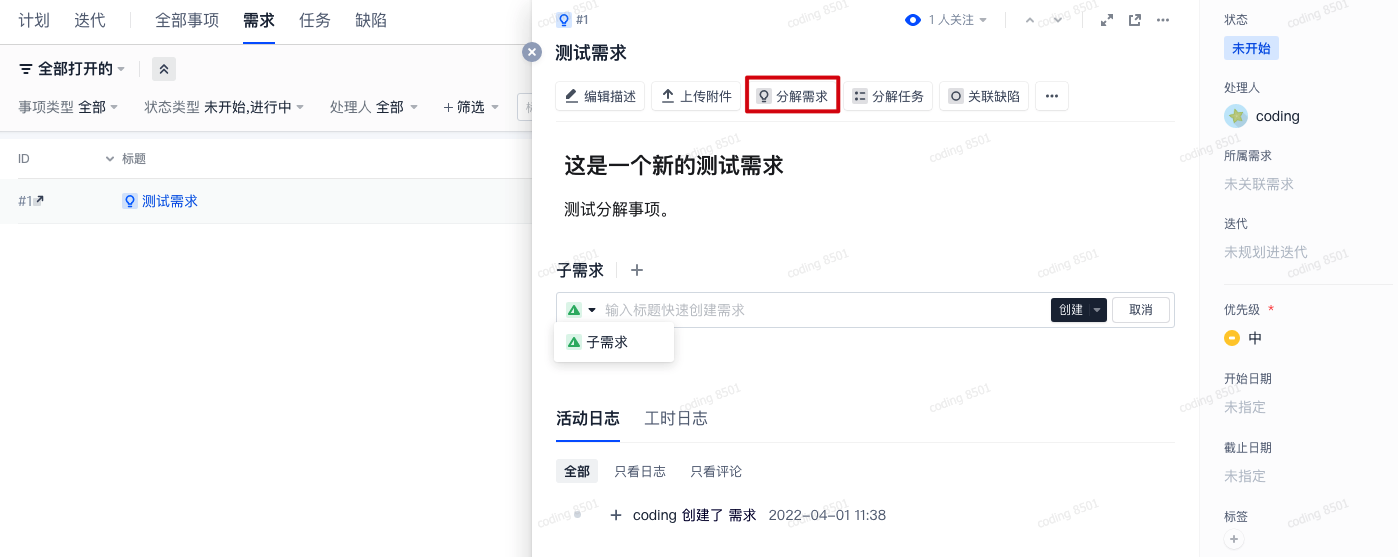
After defining hierarchy levels, multiple predefined issue types are available when you break down requirements, flexibly meeting team workflows.


Configure Fields

Properties can be understood as an item's description information, used to quickly explain the current status of the item, deadlines, handlers, priority, etc. Adding properties will be displayed on the detail page when creating an item, and can also be used as units in the search box and filter bar.
For more details, see custom-defined item properties.


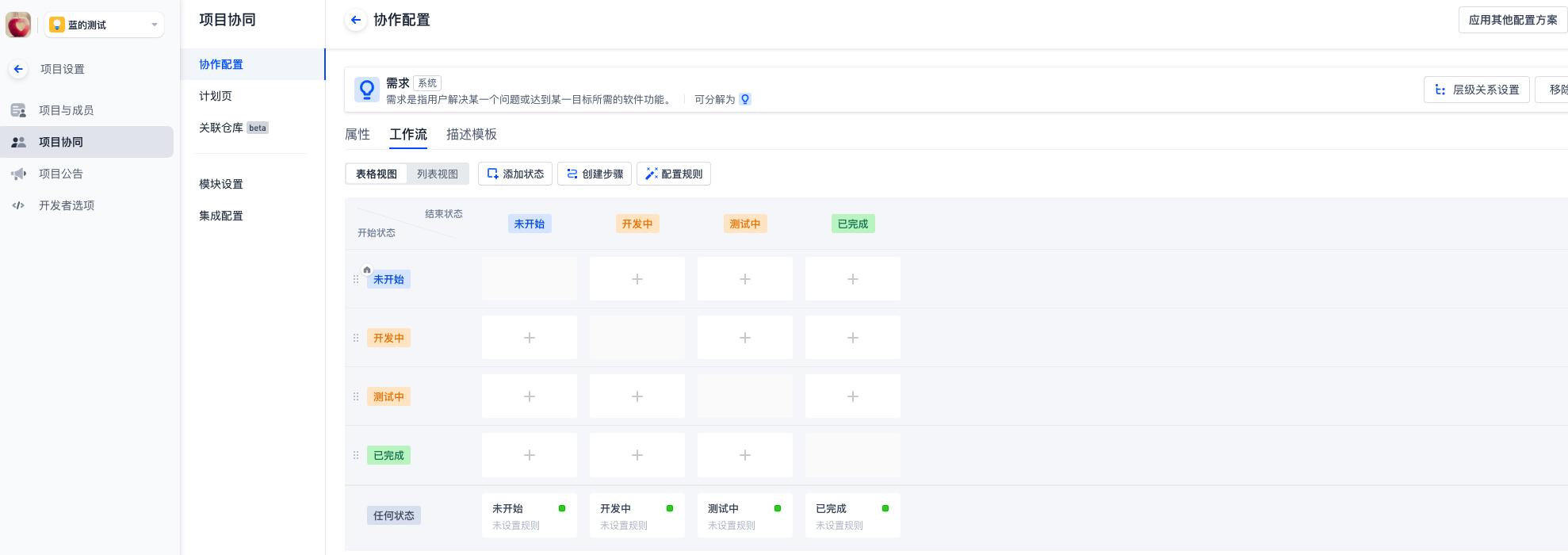
Configure workflow

By configuring workflows, the item's transition status can be adjusted to meet different teams' unique needs. Moreover, it can achieve consistency in status definition across teams, enhancing the efficiency of cross-project and inter-departmental collaboration. For more information, please see custom-defined workflows.