This article introduces how to use the Build Snapshot feature.
Prerequisites
Before configuring the CODING-CI build environment, you must activate the CODING DevOps service for your Tencent Cloud account. For details, please refer to Activate Services.
Open Project
1. log in to CODING console, click Team Domain to enter the CODING page.
2. After entering the target project, select Continuous Integration from the left navigation bar
Description of the Feature
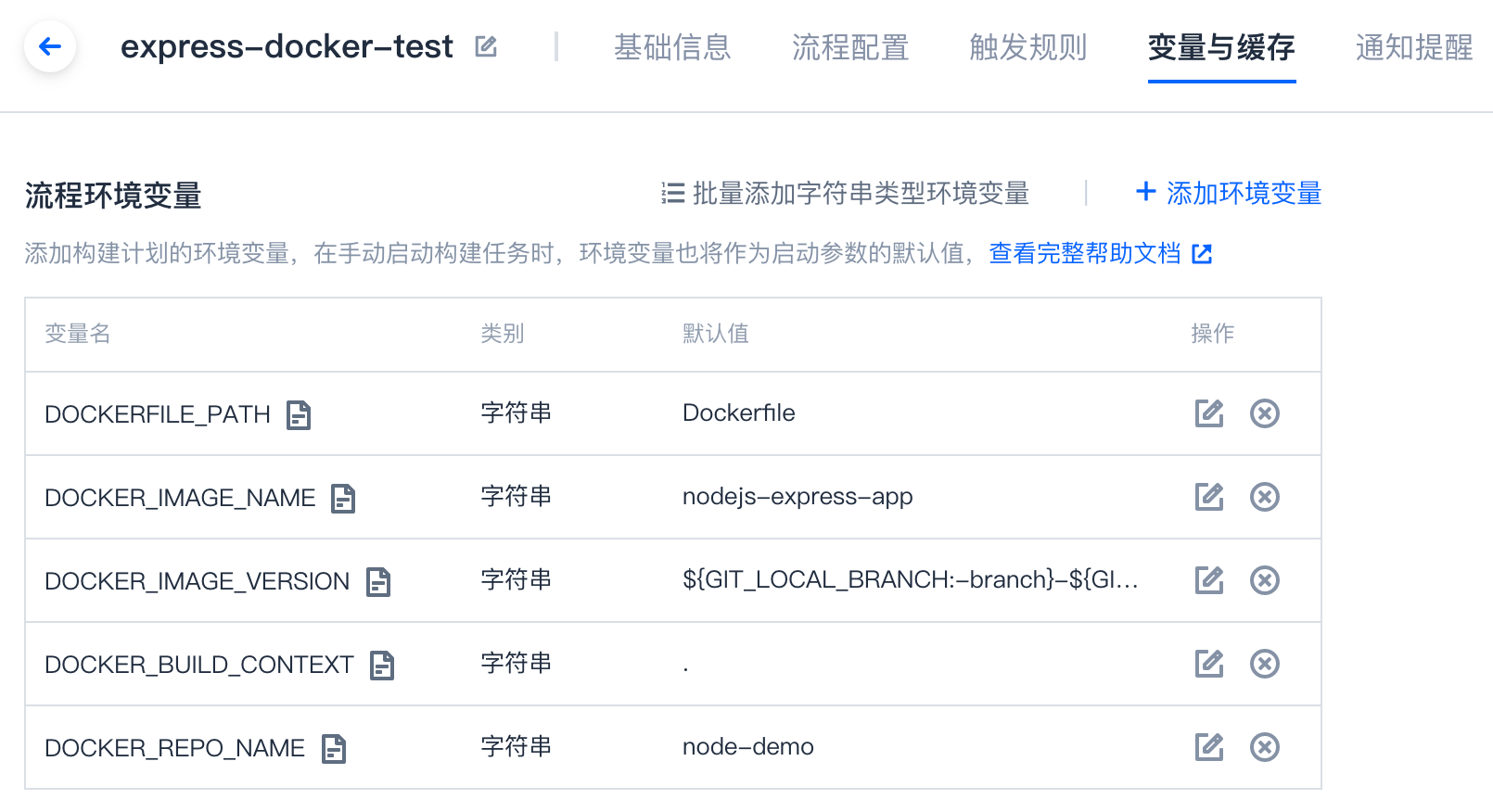
You may use different configuration files or build parameters for each build task in Continuous Integration. CODING Continuous Integration (CODING-CI) features build snapshots to allow you to review the execution process of a build task. Build snapshots clearly show the configuration parameters of every build record.
View build configuration
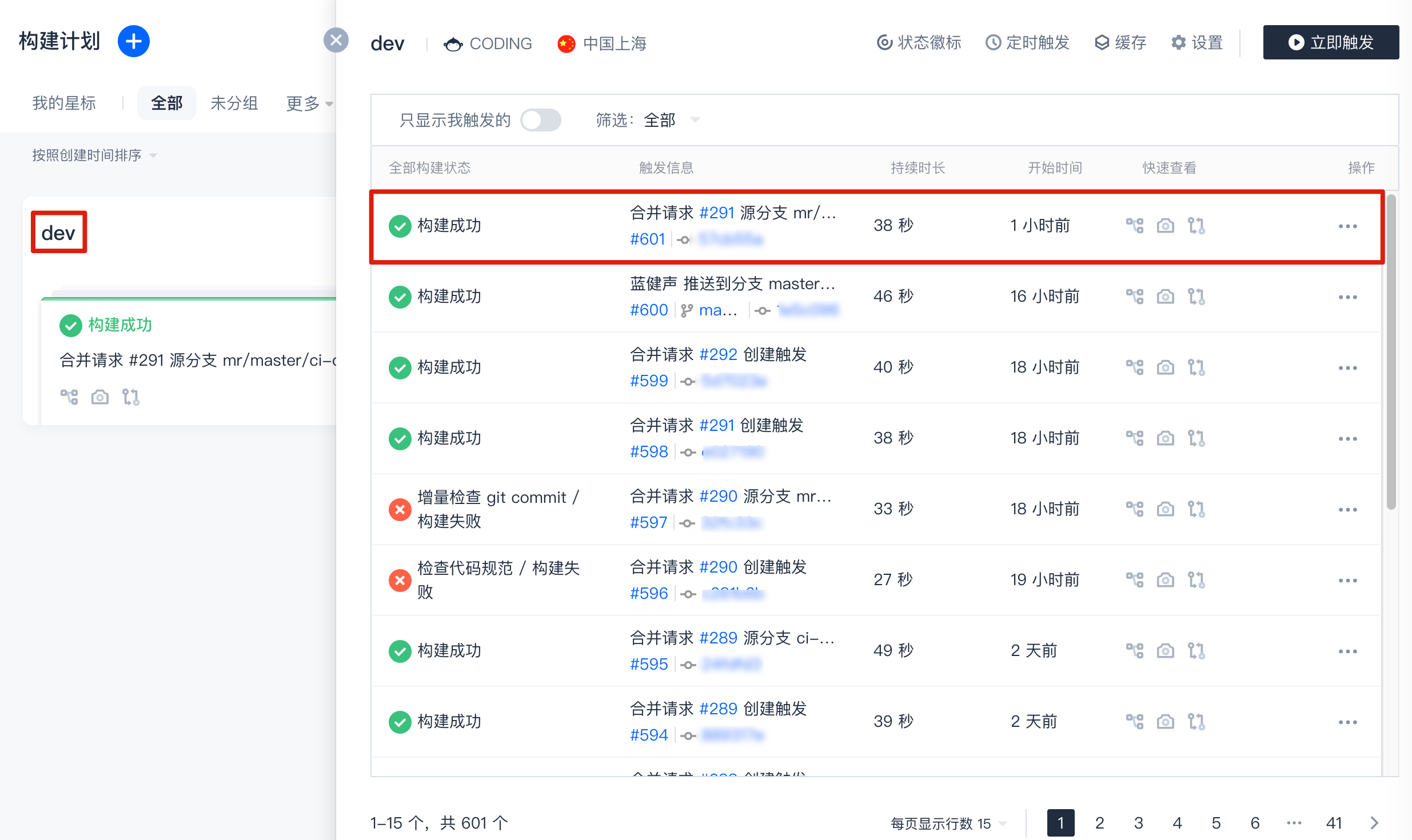
1. In the project, click Continuous Integration > Build Plan. Click the title of a single build plan to view all build records. Click to enter any build record:

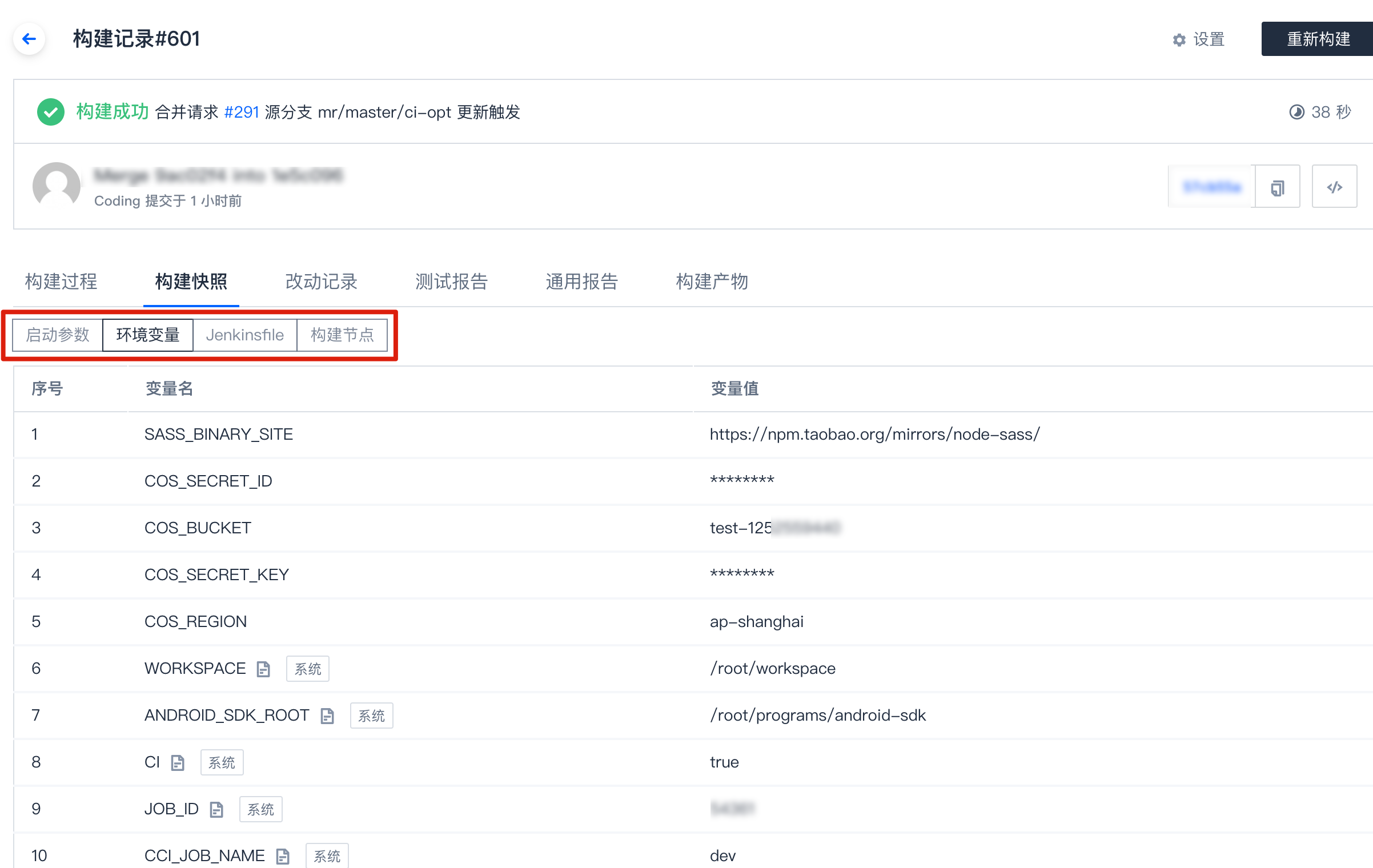
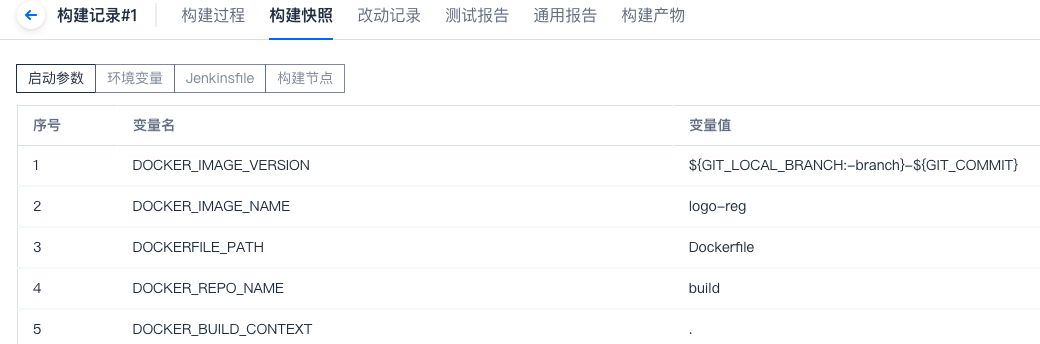
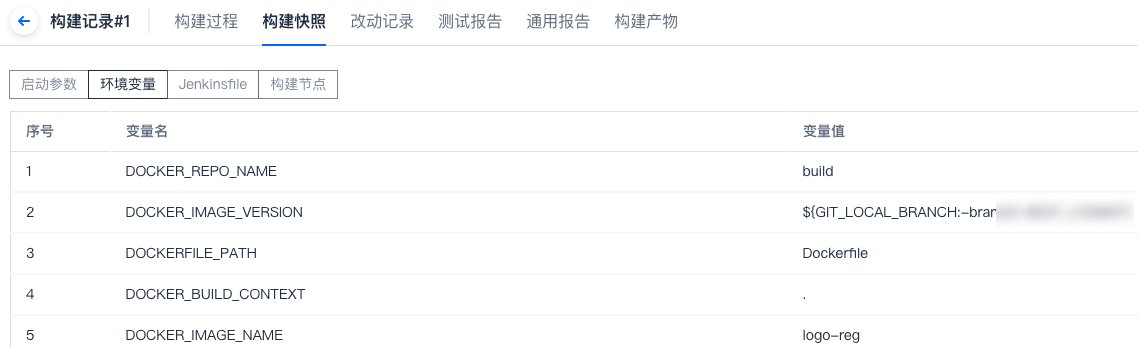
2. In the build record, click Build Snapshot to see the configuration snapshot of each build record: Startup Parameters, Environment Variables, Process Configuration File.

Startup parameter
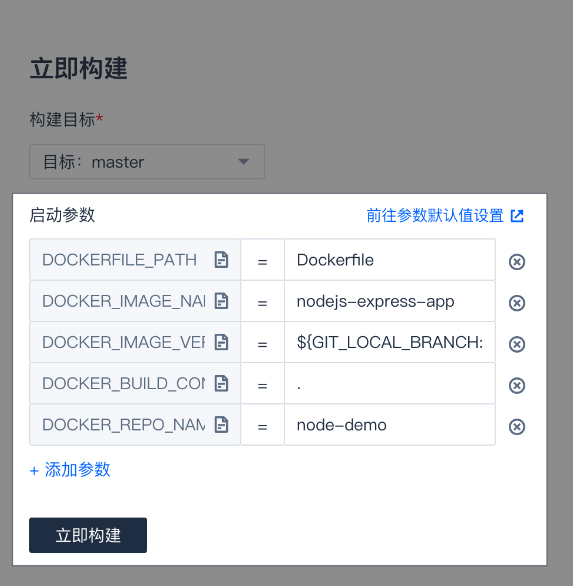
1. The startup parameters are the parameters that you entered when starting a build task. They are incorporated into the run environment of the build task as environment variables.

2. After the build is complete, you can view the configured Startup Parameters in the Build Snapshot.

Environment variable
1. The environment variables only include those you configured when starting the task, and exclude all environment variables generated or dynamically set in the run process.

2. In the Environment Variables tab, users can see the environment variables set by the system and users when the task is started.

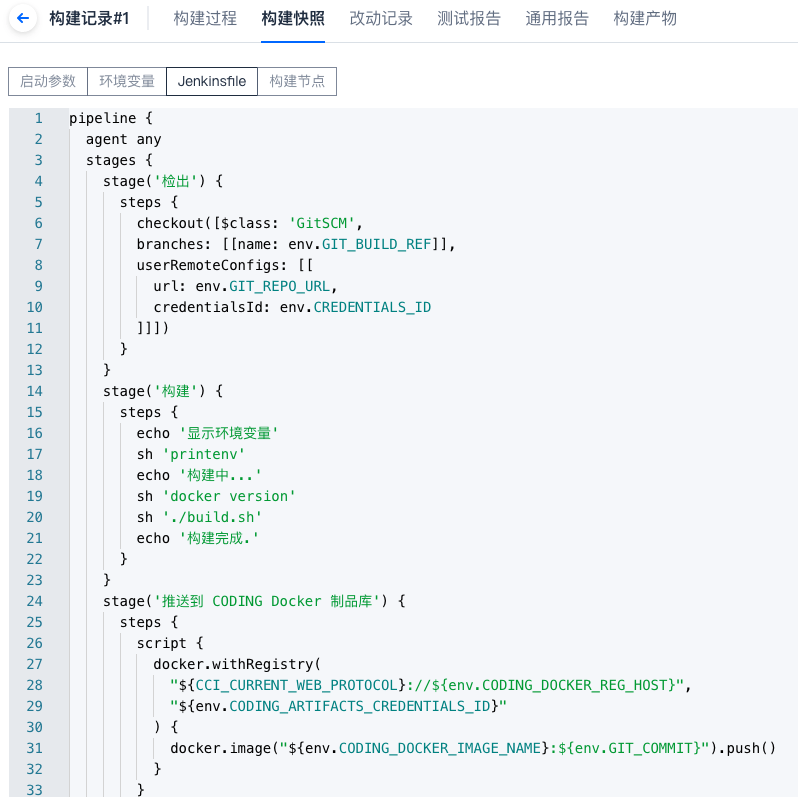
Process configuration file
Select the tab for the process configuration to view the configuration file (Jenkinsfile) used for the build record.