配置场景
一般情况下,在 CDN 上分发的内容默认为公开资源,用户拿到 URL 后均可进行访问,为避免恶意用户盗刷您的内容进行牟利,除了通过 referer 黑白名单、IP 黑白名单、IP 访问限频等访问控制策略外,也可通过设置高级时间戳鉴权来进行盗刷防护。
注意
配置时间戳防盗链后,客户端在发起请求时需要按照配置计算签名并携带至服务端,CDN 节点进行服务端校验,校验通过后才继续放行。
配置指南
查看配置
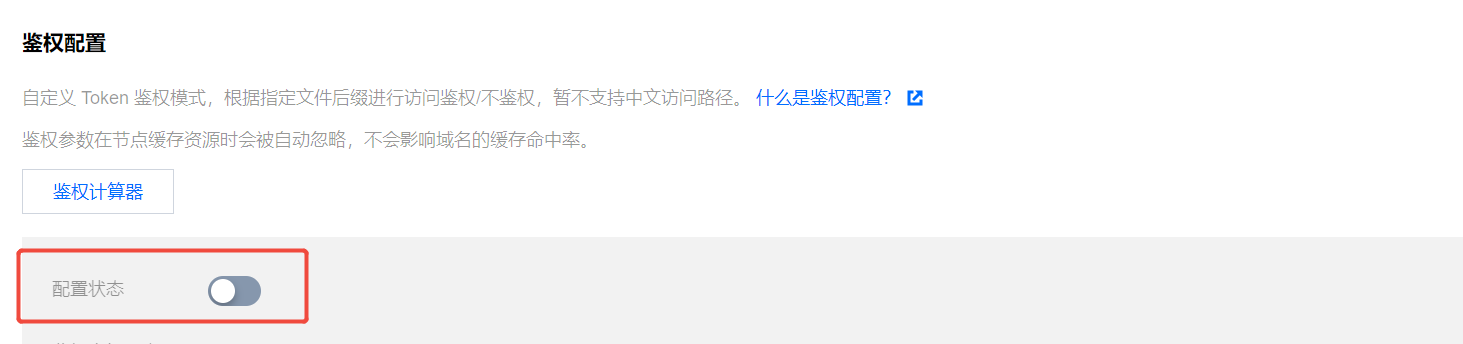
修改配置
1. 修改配置
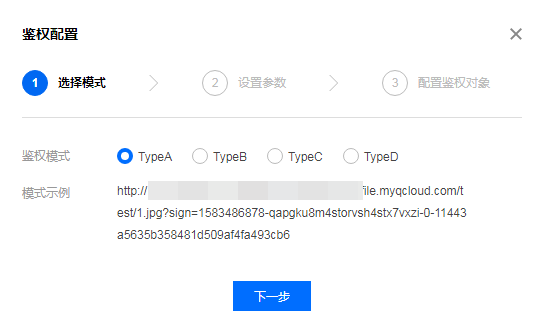
2. 关闭配置
您可以通过鉴权配置开关,一键关闭配置,开关为关闭状态时,即便下方存在已有配置,仍不会现网生效,下次单击开启时,会先行进行配置的二次确认,不会立即发布至全网生效:
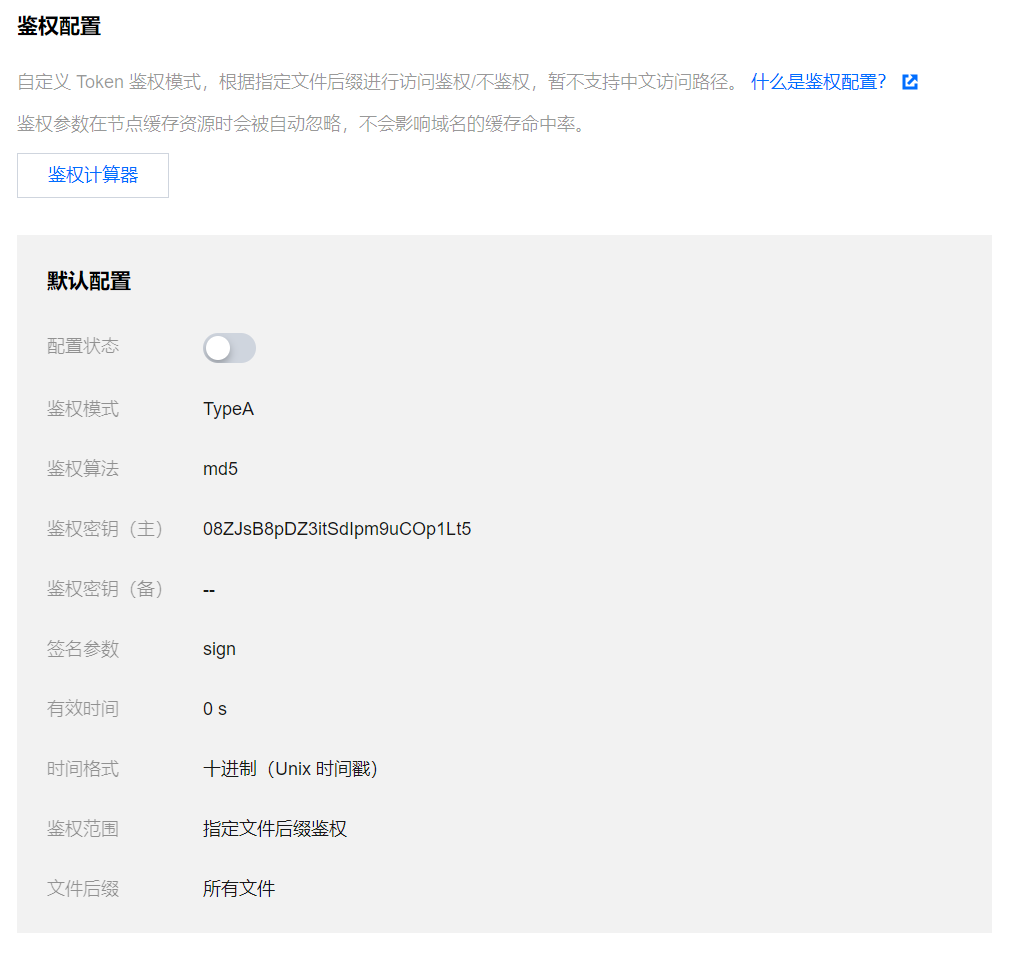
3. 区域特殊配置
若您的加速域名服务区域为全球加速,想针对境内、境外加速区域进行不同的鉴权配置,可单击配置下方的【添加特殊配置】进行设置:

注意
区域特殊配置添加后,暂时无法直接删除,您可以通过关闭配置来禁用。
配置示例
若域名
cloud.tencent.com为全球加速域名,鉴权配置如下: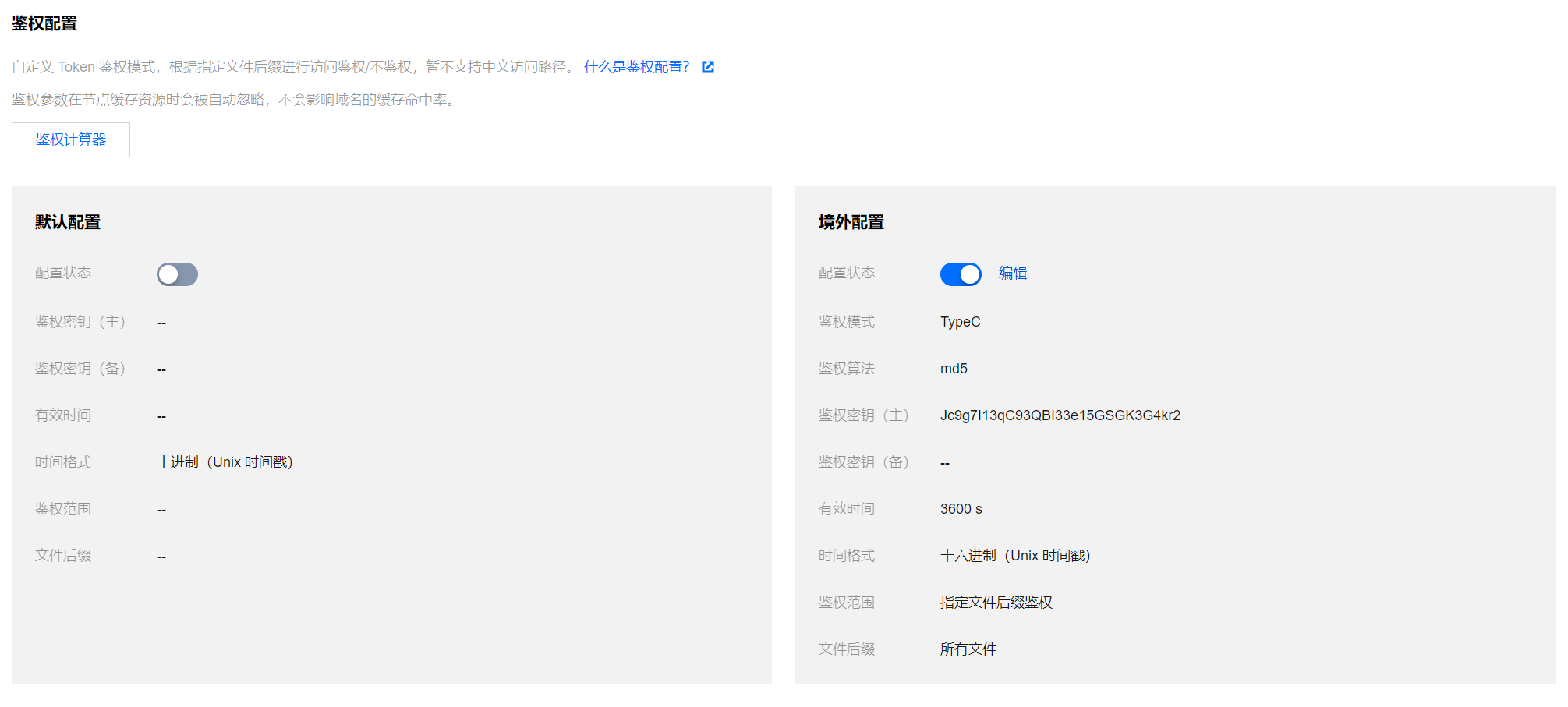
实际生效情况如下:
1. 中国境内用户实际访问资源
http://cloud.tencent.com/1.jpg 时,全局默认配置为关闭状态,区域特殊配置仅境外配置为开启状态,则境内配置不具有鉴权效果,用户访问可直接发起请求,当前请求生效并返回正确文件。2. 中国境外用户实际访问资源
http://cloud.tencent.com/1.jpg,因当前境外配置的鉴权模式为 TypeC 模式,请求 URL 的正确格式应当为 http://cloud.tencent.com/518621f08f7b9e0f42e4542fee2d5e96/686e30b9/1.jpg,用户使用该 URL 请求时,可返回正确文件内容,否则,将拒绝该访问请求。示例代码
各鉴权计算方式如下,以 Python Demo 为例:
import sysimport timeimport hashlibdef generate_url(category, ts=None):url = 'http://www.test.com' # 测试域名path = '/1.txt' # 访问路径suffix = '?a=1&b=2' # URL参数key = 'abc123456789' # 鉴权密钥now = int(time.mktime(time.strptime(ts, "%Y%m%d%H%M%S")) if ts else time.time()) # 如果输入了时间,用输入ts,否则用当前tssign_key = 'sign' # url签名字段time_key = 't' # url时间字段ttl_format = 10 # 时间进制,10或16,只有typeD支持if category == 'A': # Type Ats = nowrand_str = '123abc'sign = hashlib.md5(('%s-%s-%s-%s-%s' % (path, ts, rand_str, 0, key)).encode()).hexdigest()request_url = '%s%s?%s=%s' % (url, path, sign_key, '%s-%s-%s-%s' % (ts, rand_str, 0, sign))print(request_url)elif category == 'B': # Type Bts = time.strftime('%Y%m%d%H%M', time.localtime(now))sign = hashlib.md5(('%s%s%s' % (key, ts, path)).encode()).hexdigest()request_url = '%s/%s/%s%s%s' % (url, ts, sign, path, suffix)print(request_url)elif category == 'C': # Type Cts = hex(now)[2:]sign = hashlib.md5(('%s%s%s' % (key, path, ts)).encode()).hexdigest()request_url = '%s/%s/%s%s%s' % (url, sign, ts, path, suffix)print(request_url)elif category == 'D': # Type Dts = now if ttl_format == 10 else hex(now)[2:]sign = hashlib.md5(('%s%s%s' % (key, path, ts)).encode()).hexdigest()request_url = '%s%s?%s=%s&%s=%s' % (url, path, sign_key, sign, time_key, ts)print(request_url)if __name__ == '__main__':if len(sys.argv) == 1:print('usage: python generate_url.py A 20250714103456')args = sys.argv[1:]generate_url(*args)


