Node Status

Last updated: 2023-12-21 16:21:23

Feature Overview

The Node Status page provides a comprehensive display of the monitoring overview and list of all nodes in the current cluster, along with the capability to view all node heatmaps. Users can manage the status and metric information of nodes through the Elastic MapReduce console in their daily usage.

Instructions

1. Log in to the Elastic MapReduce Console. In the cluster list, click on the corresponding cluster ID/Name to access the cluster details page.
2. Select Cluster Resources > Node Status to view the monitoring information of all nodes within the cluster.
3. Within node monitoring, you can view an aggregated overview of monitoring metrics and a list of all nodes for the current cluster.

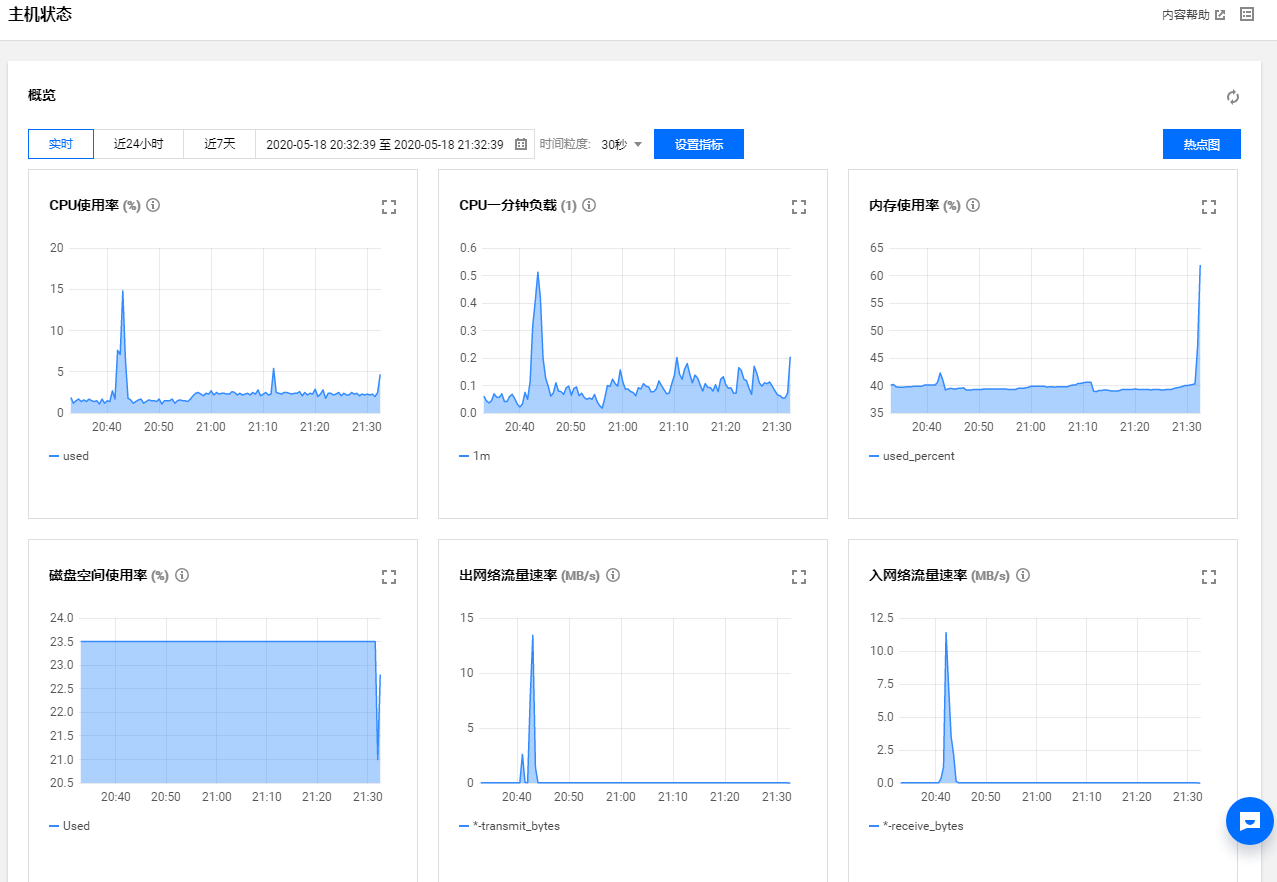
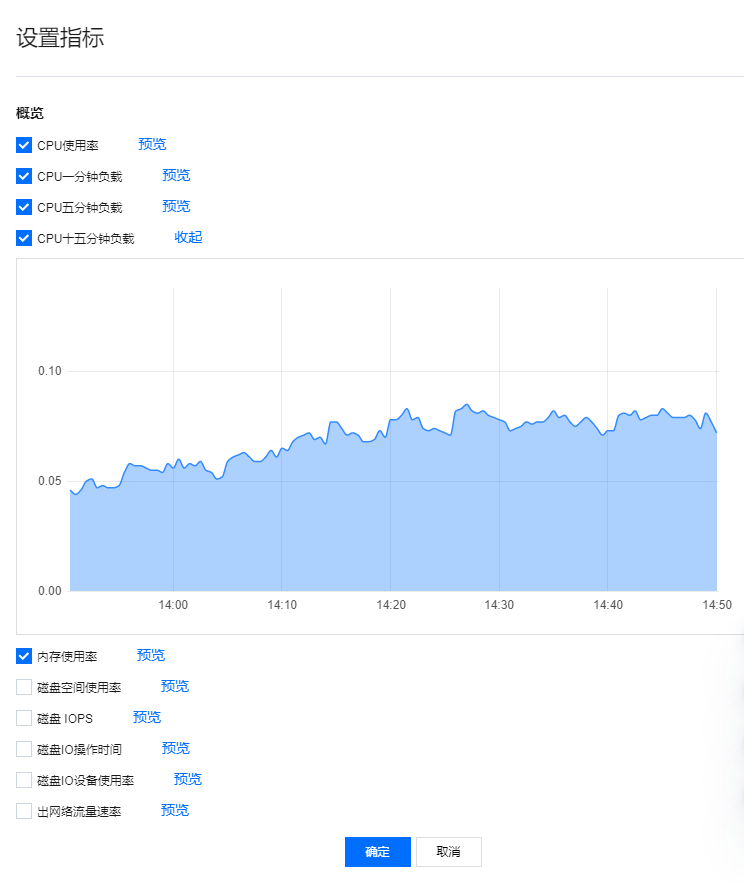
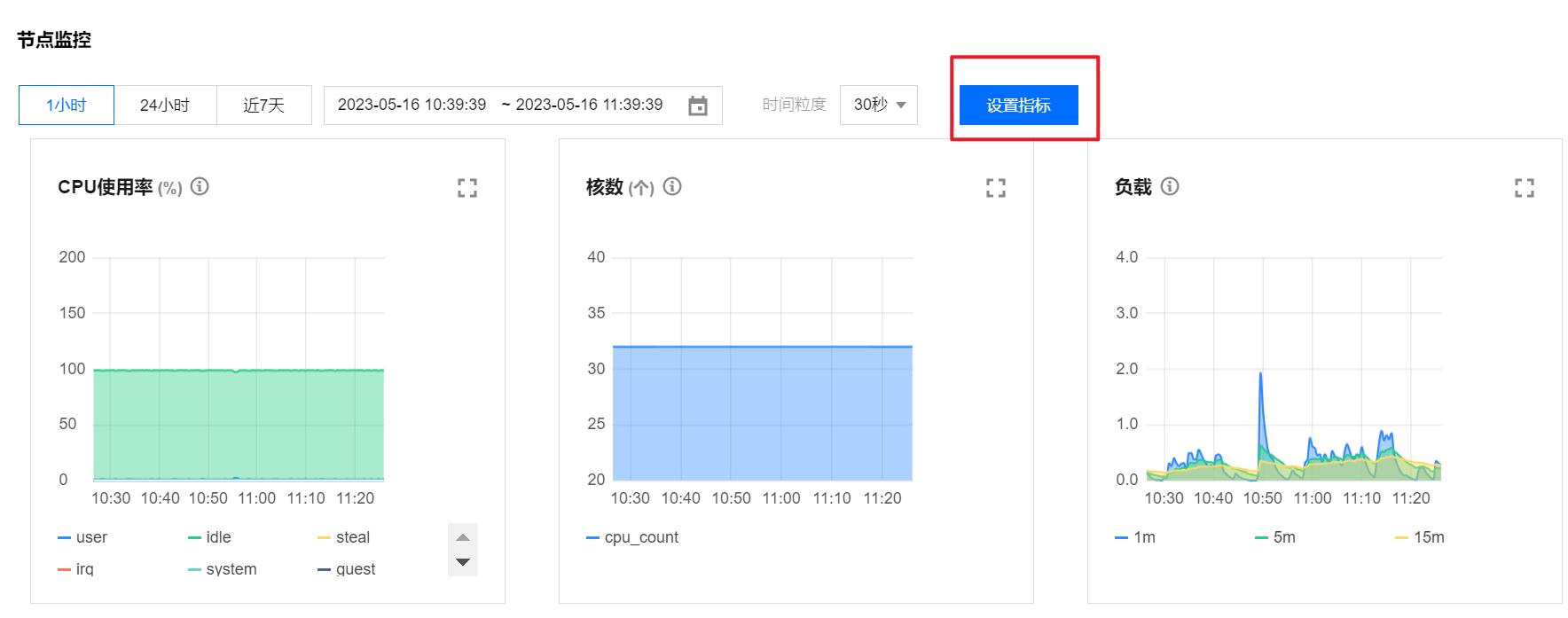
Overview: Provides an intuitive view of the aggregated monitoring metrics and statistical rules for all nodes over a specific time period. Click on Set Metrics to customize the display metrics.

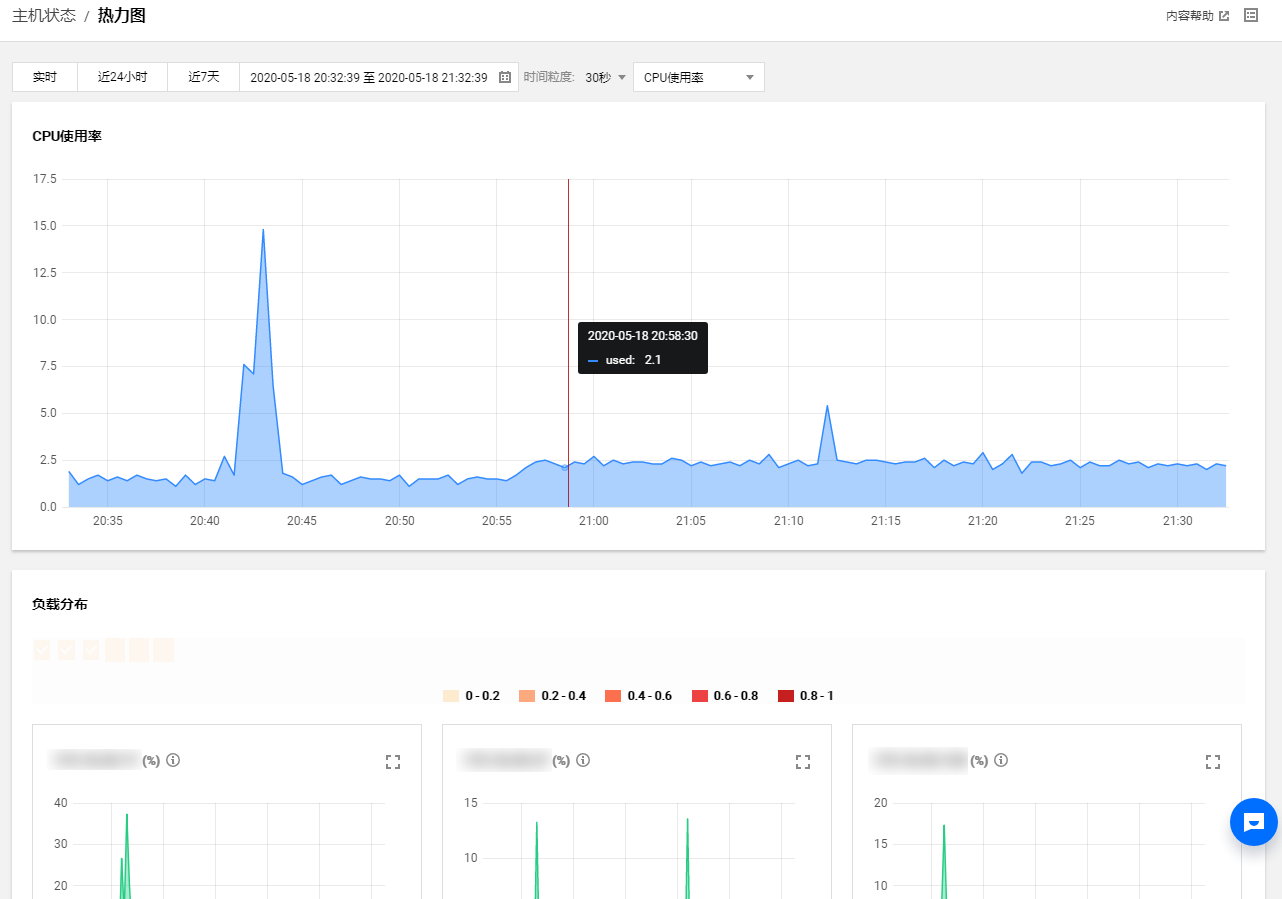
Heatmap: The load heatmap provides a more intuitive display of the node's load status, with the ability to specify a time period and load conditions for viewing. The load heatmap is primarily divided into two sections: one section presents an aggregated load diagram of all nodes in the current cluster, while the other section displays individual heatmaps for all nodes, allowing for an intuitive view of the load status of all nodes.

Node List: Displays all current nodes along with their deployment types, CPU utilization, memory utilization, and disk utilization. Click on the corresponding node IP to view the basic configuration, deployment status, load status, and node monitoring of an individual node.
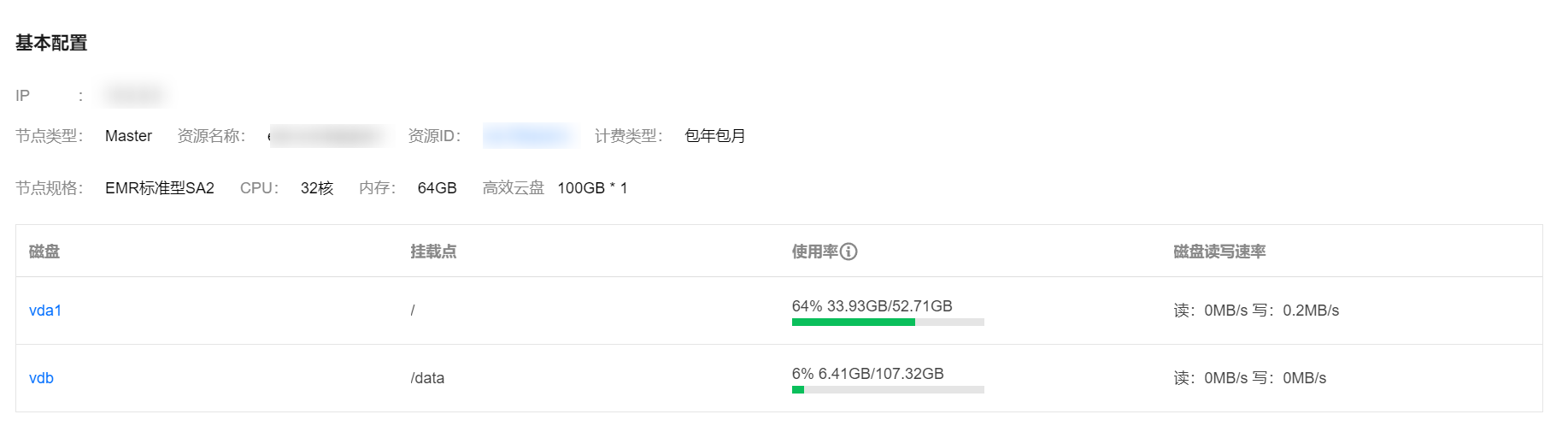
Basic Configuration: Allows you to view the basic information of the current node, such as node type, resource name, resource ID, billing type, specification size, and so forth.

Deployment Status: Allows you to view the service deployment status of the current node, such as whether it is a standard process and whether the process status is running normally.

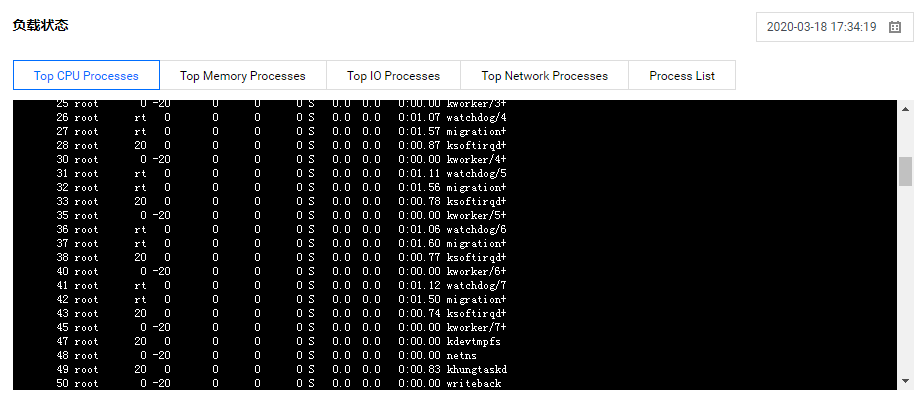
Load Status: Allows you to view the TOP N process status in the current node dimension, with the ability to view based on a specified time.

Node Monitoring: Allows you to view the load trend charts for each group indicator of the current node. By default, six indicators are displayed, with a maximum of twelve indicators that can be displayed. You can click on Set Indicators to customize the display indicators.