Overview
The GPU virtualization feature provided by Tencent Cloud TI-ONE Platform (TI-ONE) allocates the computing power of a single GPU card to different training tasks and inference services, enhancing resource allocation flexibility and utilization efficiency.
Supported GPU Models
GPU models supported by the GPU virtualization feature of the platform are as follows:
T4, V100, A100, A10, PNV5b, A800, HCCA100, HCCPNV6, and PNV6.
Feature Use Instructions
Prerequisites
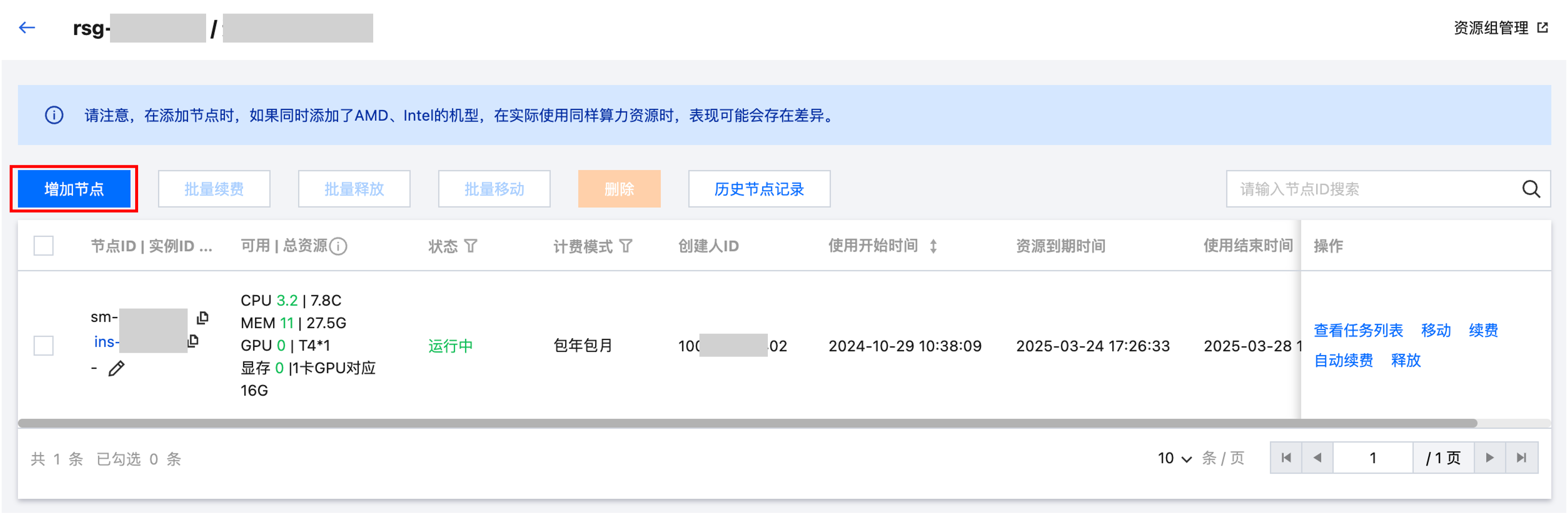
You have created a resource group on the Resource Group Management page and added your Cloud Virtual Machine (CVM) instance to the resource group as a node.

Usage Method
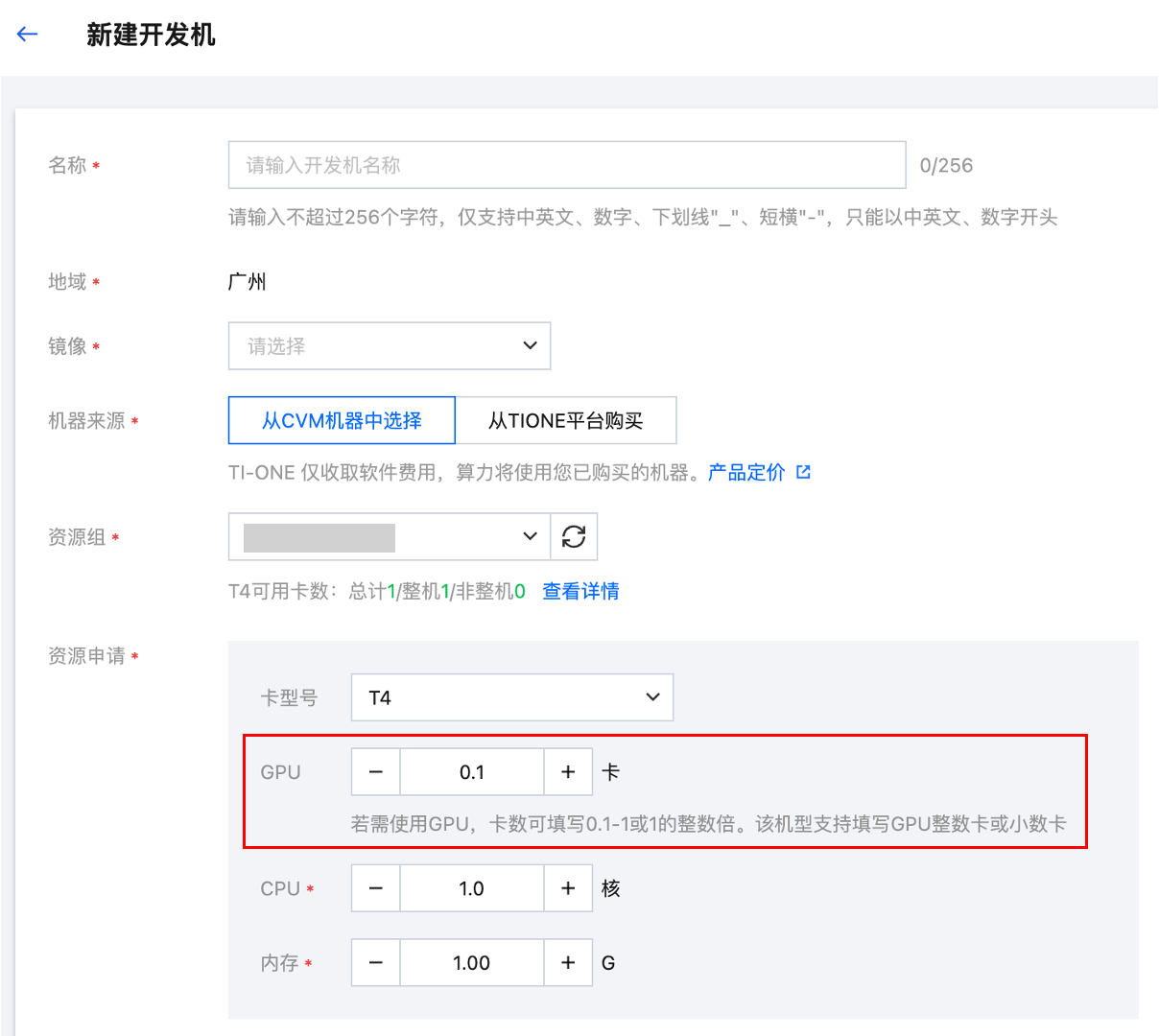
During the creation of a dev machine, a task-based modeling training task, or an online service, if your resource group includes GPU card models that support virtualization, you can set the number of GPU cards to a value ranging from 0.1 to 1 when configuring resources.

Must-Knows
As the number of GPU card models on the market continues to increase and related drivers are constantly being updated, the GPU virtualization feature of the platform gradually supports more GPU models than before. Newly supported virtualized GPUs may not be able to use the virtualization feature in existing resource groups. Pay attention to the relevant prompts of the platform when using the GPU.
If a node with a GPU card model that the platform does not yet support for virtualization is added when a resource group is created, the virtualization feature of the GPU in the resource group still cannot be used after the platform subsequently supports virtualization for that GPU card model.
In this case, you cannot directly move the node to another resource group, but you can remove it from the resource group and re-add it to the new resource group. In this way, the virtualization feature can be used.