The content of this page has been automatically translated by AI. If you encounter any problems while reading, you can view the corresponding content in Chinese.
The IVC console is an easy-to-use SaaS application platform provided by us for users. You can use our services directly through the console without writing code or running programs.
Step 1: Register a Tencent Cloud account.
First, you need to register a Tencent Cloud account. Please click the button below to start registration. (If you have already registered, please skip this step.)
Step 2. Verify your identity
After registering your account, use it to log in to the Tencent Cloud Console to start the real-name verification. For detailed operation guidance, please refer to Real-name Verification Introduction. (If you have already completed it, please skip this step)
Note:
To provide you with better service, you must complete enterprise verification before you can use the product.
Step 3. Submit Application
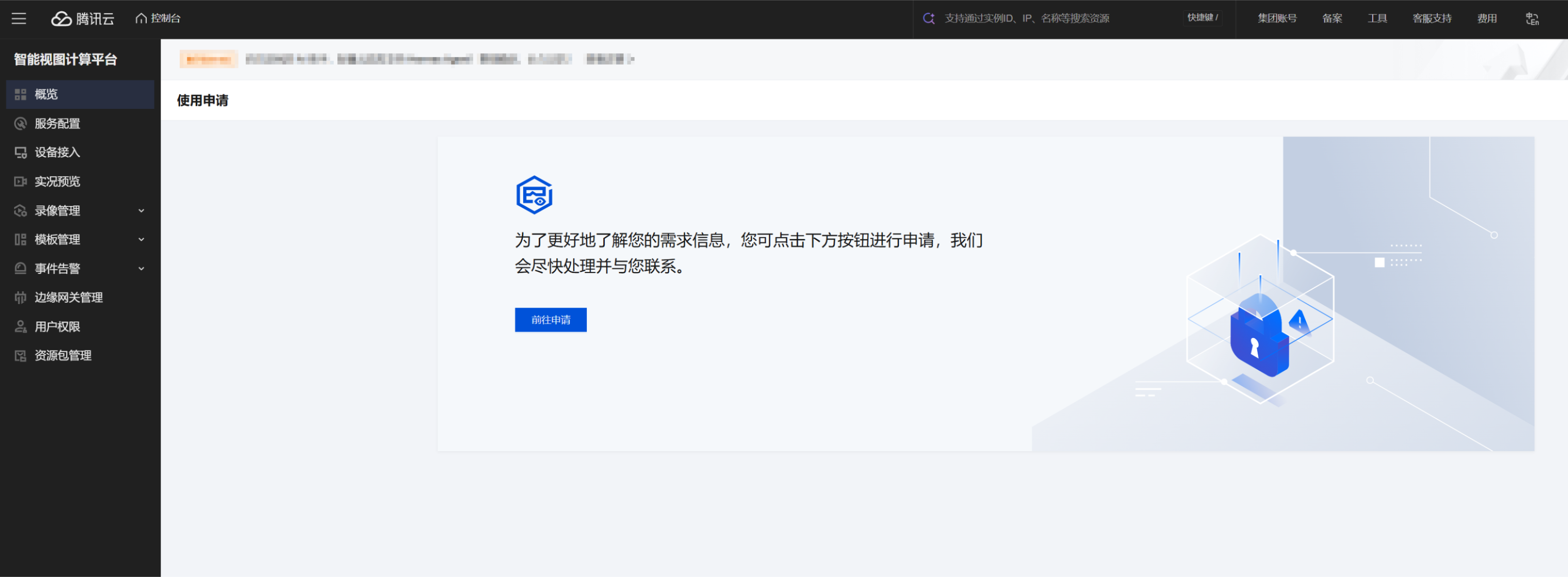
In the Tencent Cloud Console, choose Cloud Products > IVC. To better understand your requirements, please first submit a usage application and wait for its approval.
Step 4. Activate the service
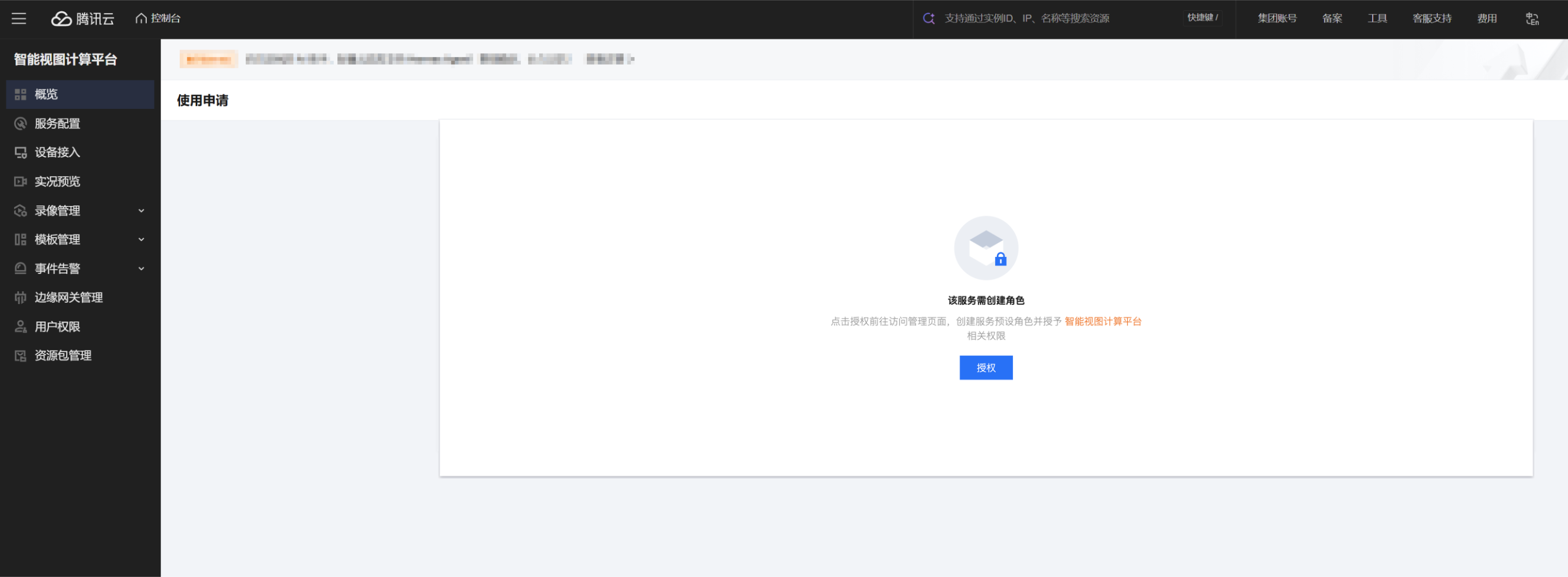
After your application is approved, log in to the product console again and grant the relevant product permissions. This indicates that the service is activated and ready for use.
Step 5. Using the Product
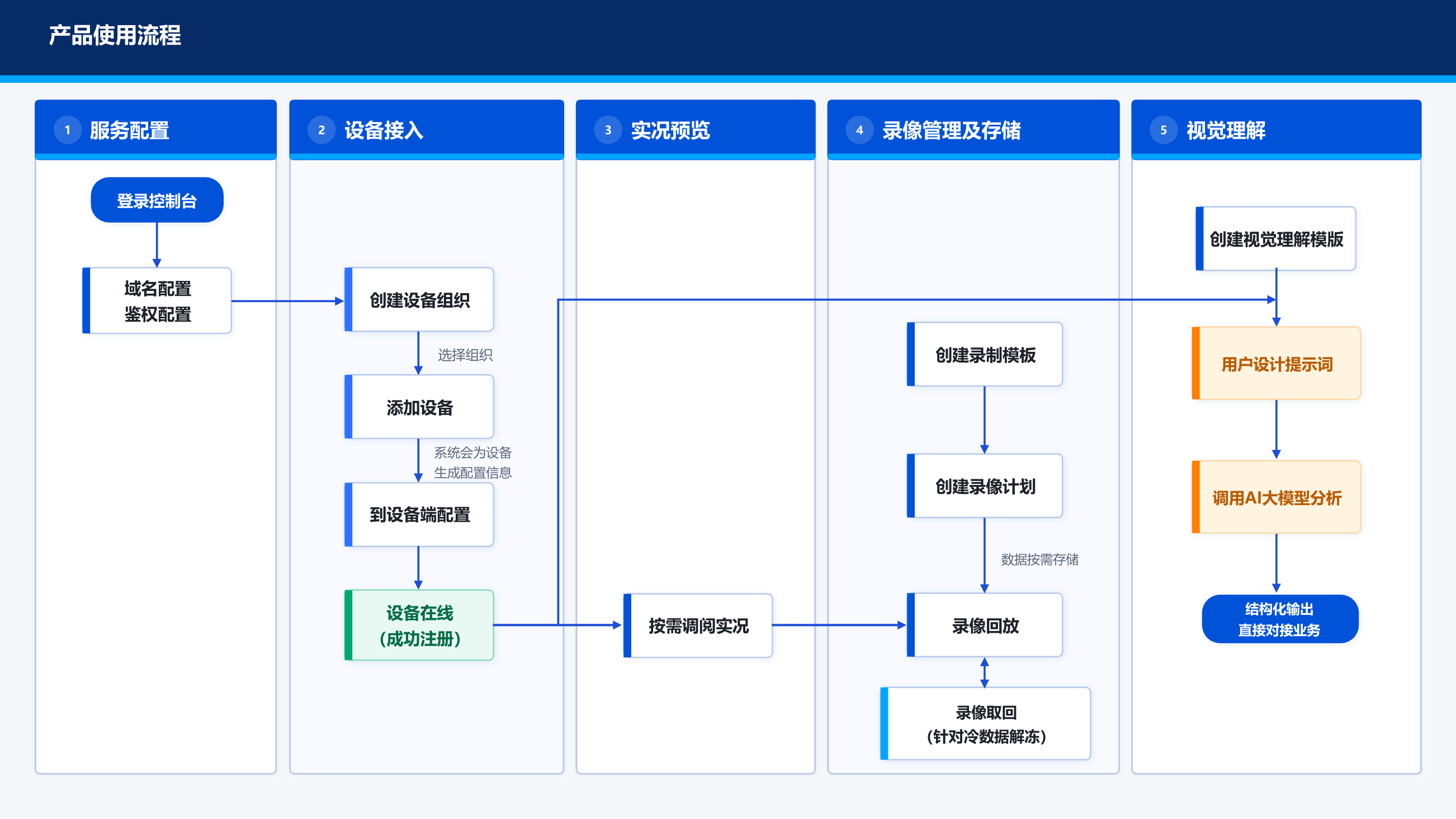
We recommend the main features' usage processes to help you quickly understand and get started.
Note:
For detailed usage of console features, see the Console Guide.
For configuration guidance on device-side access, see Best Practices.